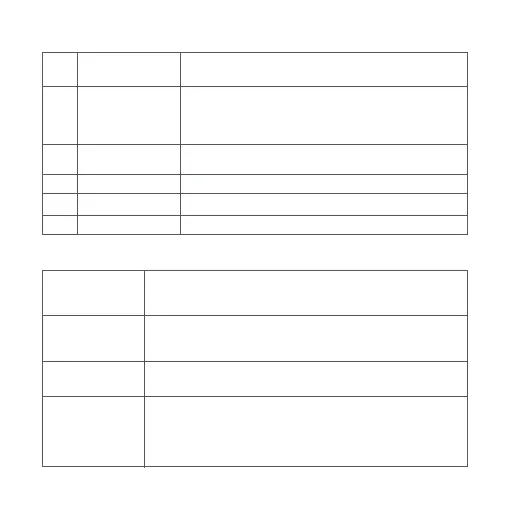
Show the status of the 5G signal, 4G signal, Wi-Fi, and
SYSTEM of the router
Turn on: Press and hold the buon for more than 3 seconds
when the router is off
Turn off: Press and hold the buon for more than 3 seconds
when the router is on
Press and hold the buon for more than 5 seconds to
restore factory seings
Open the cover, and then insert the SIM card
For endpoint device or broadband connections
For power input
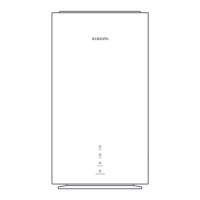
Indicator
Power Buon
4G
Wi-Fi
SYSTEM
Reset Buon
SIM Card Slot
Ethernet Port
Power Port
White: Strong signal
Blinking white: Weak signal
Off: No signal
5G
White: Strong signal
Blinking white: Weak signal
Off: No signal
White: Wi-Fi is on
Off: Wi-Fi is off
White: Operating normally
Orange then turns into white: Starting normally
Orange: Error
Blinking orange: System updating
Off: The router is turned off
Indicator Descriptions
2
1
2
3
4
5
6
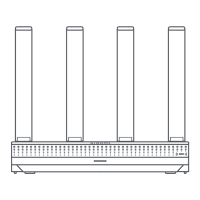
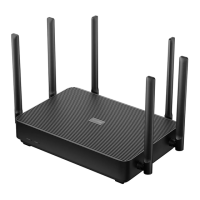
Parts Introduction






 To Next Page