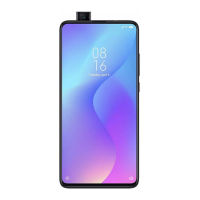
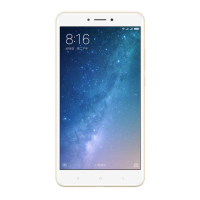
turn navigation
lights on/off
By default, the navigation buttons (Menu, Home and
Back) will be illuminated when you tap any one of them.
However, if you’re in an environment or a situation
where this light isn’t wanted, you can turn it off.
- On your device, find and launch the Settings app.
- Tap Additional settings > Buttons
- Slide the Button light switch to the left to turn it off.
- Alternatively, if you don’t wish to turn the light
completely off, you can tap Button light settings to adjust
the light duration.


 To Next Page