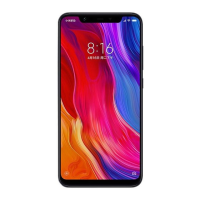
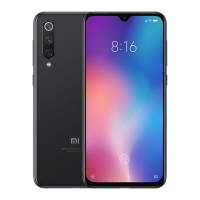
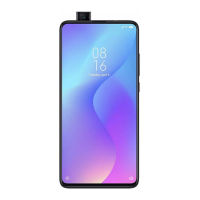
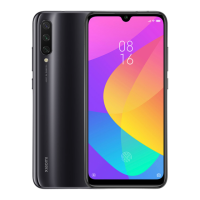
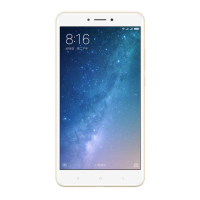
use xiaomi phone
with one hand
The next time you find it frustrating to handle your
device with one hand, you can quickly switch to
one-handed mode.
i. To enable and customize one-handed operations
- From your Xiaomi phone’s Settings, tap Additional
settings > One-handed mode
- Swipe the One-handed mode switch to the right, and
then tap the screen size that you prefer.


 To Next Page