3
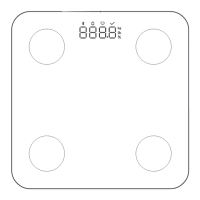
The scale calculates weight in kilograms (kg) by default. You can change the scale's
weighing unit via the device seings in the app.
The scale can display weight in kilograms (kg) and pounds (lbs).
Selecting a Weighing Unit
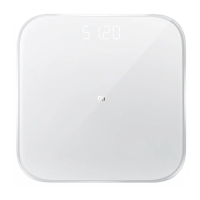
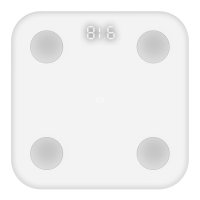
Place the scale on a hard, flat surface. Press on the scale to turn it on. Wait until "0.00"
is displayed and place the item you want to weigh onto the scale. Moving or bumping
the scale may affect the accuracy, in which case you should weigh the item again to
make sure the measurement is accurate.
Weighing Items
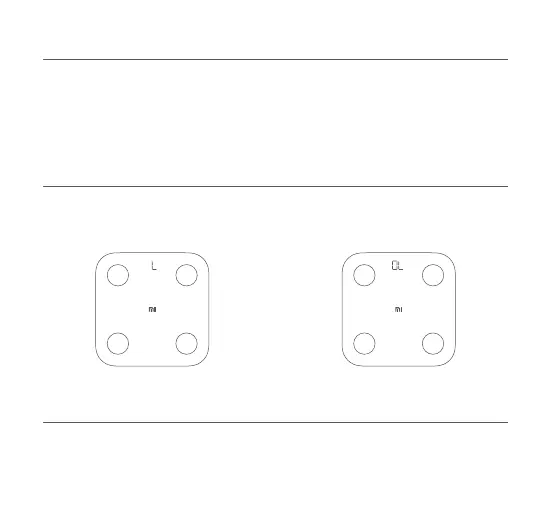
When weighing, a blinking "L" indicates a
low baery level, and you should replace
the baeries as soon as possible.
When weighing, a blinking "OL" indicates
the scale is overloaded beyond its
maximum capacity of 150 kg.
Alert Indications


 To Next Page