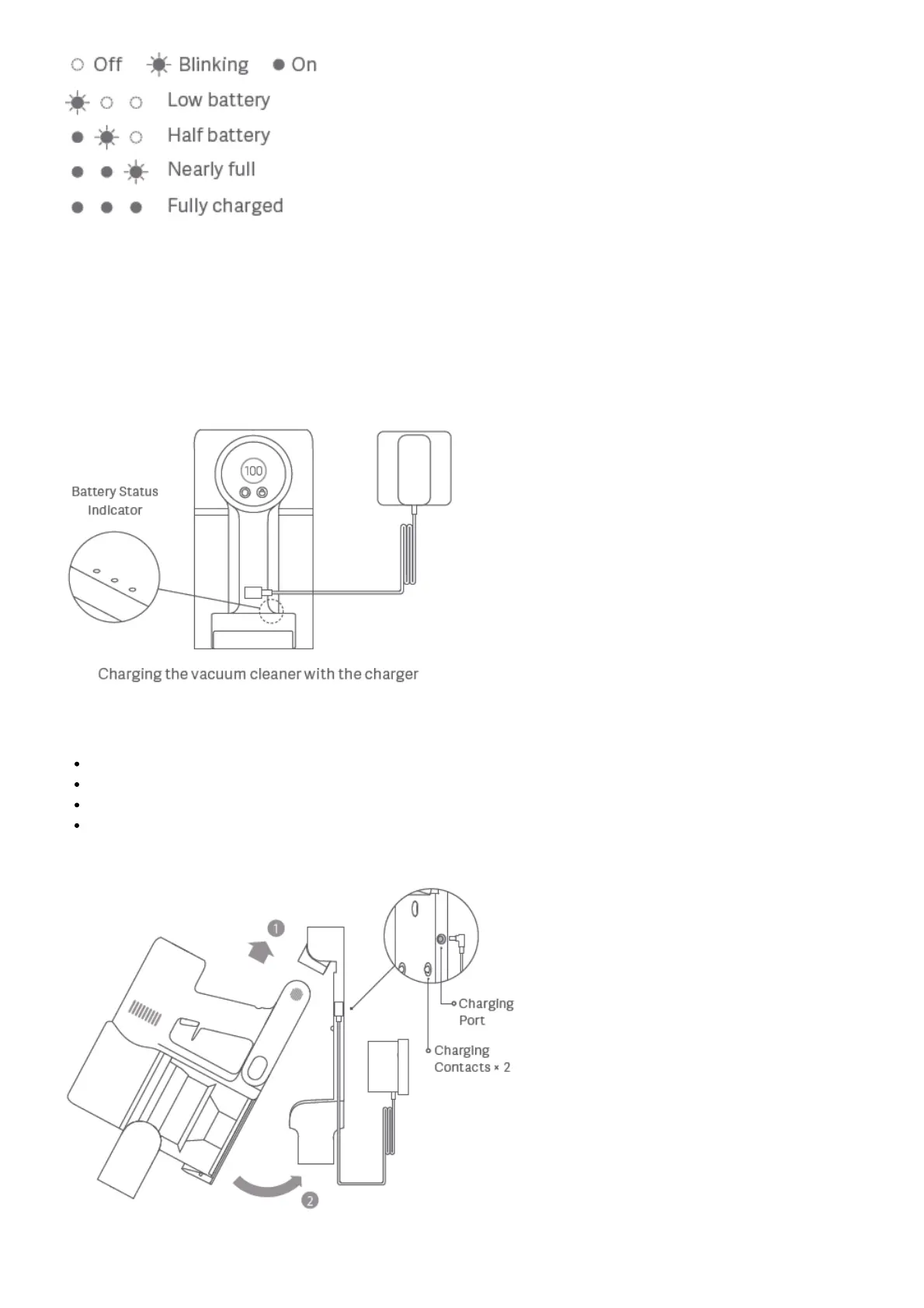
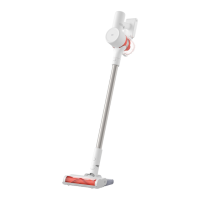
Once the vacuum cleaner is fully charged, the indicator will turn off after 5 minutes, and the vacuum cleaner will then
enter the energy-saving mode.
Display Screen
The number on the display screen represents the current battery level in a percentage during charging. When the
number turns into 100, the battery is fully charged.
Notes:
Fully charge the vacuum cleaner before using it for the first time.
This will take about 4 hours.
The vacuum cleaner cannot be used while charging.
Vacuuming at the highest suction level for a prolonged period will cause the battery to heat up, which may
increase the charging time. Before charging the vacuum cleaner, it is better to cool it down for 30 minutes.
Charging the vacuum cleaner on the charging mount






 To Next Page