16
Care & Maintenance
Side Brush Vacuum-Mop Sensors
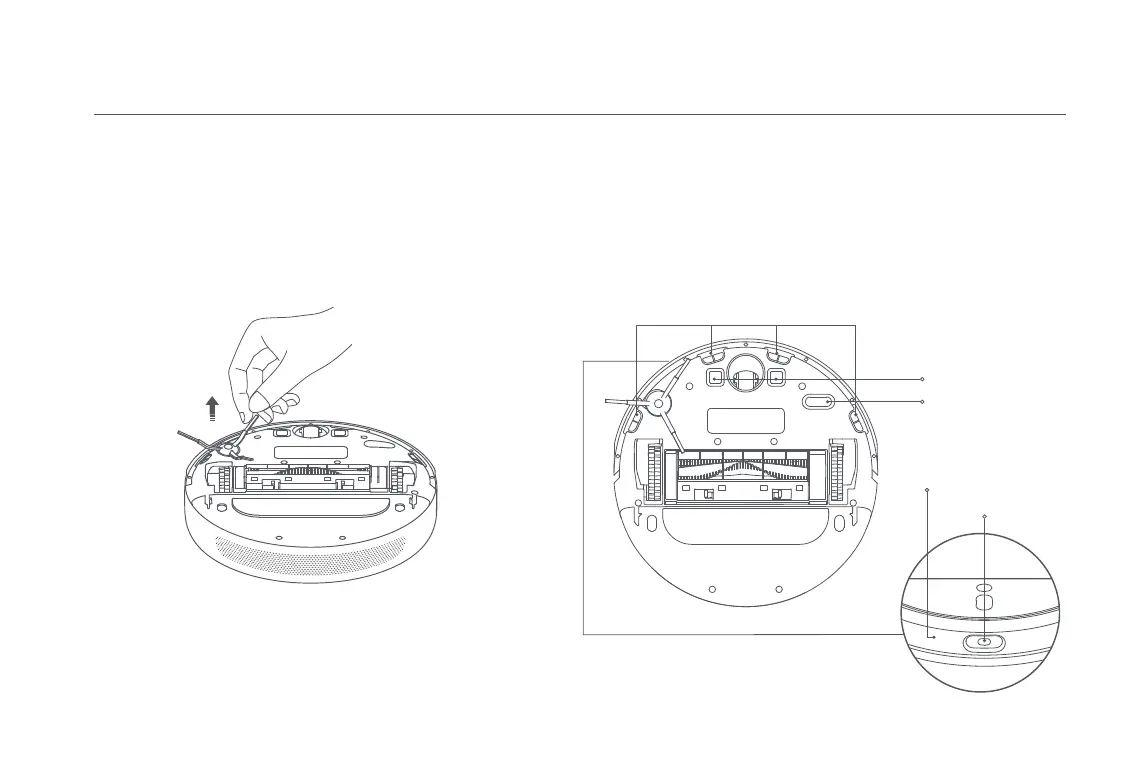
1. Flip the vacuum-mop over, then gently pull out the side brush as shown
in the diagram below to clean it.
2. Reinstall the side brush.
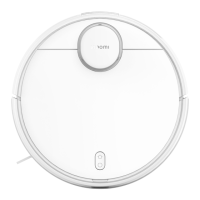
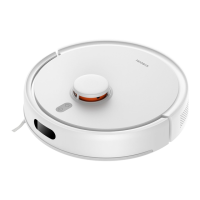
Use a soft cloth to clean all sensors in the vacuum-mop, including:
1. The four cliff sensors on the bottom.
2. The charging contacts on the bottom.
3. Optical sensor on the bottom of the vacuum-mop.
4. Infrared deceleration sensor and obstacle sensor on the front of the
vacuum-mop.
* Monthly cleaning is recommended.
Note: It is recommended to clean the side brush monthly and replace every 3 to 6
months.
Cliff Sensor
Charging Contacts
Optical Sensor
Infrared Deceleration Sensor
Obstacle Sensor










 To Next Page