21
Troubleshooting
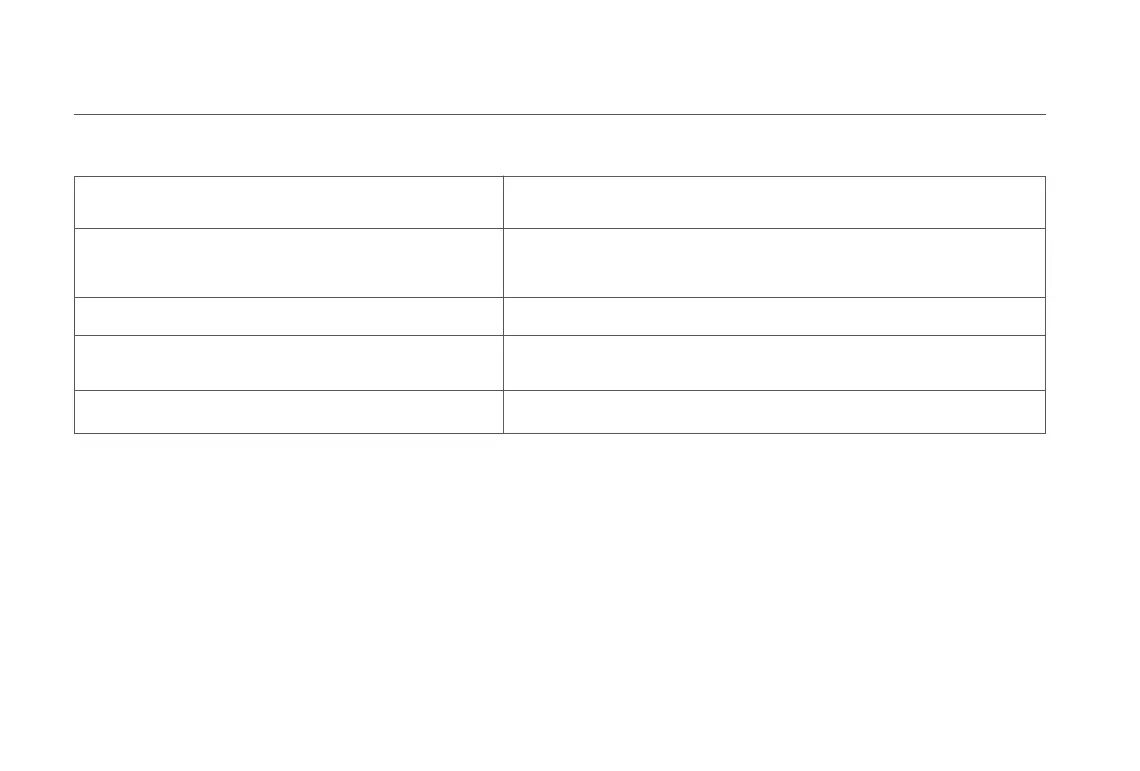
Charging error. Try cleaning the charging contacts.
Wipe the charging contacts on both the dock and the vacuum-mop with
a dry cloth.
Check whether the filter is dry or needs to be cleaned.
The filter may not be dry; if so, make sure it is thoroughly dry for at least
24 hours. The filter may be blocked; if so, try cleaning it. If the issue
persists, try replacing the filter.
Please clean the visual navigation sensor. Wipe the visual navigation sensor, then reactivate the vacuum-mop.
Try resetting the vacuum-mop.
The vacuum-mopcannot continue working due to an internal error.
Please try resetting the vacuum-mop.
Try cleaning the obstacle sensor.
If the problem still persists, please contact after-sales service for assistance.
Please wipe the obstacle sensor clean and restart.










 To Next Page