Mi TV 3 60’
user`s manual
1
Get accessories
2
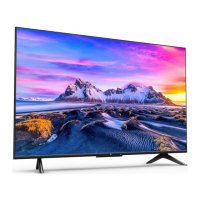
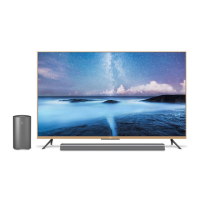
Get TV as seen on picture
3
Accessories
Brackets х2
The left and right brackets. Right and left of a back
of the TV set are special screws for its.
The Main panel
TV set contains the Main unit and a screen.
Connect a screen to the Main unit and to a
power supply. The Main unit does not need to be
connected to a power supply.
Box with additional accessories
In a box with additional components you have
a screwdriver to attach brackets to the TV. For
detailed information, check the list of additional
components shown below.
TV Screen
Now you can get the TV screen. We recommend
to put the TV on a soft surface for easy attachment
of brackets.
Gamepad*
Full pairing of a gamepad with Mi TV viaBlutooth.

 Need help?

 To Next Page
 General