XIAOMI-MI.COM
6. Quick settings
This device is compatible with the smart platform Mi Home, it can be
controlled using a mobile application Mi Home, and synchronize with
other smart devices of the "Smart Home" ecosystem.
1. Install the app
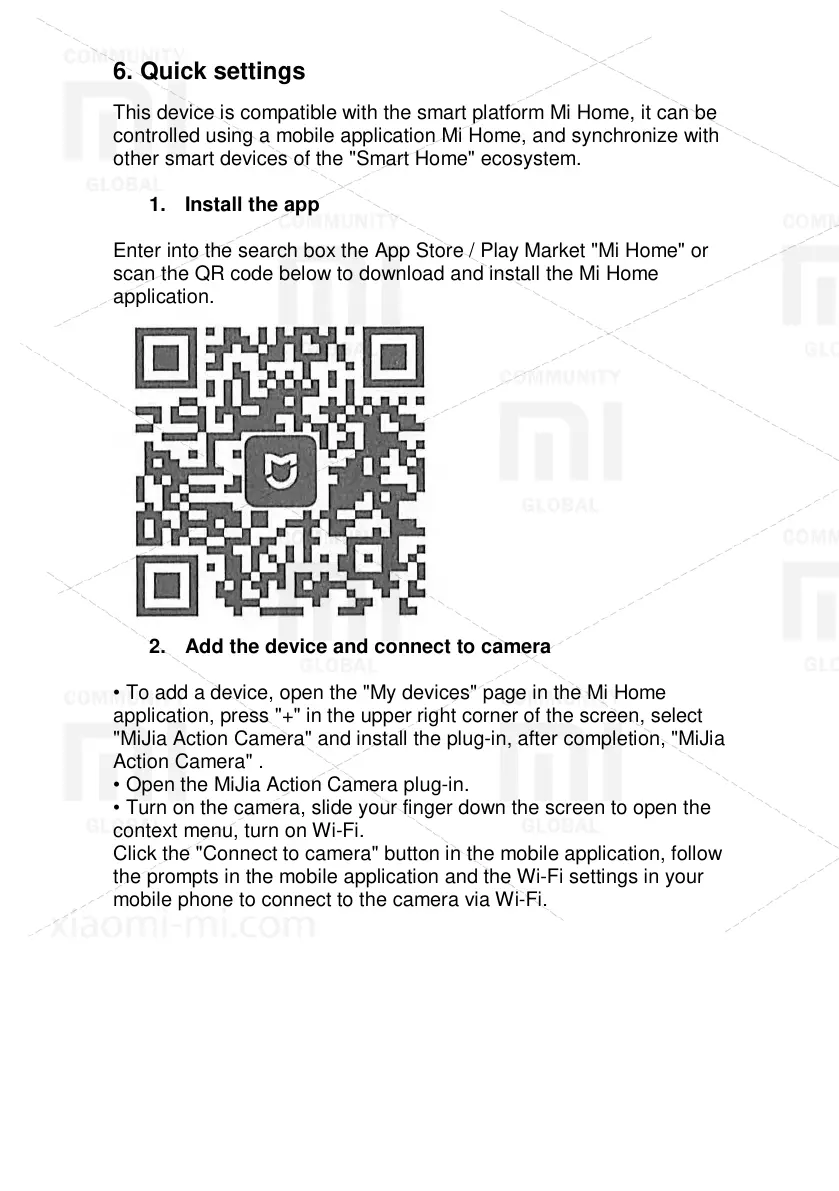
Enter into the search box the App Store / Play Market "Mi Home" or
scan the QR code below to download and install the Mi Home
application.
2. Add the device and connect to camera
• To add a device, open the "My devices" page in the Mi Home
application, press "+" in the upper right corner of the screen, select
"MiJia Action Camera" and install the plug-in, after completion, "MiJia
Action Camera" .
• Open the MiJia Action Camera plug-in.
• Turn on the camera, slide your finger down the screen to open the
context menu, turn on Wi-Fi.
Click the "Connect to camera" button in the mobile application, follow
the prompts in the mobile application and the Wi-Fi settings in your
mobile phone to connect to the camera via Wi-Fi.



 To Next Page