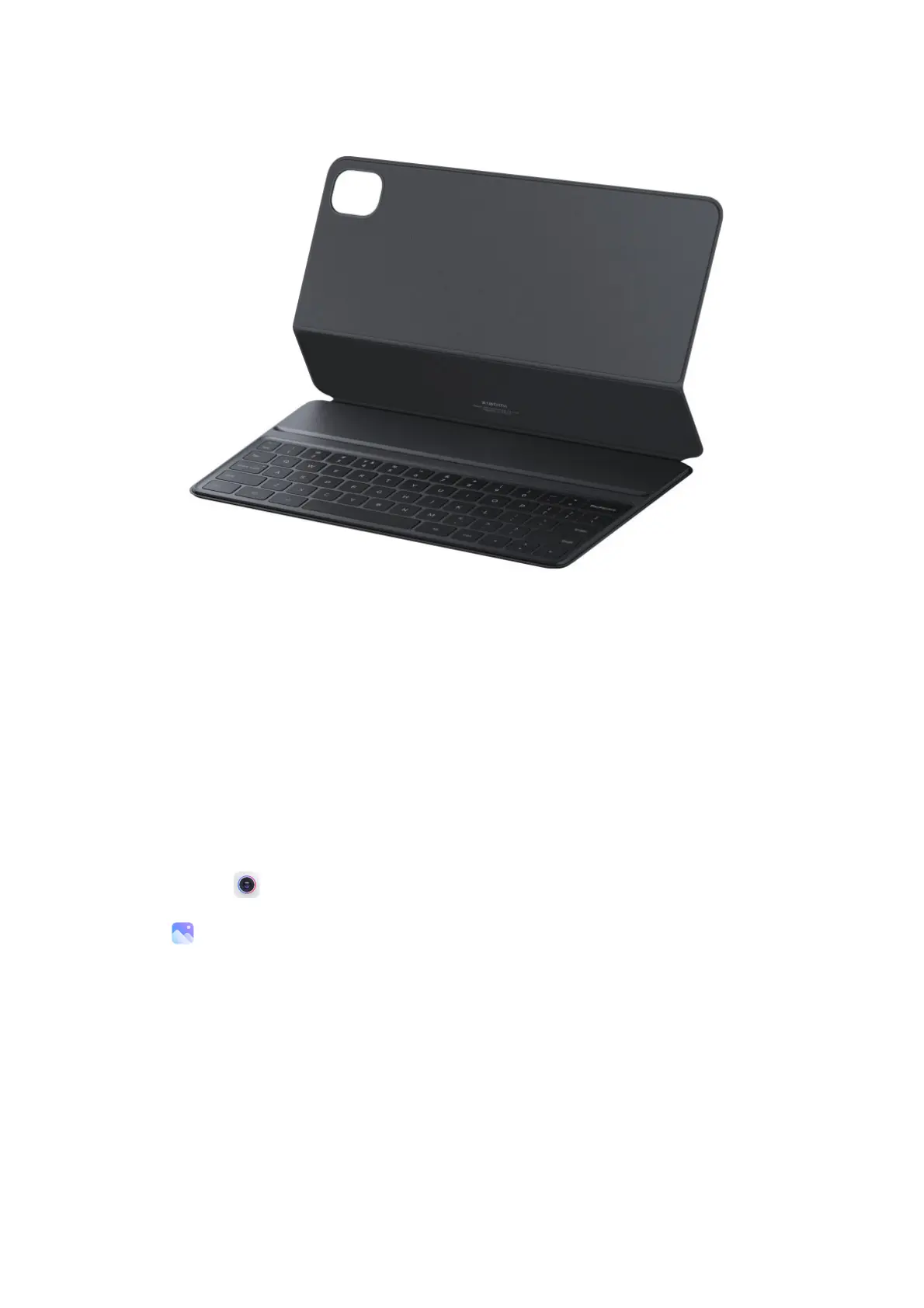
fron tandbackprotectionforyourXiaomiPad5.
Specially, the Xiaomi Keyboard provides a unique task key , allowing you to tak e a full
screenshot by pressing Task + A and to display the recent tasks by pressing Task + Tab.
Therefore,withtheXiaomiKeyboard,itismuch
easiertogetthingsdone.
Exploreyourtablet
Camera&Gallery
Withthe Cameraapp,youcancapturehigh-qualitypicturesandvideosandstorethemin
Gallery,whereyoucanviewandeditthem.
Camera
HowtoquicklyopenCamera
1. FromtheHomescreen



 To Next Page