preloadedwallpaper.
Tochangeyourwallpaper,doasfollows:
1. Goto Settings> Wallpaper.
2. Selectoneofthealbums.
3. Selectawallpaper.
4. TapApplyandselectSetasLockscreen,SetasHomescreen,orSetboth.
Changeyourlauncherstyle
CustomizeyourAndroidlauncherbyspecifyingalauncherstyle.
• Goto Settings> Homescreen>Homescreen.
• OntheSystemlauncherscreen,tapClassicorWithAppdrawer.
Useyourstylus
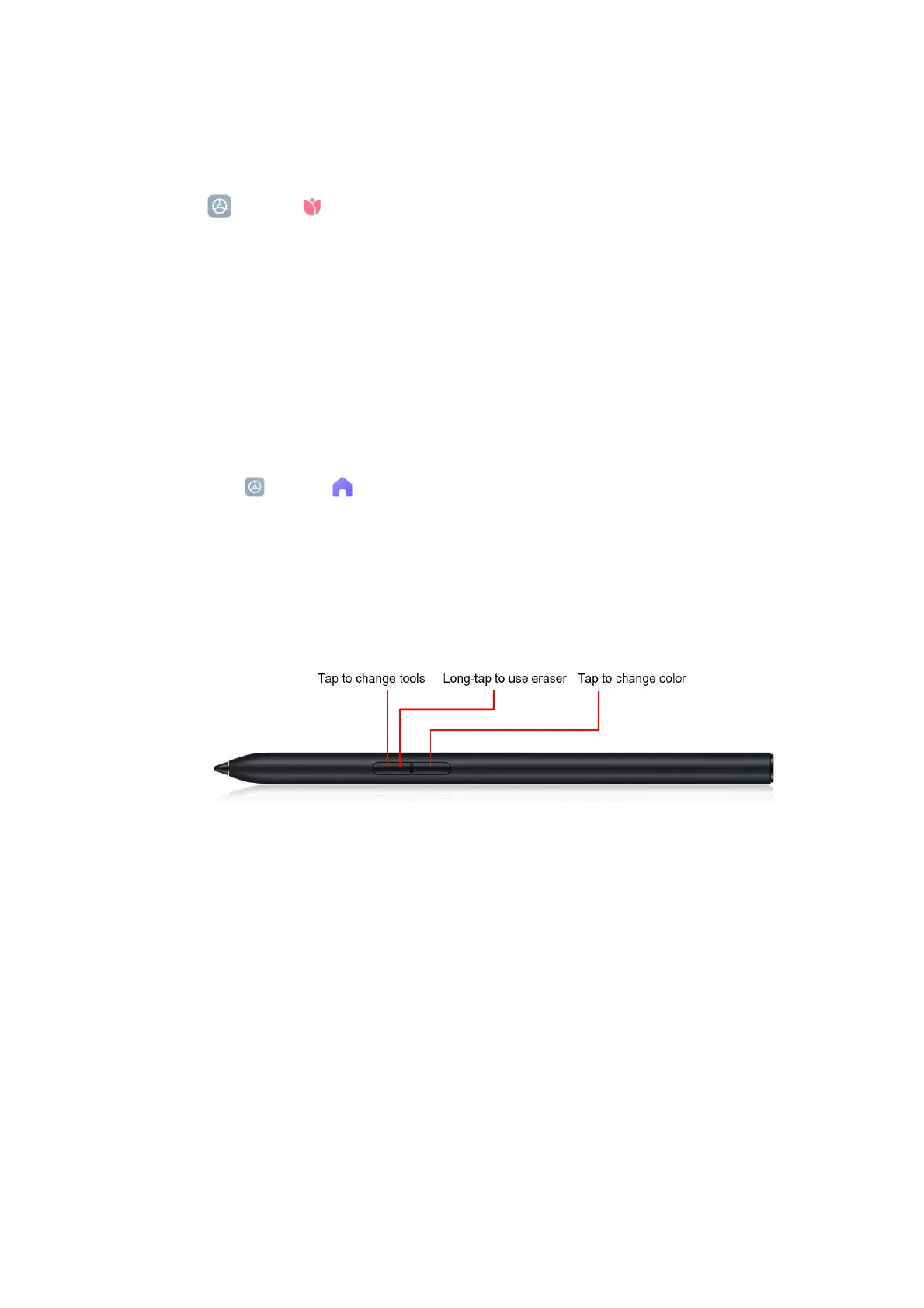
XiaomiPad5canbepairedwithaXiaomiStylusviaBluetooth.Afterbeingpaired,yourstylus
isincrediblyeasytouseandreadytojotdownwheneveraninspirationnstrikes.Bypressing
theprimarykey ,youcantakeanoteanytimeandanywherewhenthescreenison.
Inaddition,
youcanpressthesecondarykeytotakeascreenshot.
Xiaomi Stylus can also be used to perform full-screen gestures, just like your hand. For
example,youcanquicklyswipeupfromthebottomofthescreentogototheHomescreen
byusingthestylus.
Use your keyboard
The Xiaomi Keyboard is an amazing companion for Xiaomi Pad 5. Featuring a 63-key large
keyboardwith1.2mmtravel,itprovidesagreattypingexperienceandlightweight,durable



 To Next Page