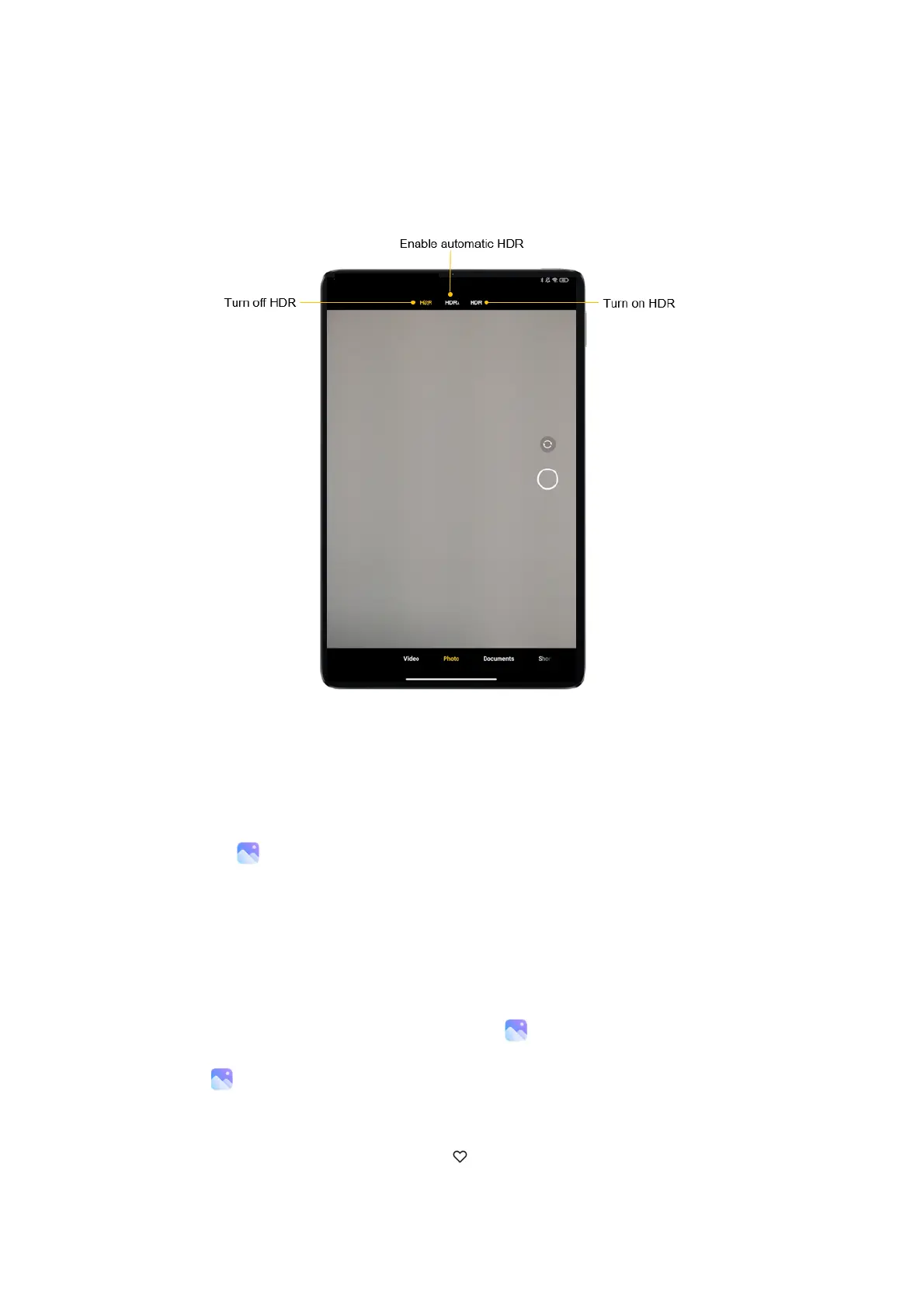
You'llseetheHDRicononyourscreenwhenthisfeatureison. TakingphotosinHDRisslightly
longerthantakingregularphotos.
(Note:AutoHDRisn'tsupportedonsomedevices.)
Gallery
Openthe Galleryapptoviewallthevisualmediastoredonyourdevice.Youcanview,edit,
andmanagepicturesandvideos.
Viewpictures
Picturesstoredonyourdeviceareviewableinthe Galleryapp.
1. From Gallery,tapPhotos.
2. Tapapicturetoviewit.Swipeleftorrighttoviewotherpicturesorvideos.
• Tomarkthepictureasafavorite,tap Favorite.



 To Next Page