2. TapGesturesintheSystemnavigationfield.
Adialogboxappears,promptingyoutolearnthegesturesforsystemnavigation.
3. OntheSystemlauncherscreens,youcanlearnthefollowingfull-screengestures:
• GotoHomescreen:Youcanquicklyswipeupfromthebottomofthescreen
togotothe
Homescreen.
• OpenRecents:Youcan swipe upfromthebottom of the screenand hold the screento
openyourrecentapps.
• Goback:Youcanswipeinwardfromeithertheleftorrightsideofthescreentogoback
tothe
previousscreenyouwereworkingin.
• Switchbetweenapps:Toswitchbetweenapps,youcanswipeleftorrightfromthefull-
screenindicatororbottomofthescreen.
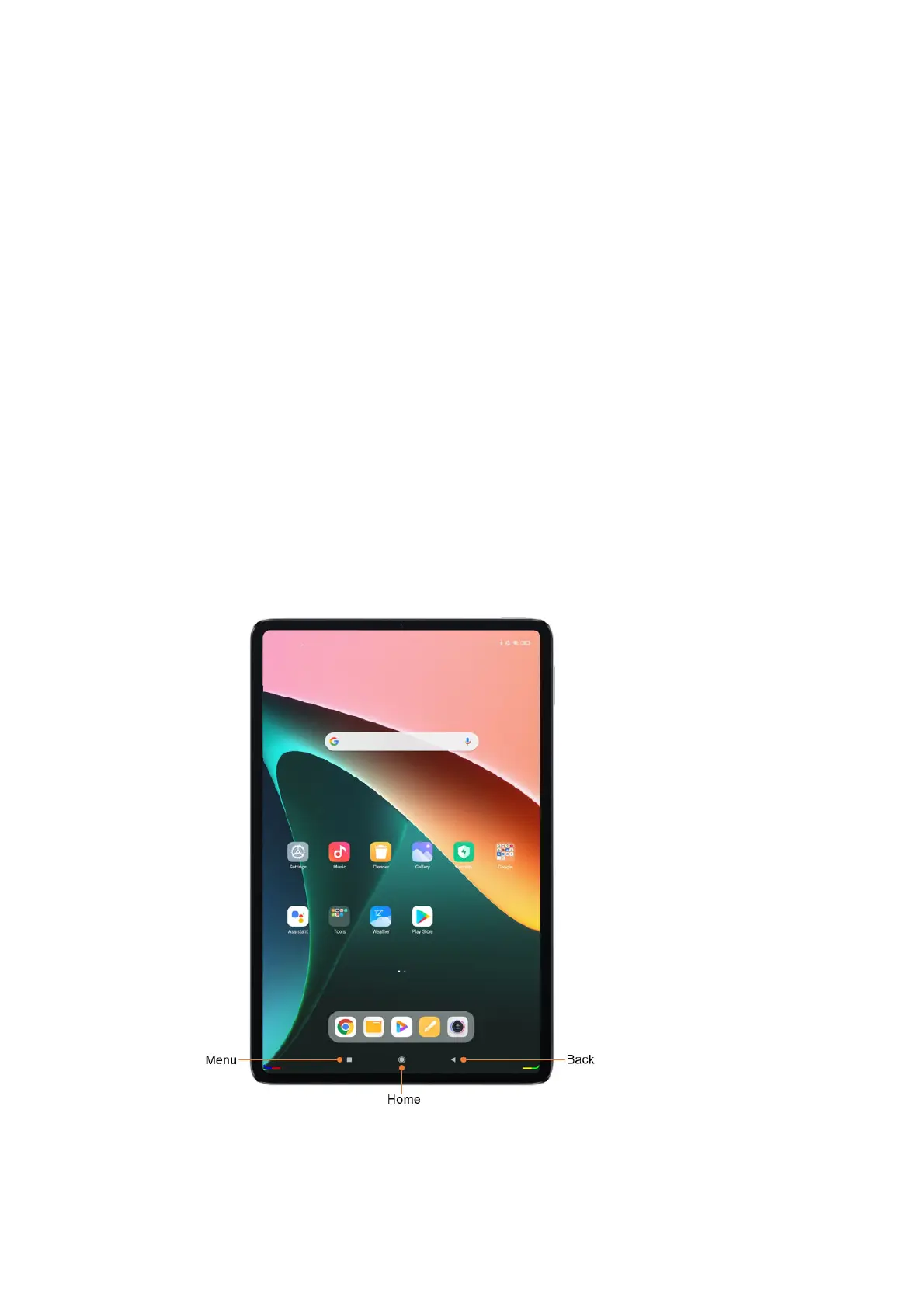
Navigationbuttons
Thefollowingthreenavigationbuttonsappearatthebottomofthescreen:



 To Next Page