9
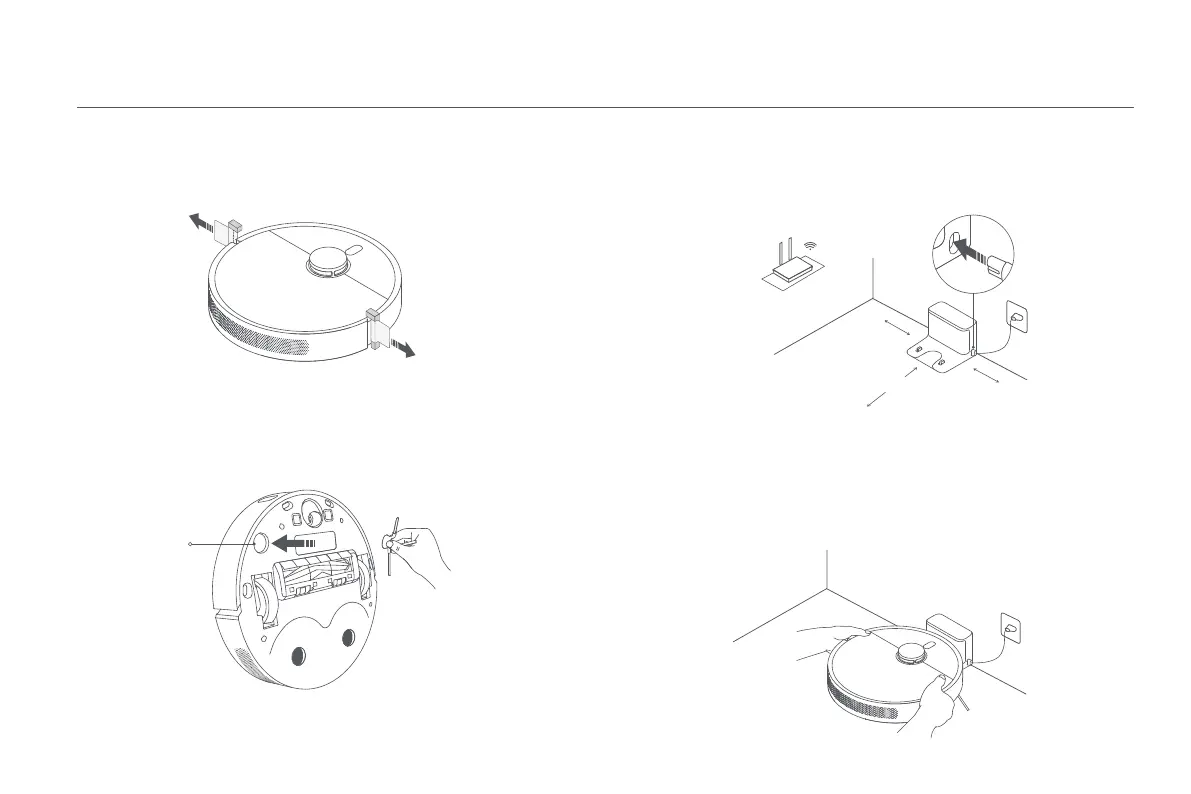
Connect to An Electrical OutletRemove Protective Coverings
How to Install
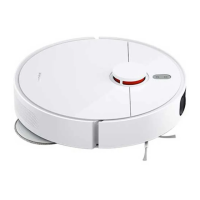
Before using the robot vacuum, remove the protective strips from both sides.
Install the Side Brush
Install the side brush onto the clip on the bottom of the robot vacuum.
Side Brush Clip
Place the charging dock near an electrical outlet in an area with a good Wi-Fi
signal. Then connect the charging dock to power.
Place the Robot Vacuum
Place the robot vacuum onto the charging dock, and the robot vacuum will
automatically turn on and start charging. After 10 minutes of being fully
charged, the indicator will go out. Fully charge the robot vacuum when using it
for the first time.
Note:
Make sure the charging contacts on the robot vacuum and the dock are fully aligned.
Note:
Do not place any items within the range of 0.5 m at either side or within 1.5 m in front of the
charging dock.
>1.5 m
>0.5 m
>0.5 m






 To Next Page