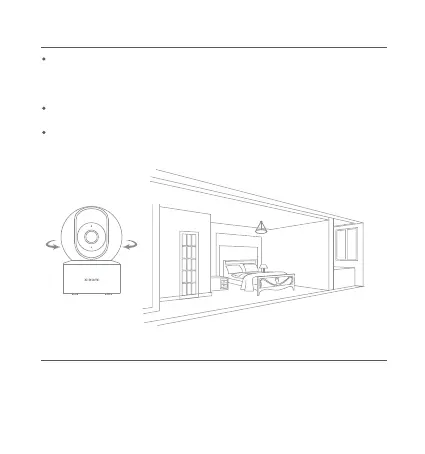
When the home surveillance assistant is enabled, the camera will
record videos if it detects human movement and changes in
real-time within its monitored area. Then you will receive
notifications on the app.
You can enable or disable the function of home surveillance
assistant in the camera's plugin in the Mi Home/Xiaomi Home app.
You can set surveillance of all-day, daytime, nighttime, or any other
time meeting your demands. Alert sensitivity and alert time intervals
can also be customized in the app.
Automatic Surveillance
Video Sharing
In the camera's plugin in the Mi Home/Xiaomi Home app, you can
select the device sharing option in the settings menu to share the
camera with others. The person the camera is shared with needs to
download the Mi Home/Xiaomi Home app and sign in with a Xiaomi
Account.
7








 To Next Page