20
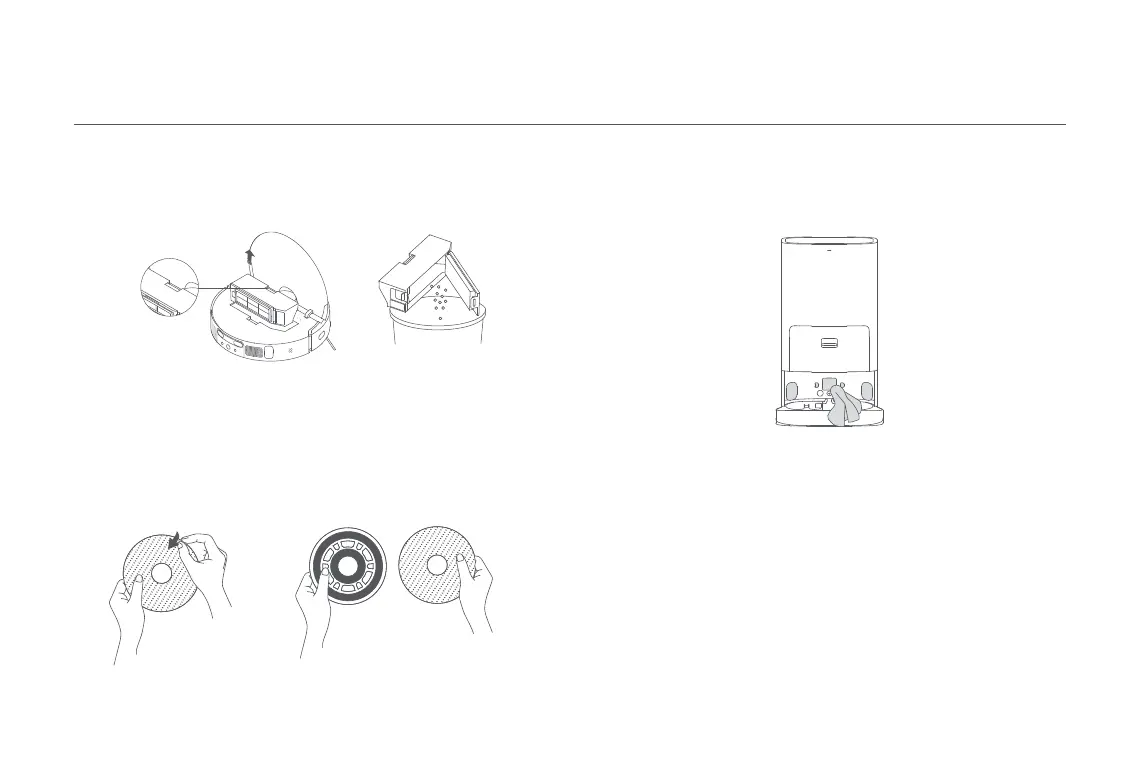
Remove the mop pad from the mop pad holder to replace it.
Mop Pad
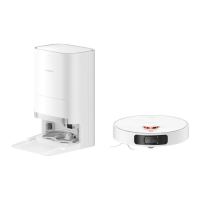
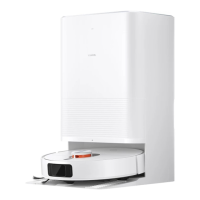
Clean the charging contacts, the auto-empty vents, and the signaling
area of the omni station with a soft, dry cloth.
Omni Station
Battery
The robot vacuum contains a high-performance lithium-ion battery
pack. Please ensure that it remains well-charged during daily use to
maintain optimal battery performance.
Note: If the robot vacuum is not used for an extended period, turn it off and put
it away. To prevent damage from over-discharging, the robot vacuum should be
recharged at least once every three months.
Dust Compartment
Note: To prevent the filter from becoming clogged, lightly tap the dust compartment
when emptying its contents.
Remove the dust compartment as illustrated. Open the dust compartment
cover, and empty out the contents.





 To Next Page