3. Removing the back cover
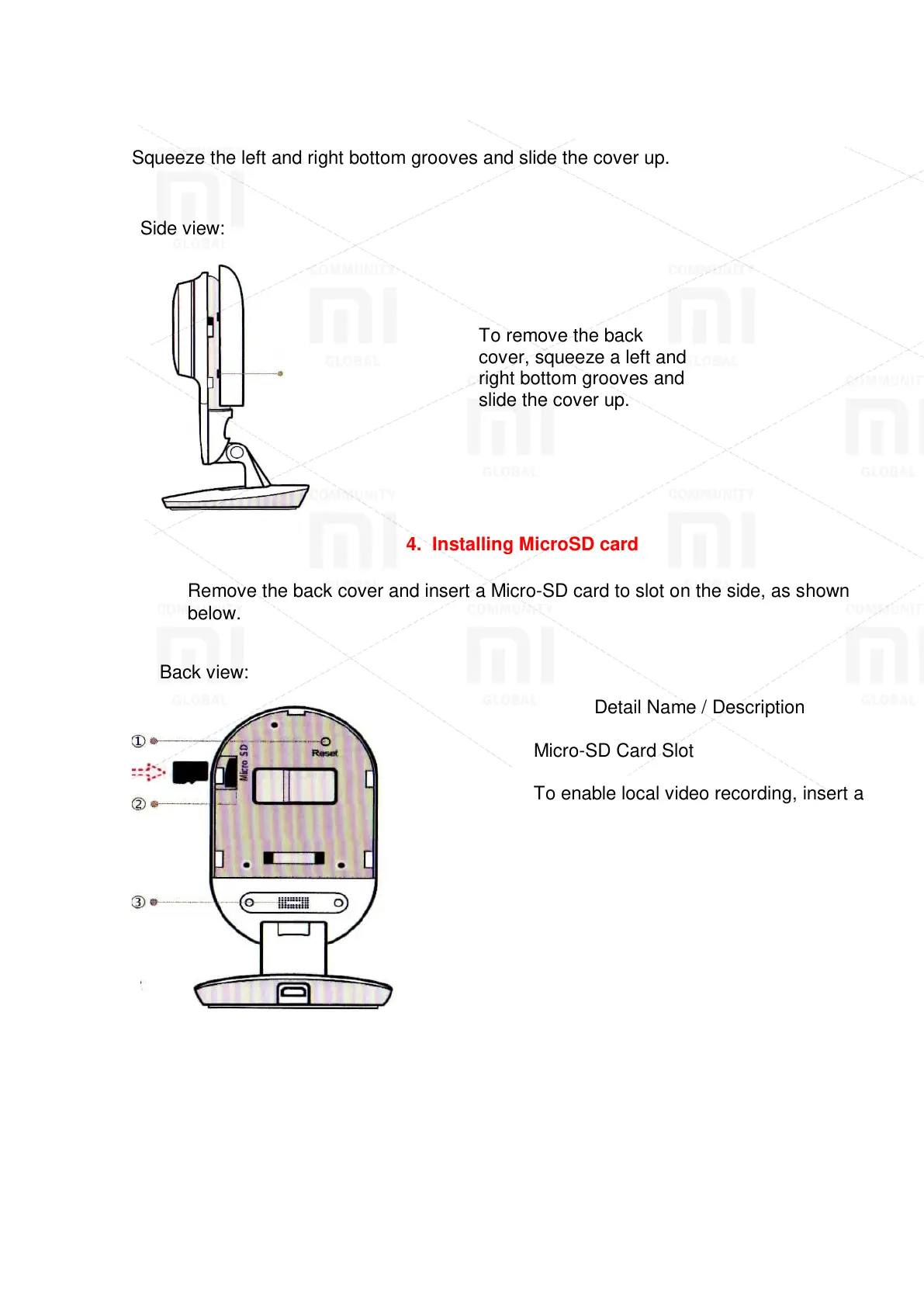
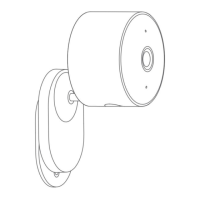
Squeeze the left and right bottom grooves and slide the cover up.
To remove the back
cover, squeeze a left and
right bottom grooves and
slide the cover up.
4. Installing MicroSD card
Remove the back cover and insert a Micro-SD card to slot on the side, as shown
below.
Back view:
Detail Name / Description
Micro-SD Card Slot
To enable local video recording, insert a
Micro-SD card to slot as shown in the
picture.
* Support Class 4 or higher of Micro-SD
card, format 8GB-64GB, file system
FAT32.
Reset button
To launch the camera, press and hold
the start button until the indicator lights
yellow.
Dynamic
The speaker is used for 2-way audio.
For best results, do not cover.
1. Reset button 2. Micro-SD card slot 3. Dynamic



 To Next Page