Basic Elements 31
Xilinx Blocks
Constant
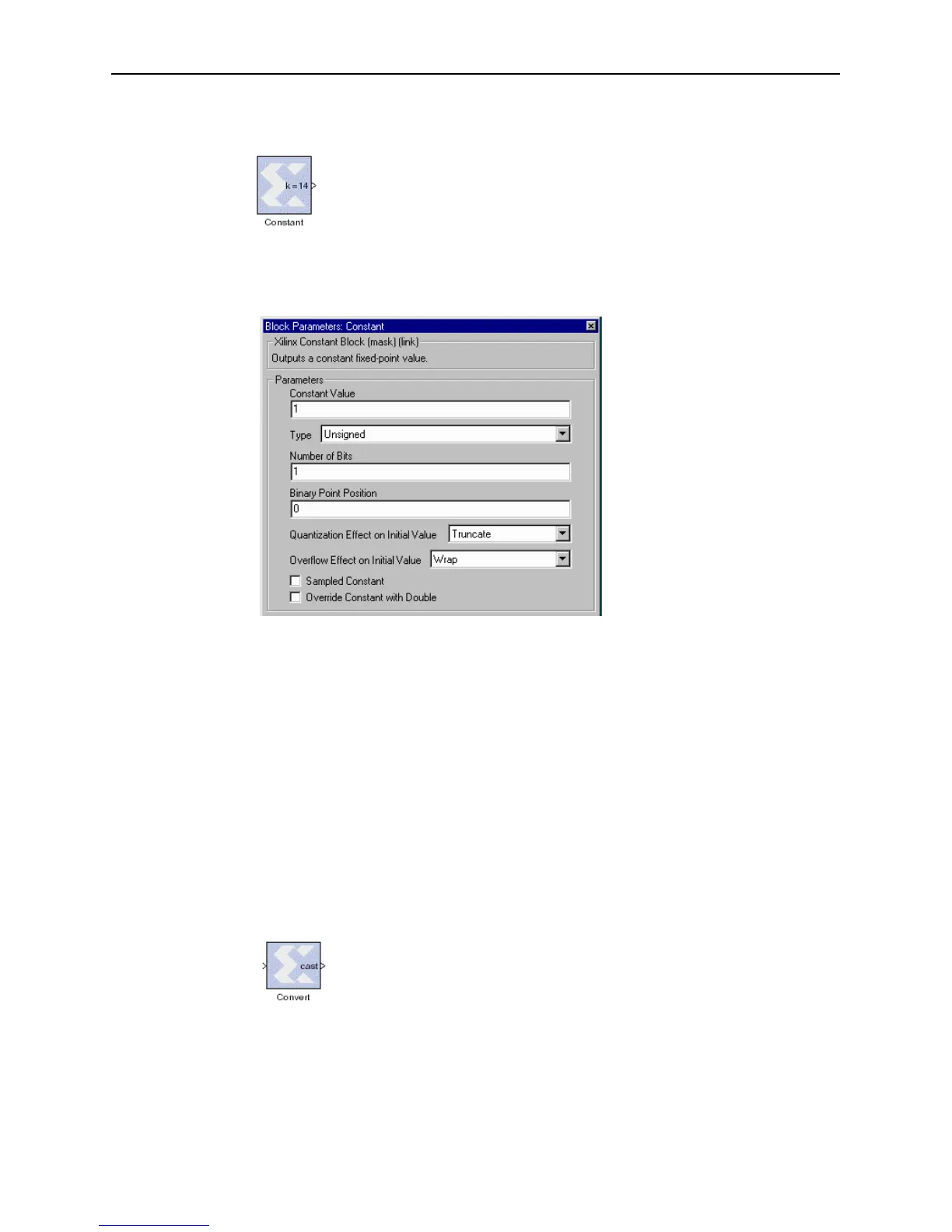
The Xilinx Constant block generates a constant. This block is similar to the
Simulink constant block, but can be used to drive the inputs on Xilinx
blocks.
Block Parameters Dialog Box
The block parameters dialog box can be invoked by double-clicking the icon in your
Simulink model.
Figure 3-6: Constant block parameters dialog box
Parameters specific to the block are:
• Constant Value: specifies the value of the constant. When changed, the new
constant value of the block will appear on the block icon.
• Sampled Constant: allows a sample period to be associated with the constant
ouput and inherited by blocks that the constant block drives. (This is useful
mainly because the blocks eventually target hardware and the sample periods of
Simulink are used to establish hardware clock periods.)
Other parameters used by this block are explained in the Common Parameters section
of the previous chapter.
The Constant block does not use a Xilinx LogiCORE.
Convert
The Xilinx Convert block converts each input sample to a number of a
desired arithmetic type. For example, a number can be converted to a
signed (two’s complement) or unsigned value.



 To Next Page