46 Xilinx Development System
Xilinx System Generator v2.1 Reference Guide
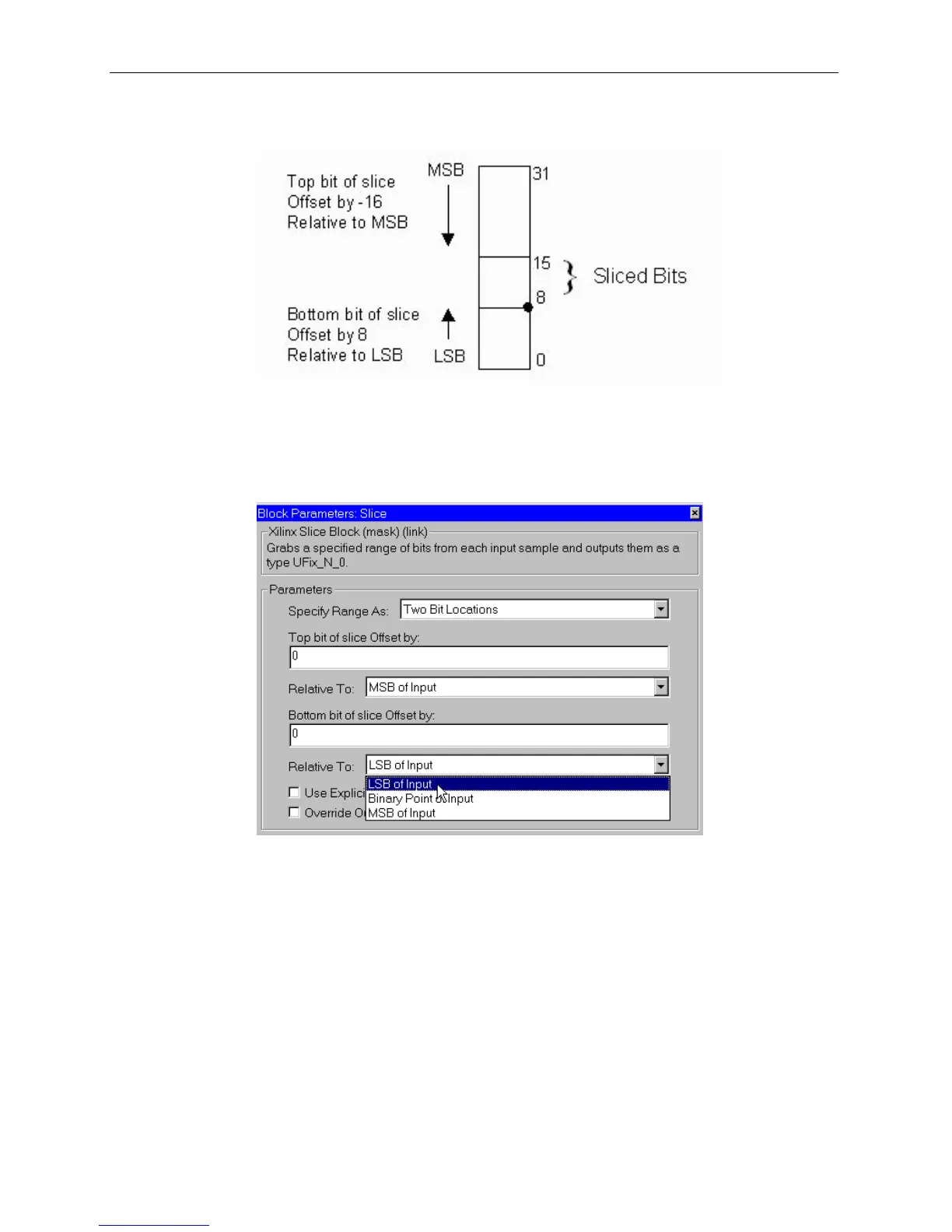
only the first three fractional bits. The following diagram illustrates how to extract all
but the top 16 and bottom 8 bits of the input.
Figure 3-21: Slice block operation
Block Parameters Dialog Box
The block parameters dialog box can be invoked by double-clicking the icon in your
Simulink model.



 To Next Page