74 Xilinx Development System
Xilinx System Generator v2.1 Reference Guide
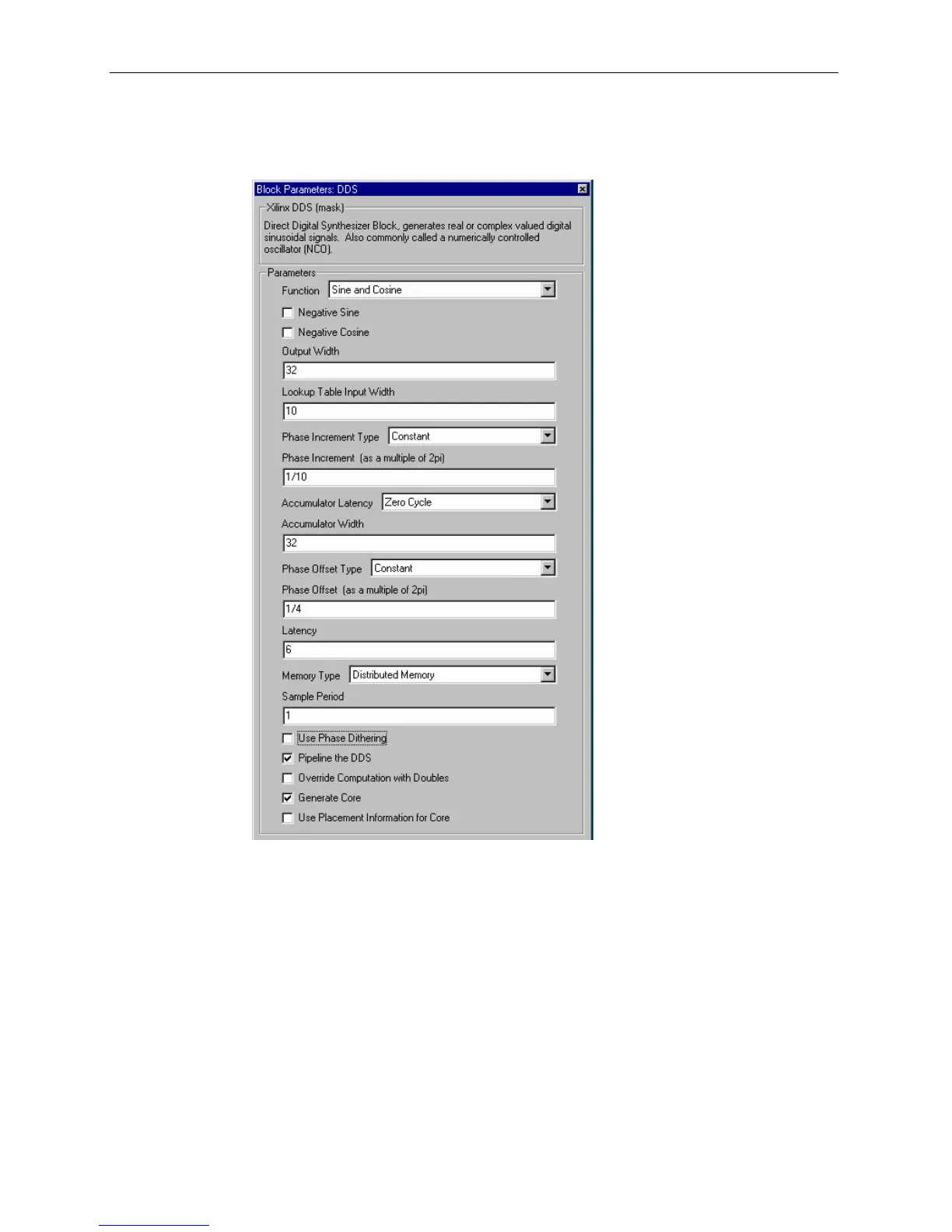
Block Parameters Dialog Box
The block parameters dialog box can be invoked by double-clicking the icon in your
Simulink model.
Figure 3-49: DDS block parameters dialog box
Parameters specific to the DDS block are:
• Function: specifies the block output to be sine, cosine, or both.
• Negative Sine: when checked, the sine output is negated.
• Negative Cosine: when checked, the cosine output is negated.
• Output Width: number of bits in the output signal; value must be between 4
and 32 inclusive.
• Lookup Table Input Width: specifies the number of address bits into the
Sin/Cos Lookup Table; value must be at least 3. It cannot exceed the lesser of the
accumulator width and 16 (if block RAM is used), or 10 (if distributed RAM is
used).



 To Next Page