76 Xilinx Development System
Xilinx System Generator v2.1 Reference Guide
for k=0, 1, ... , N-1, where
is a principal N-th root of unity.
The FFT block accepts as input a stream of complex data represented as a pair of
Xilinx fixed point data and computes successive DFTs of nonoverlapping frames of N
data samples.
Block Interface
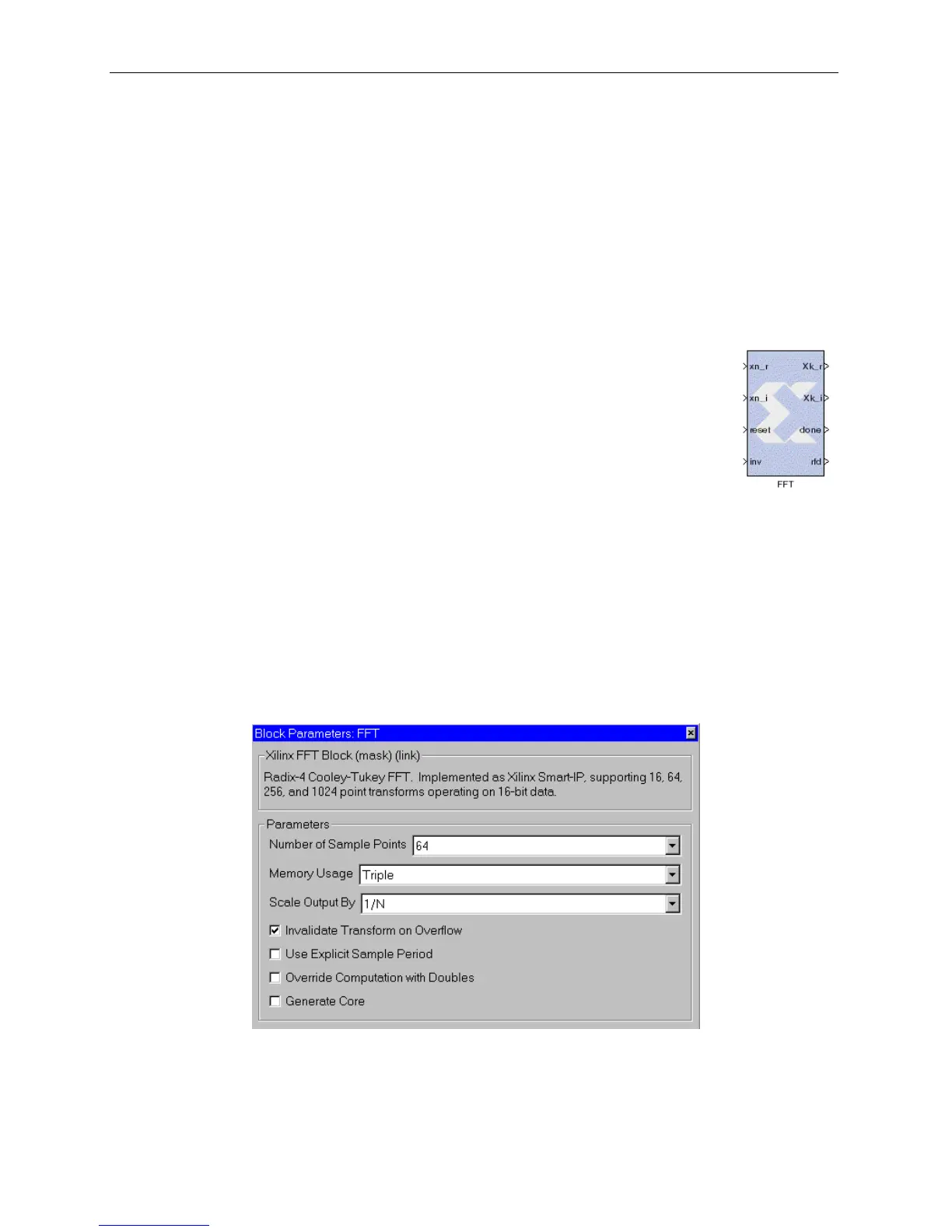
The block interface (inputs and outputs as seen on the FFT icon) are
as follows:
Block Parameters Dialog Box
The FFT block parameters dialog box can be invoked by double-clicking the icon in
your Simulink model.
Figure 3-50: FFT block parameters dialog box
Parameters specific to the FFT block are:
• Number of Sample Points: transform length, one of 16, 64, 256, or 1024.
Input signals:
xn_r real component of input data stream
xi_r imaginary component of input data stream
reset reset signal
inv 0 for forward transform, 1 for inverse
Output signals:
Xk_r real component of output data stream
Xk_i imaginary component of output data stream
done active high on first output sample in a frame
rfd active high when block can accept input data
W
N
e
i–()
2π
N
------
=



 To Next Page