Math 91
Xilinx Blocks
♦ equal-to (a = b)
♦ not-equal-to (a != b)
♦ less-than (a < b)
♦ greater-than (a > b)
♦ less-than-or-equal-to (a <= b)
♦ greater-than-or-equal-to (a >= b)
The output of the block is a 1-bit unsigned number. It is 1 if the comparison is true and
0 if false.
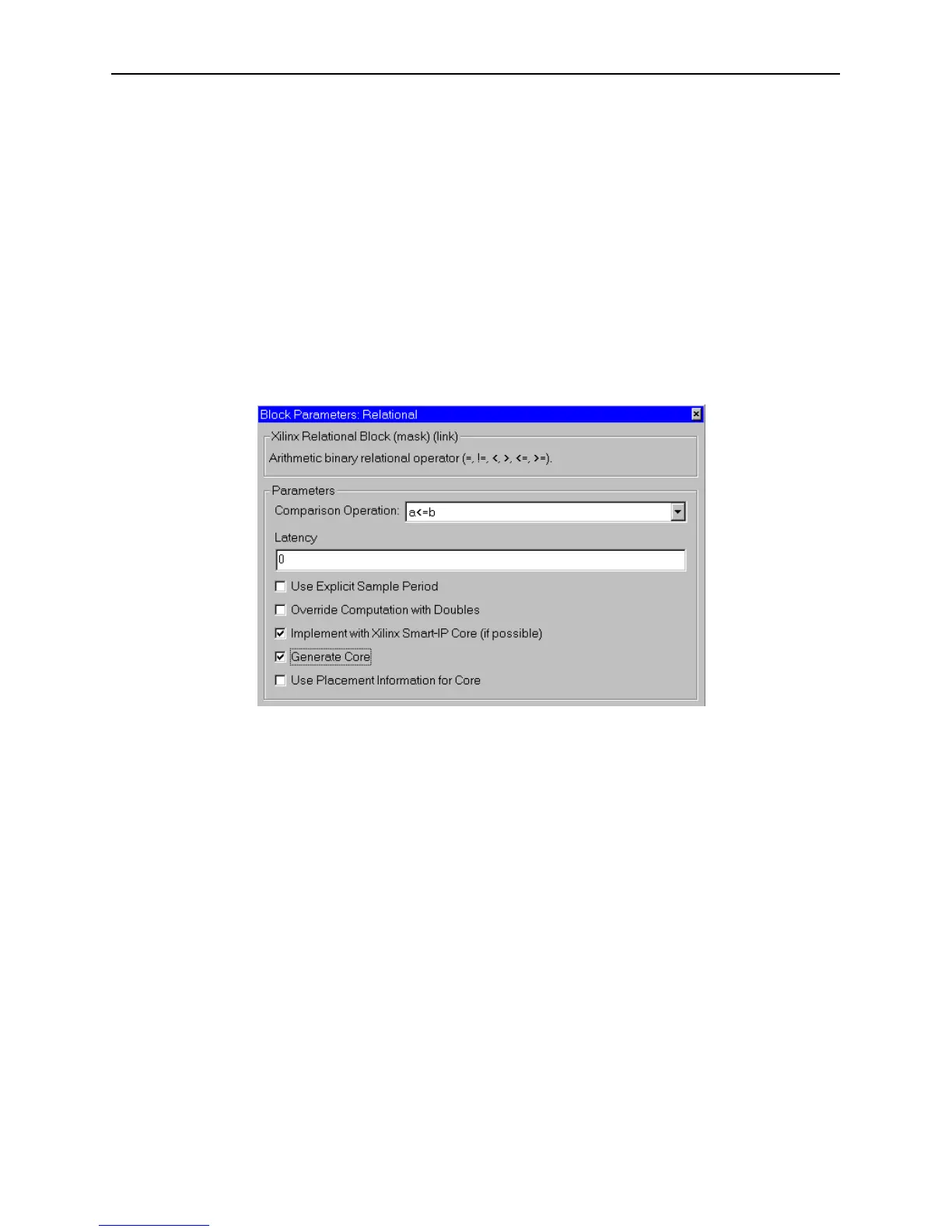
Block Parameters Dialog Box
The block parameters dialog box can be invoked by double-clicking the icon in your
Simulink model.
Figure 3-62: Relational block parameters dialog box
The only parameter specific to the Relational block is:
• Comparison Operation: specifies the comparison operation computed by the
block.
Other parameters used by this block are explained in the Common Parameters section
of the previous chapter.
Xilinx LogiCORE
The block uses the Xilinx LogiCORE: Comparator V5.0 if the Implement with
Xilinx Smart-IP Core checkbox is selected and the output widths to the block
are between 1 and 64, inclusive. Otherwise, the block is implemented as a
synthesizable VHDL module.
The Core datasheet can be found on your local disk at:
%XILINX%\coregen\ip\xilinx\eip1\com\xilinx\ip\baseblox_v5_0\do
c\compare.pdf



 To Next Page