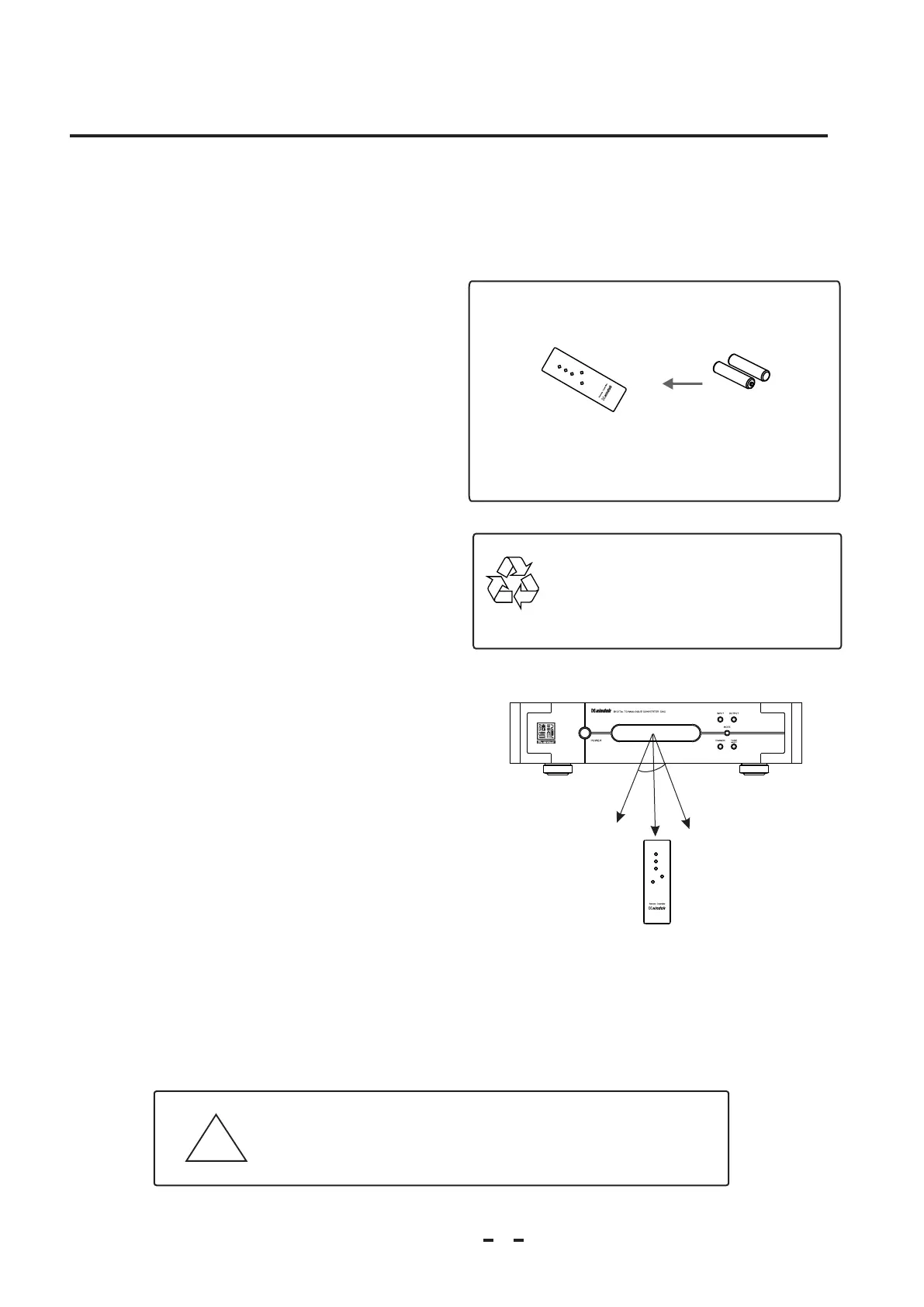
AAA Batteries
Install Batteries
Before using the remote controller for the first time, you need install
the new battery in the remote controller.
Process
1. Use the tool to remove the rear cover of the remote control unit.
2. Install the 2 batteries (AAA) polarity.with correct +/-
3. Reinstall the rear cover of the remote control unit.
Battery Replacement
1. Use the tool remove the rear cover of the remote control unit.
2. Take out the old batteries from remote control unit.
3 with correct +/- . Install the 2 batteries (AAA) polarity.
4. Reinstall the rear cover of the remote control unit.
Caution
1. Do not use new and old batteries simultaneously.
2. Batteries with similar shapes may have different rated voltage,
be sure to use the correct batteries.
3. Remove batteries from the remote control unit if it will not be used
for a long period of time.
Using Remote Controller
If you use the remote control unit to control the amplifier:
1.The remote control range is approximately 5 meters.
2.Pointing the remote control on an angle to the receiver, will
shorten the useful distance of the remote control.
!
Incorrect use of batteries may cause corrosion or damage.
The lower temperature, then shorter battery life.
2.3 For Using the Remote Controller
Install Batteries
Precaution
Battery Reclaim
Please send the waste batteries to local battery
reclaim center. DO NOT discard the waste
batteries discretionarily, in order to avoid
environment pollution.
Chapter 2
4
30°
30°
MUTE
INPUT
OUTPUT
MODE
DISPLAY
DAC
MUTE
INPUT
OUTPUT
MODE
DISPLAY
D
A
C



 To Next Page