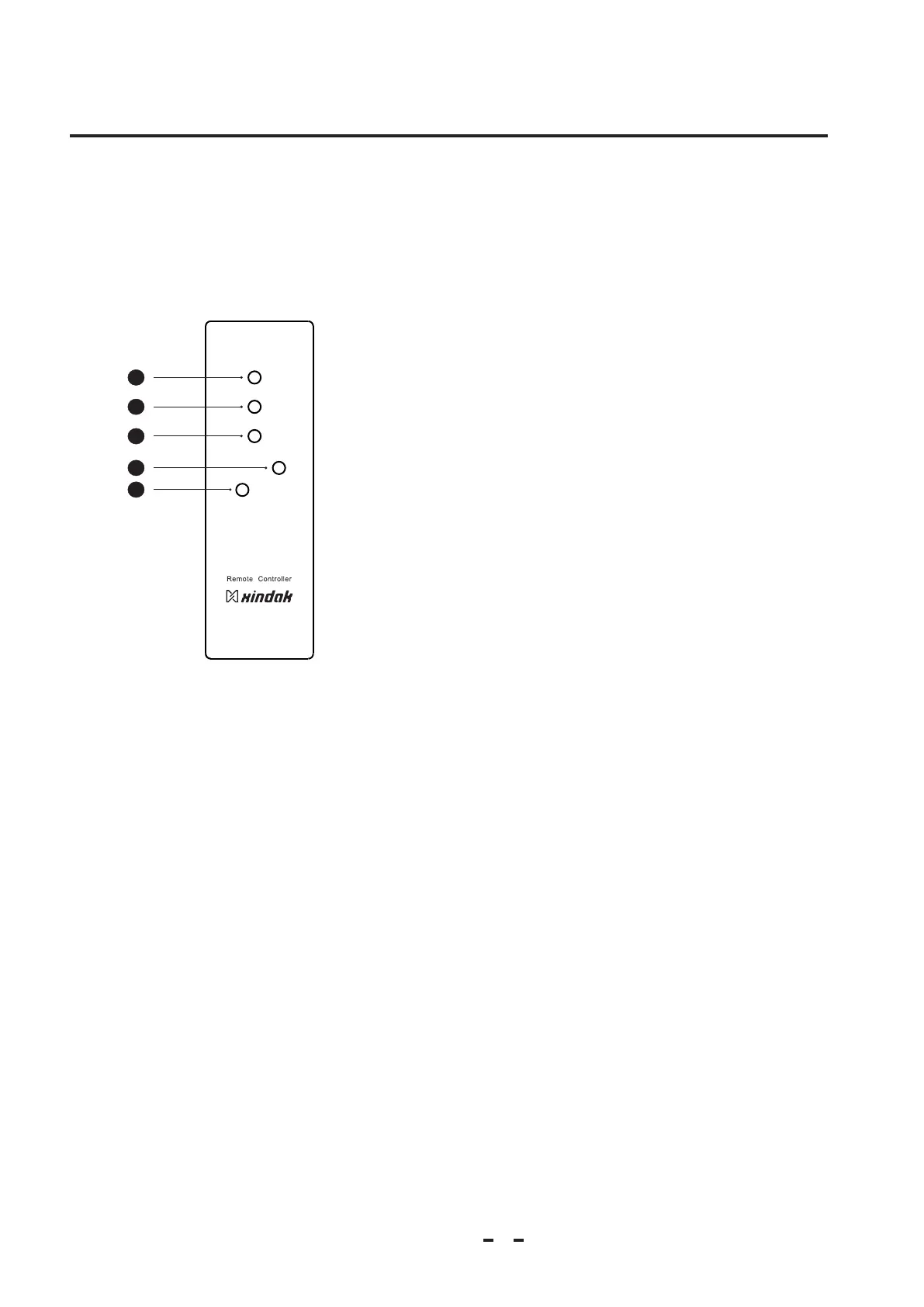
1. MUTE Button:
Press this button, for turn on or turn down the output
volume.
When the product is in mute state, the display screen
will display "VOL:---”corresponding function.
2. DISPLAY Button:
Press this button can display the current output state and
tube switch state.
3.MODE Button:
Press this button, You could chose four kinds of work
mode: 192kHz/32bit、 192kHz/24bit、 96kHz/24bit、
96kHz/32。 The display screen will display corresponding
work mode.
4.INPUT Button:
Press down this button, you can select loop input signal:
coaxial-optical-BNC-balance-PC USB.
5. OUTPUT Button:
Through the switch can choose tube amplifying output and
operate amplifying output.
2.4 Remote Controller
Precaution
Chapter 2
5
1
2
3
4
MUTE
INPUT
OUTPUT
MODE
DISPLAY
DAC
5



 To Next Page