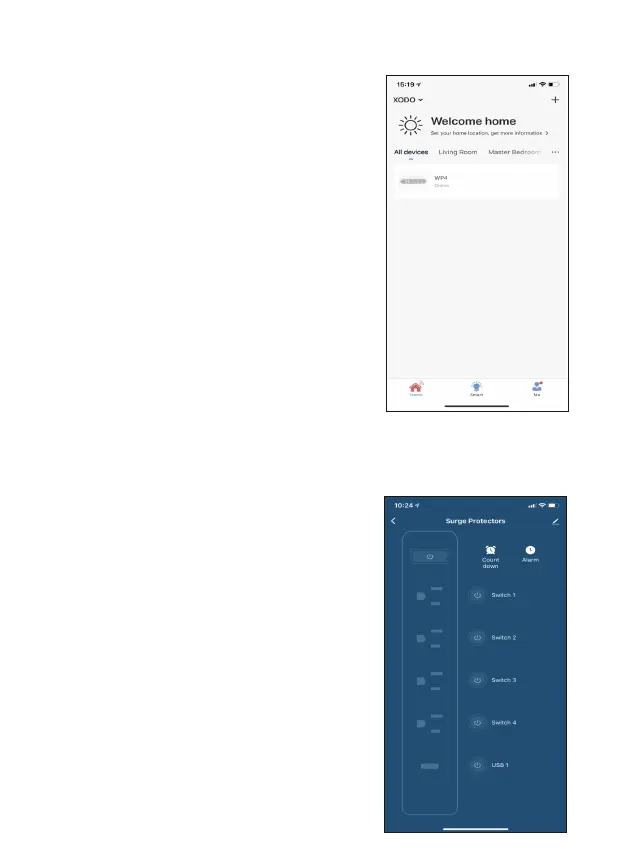
Home Screen Updated
Now that your device has been added, it will
show on the home screen along with all
other paired Xodo Smart Products. Now you
are all set.
Smart Power Strip Home Screen
The home screen will show the live plug
status.
1. Press the control switch on the top le to
turn off/on the smart plug.
2. Press the control switch on the right to turn
off/on each port.
3. Press the “Count down” buon to set
countdown on or off.
4. Press the “Alarm” buon to set a schedule.


 To Next Page