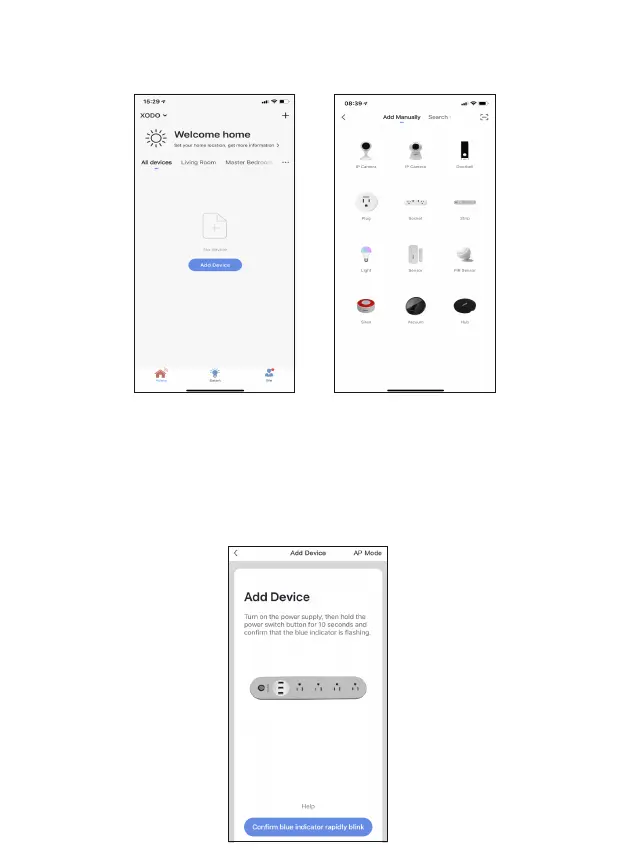
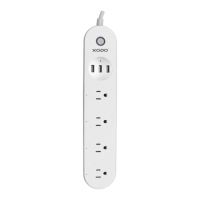
You will be able to manually add a device. Select Strip to connue.
Adding Devices
Detecng Device
When detecng devices manually, power on the device and confirm the
indicator light is blinking rapidly (Hold the reset buon for 10 seconds).
Once you confirm the smart device is ready, press the “Confirm indicator
rapidly blink” buon. Connue on to the next step. Pressing the “Help”
buon will offer some troubleshoong guidelines to follow.


 To Next Page