
 Need help?
Do you have a question about the XODO WP4 and is the answer not in the manual?
Important safety instructions to follow for safe operation and product warranty.
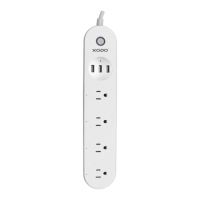
Details on the manual control button, power indicators, AC outlets, and USB ports.
Explains the meaning of different indicator light states (blinking blue, blue ON, blue OFF).
Steps to open the Xodo Smart app, register a new account, or log in.
How to power on the device and confirm the indicator light is blinking rapidly for detection.
Instructions to connect the smart device to a 2.4GHz Wi-Fi network by entering the password.
Overview of the home screen display and controls for power status, countdown, and schedules.
Instructions on how to control the smart strip using voice commands with Alexa.
 General
| Input Voltage | 100-240V AC |
|---|---|
| Input Frequency | 50/60Hz |
| Output Voltage | 100-240V AC |
| Maximum Current | 10A |
| Outlets | 4 |
| Power Cord Length | 1.8m |
| Operating Temperature | 0°C to 40°C |

 To Next Page