HSD 7799 ENG-27
English
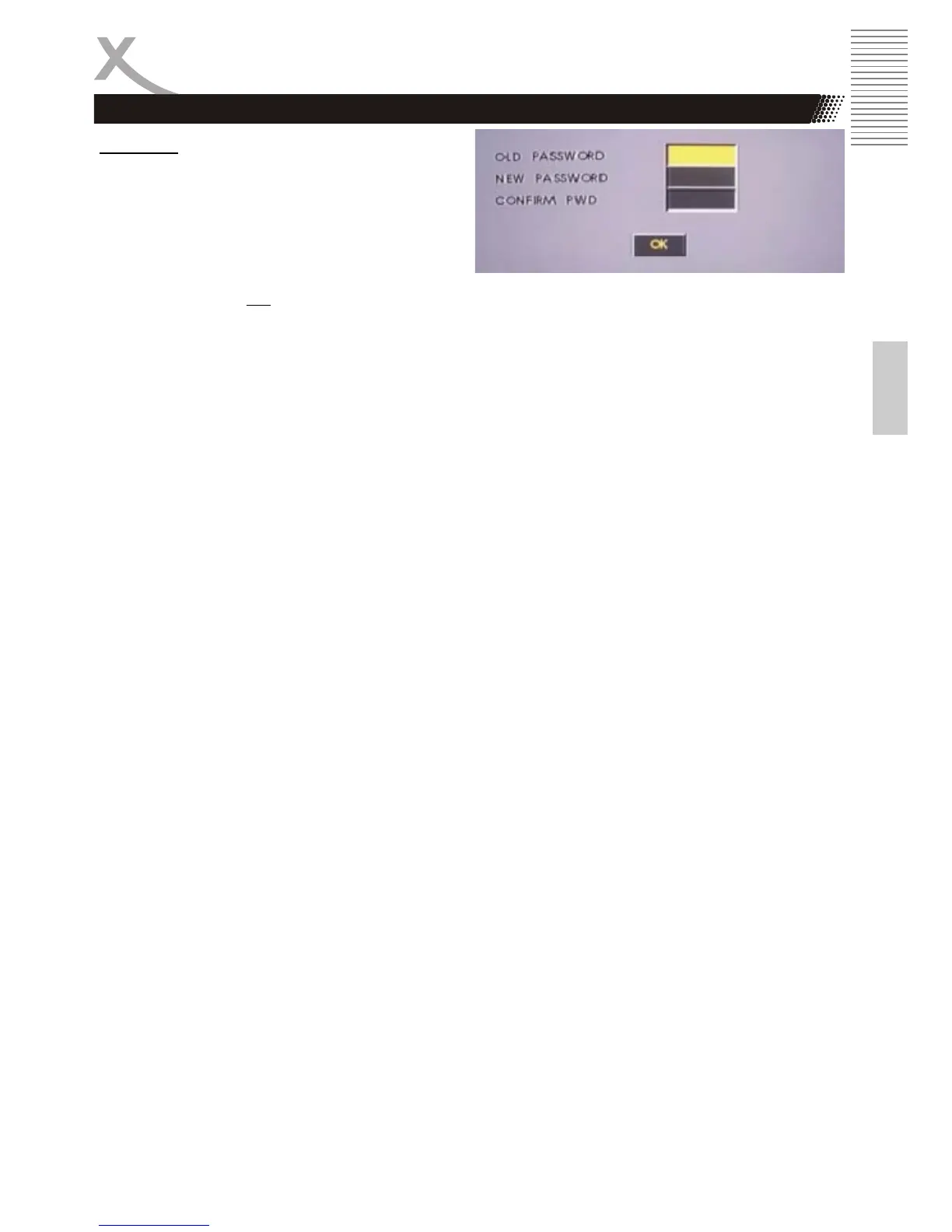
Password
This feature is used for Parental Control. Enter
your four digit password when a hint is displayed
on the screen. The default password is 8806.
1. Insert the old password
2. Insert the new password.
3. Confirm the new password
4. Navigate to OK
Feld and press ENTER button.
SETUP
Preference Page



 To Next Page