HSD 7799 ENG-31
English
DVB-T
Button 2:
Here you can change between the TV channel list and the EPG overview.
Button 3:
If you marked a TV program, than you display the detailed EPG information.
/ buttons:
Changes between one TV channel to another or change from one TV program to another.
PgUp and PgDn button:
With these buttons you can scroll in the TV list or in the TV program list.
/:
In the EPG overview you can scroll from the current day to the next day. Each pressing of the button
the device scrolls one day more.
.
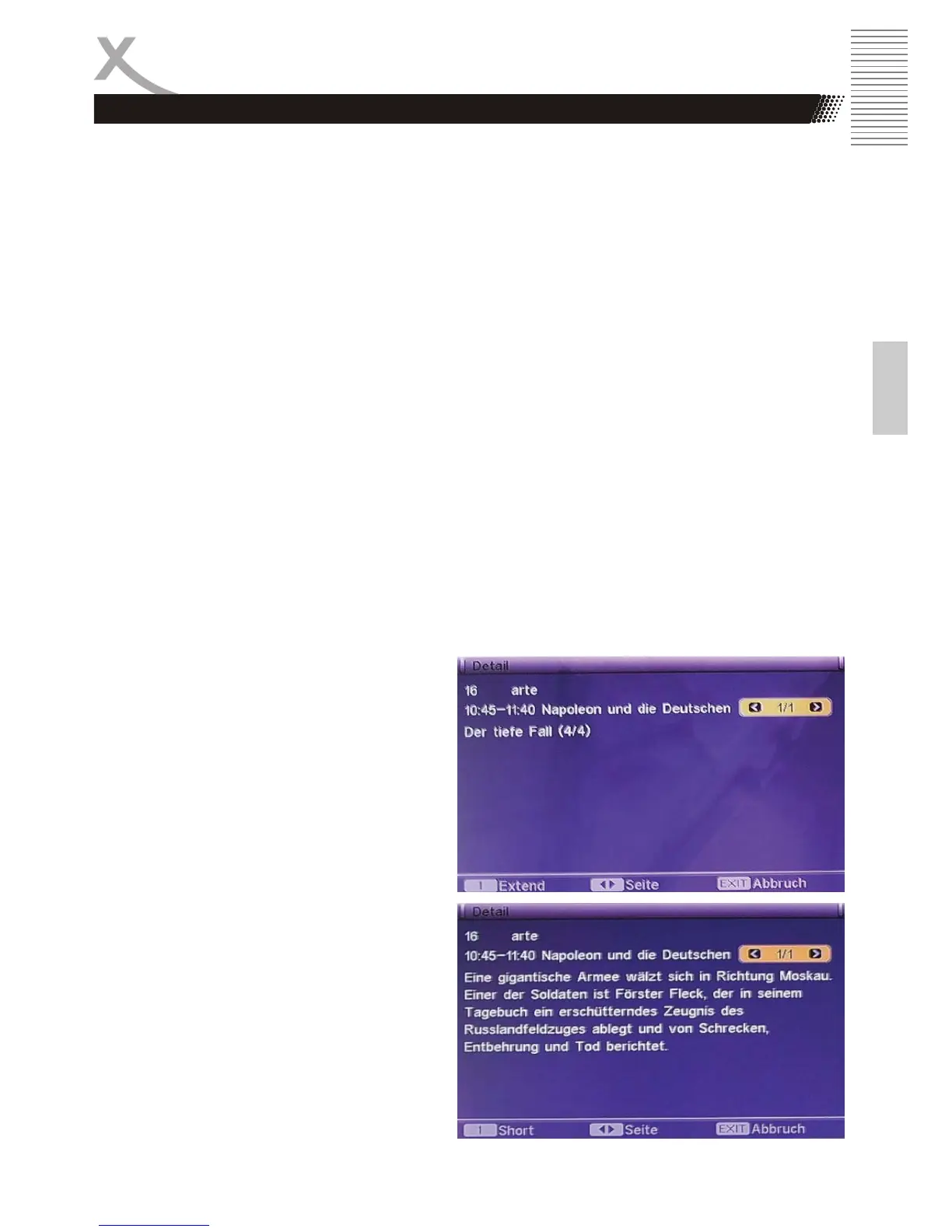
The detailed view of the EPG information (with the 3 button enabled) shows an altered appearance
of the EPG window.
This displays the program title. Detailed
information of the TV broadcast is displayed
with the 1 button. The following figure shows
the expanded view.
Note:
Sometimes it may happen that in the detailed
EPG information to the message "No
Information" or "No Description" will appear.
Often, however, more information is available,
to press the 1 button and other contents are
displayed.
Important Functions



 To Next Page