ENG-20
English
PLAYBACK
Repeat playing of favorite scene
Zoom in/ out
Angle
When playing disc of DVD,MPEG4,SVCD,VCD,CD,MP3,user can repeatedly play a specific
section.
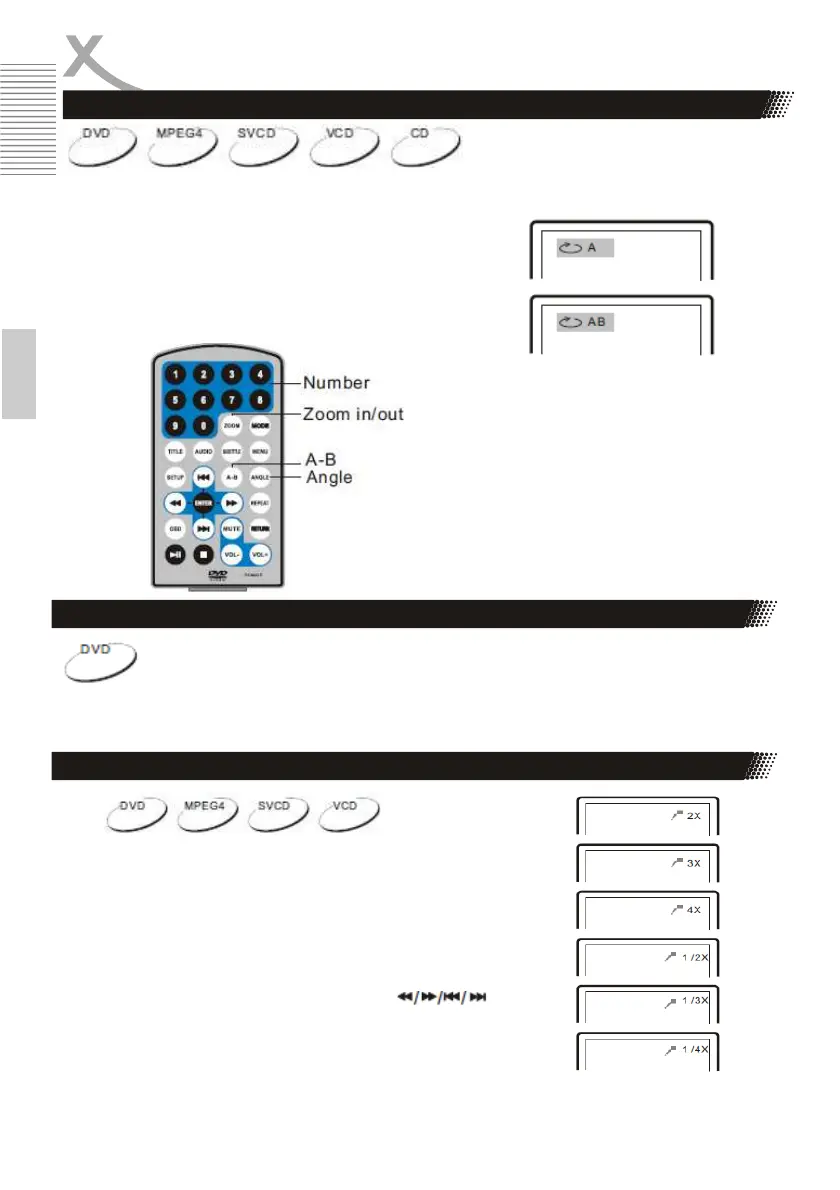
During playback,press“A-B”button at a point A,then press
this button again in point B,the unit will automatically repeat
playing the part between“A-B”
Press it the third time,the unit will return to normal playback.
During playing DVD disc with multi-angle, press“Angle”button to change the
display angle.
Note:
The function is available only for discs with multi-angle.
When playing disc of DVD,MPEG4,SVCD,VCD,user can zoom
in or zoom out the image
.
During playback,press“Zoom”button,the image will be
enlarged;press it again the image will be enlarged again; press
it fourth time,the image will zoom out,press it repeatedly and
the image will return to normal status.
When the image is enlarged,user can press“ ”
to move the image.



 To Next Page