EasyManua.ls Logo

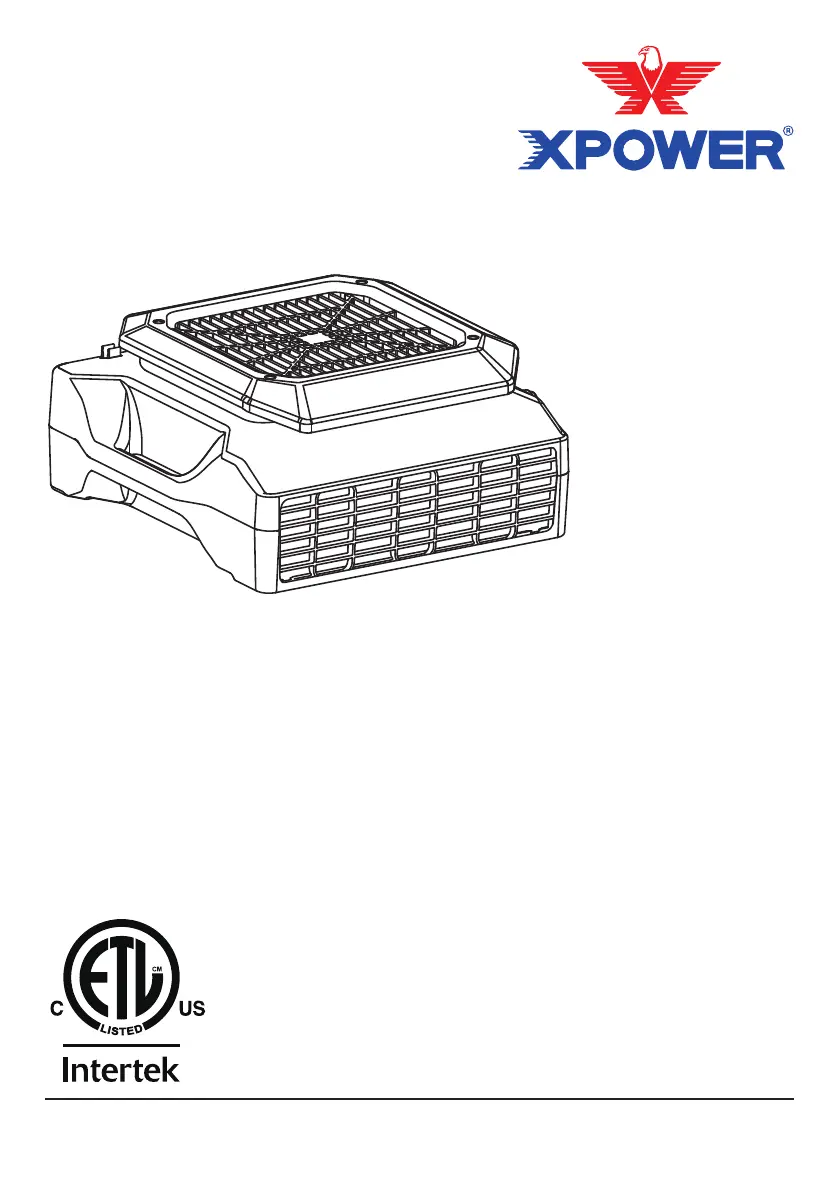
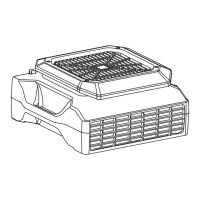
XPower PL-700A - User Manual

XPower PL-700A
40 pages
Print Icon
To Next Page IconTo Next Page
Loading...
Low Prole Air Mover Owner's Manual
Soplador de Aire de Perl Bajo Manual de Usuario
Ventilateur Extra Plat Mode d'emploi
Model / Modelo / Modèle:
PL-700A, XL-700A, XL-730A, XL-760AM
(115V~ 60HZ)
Read and save these instructions
Lea y guarde estas instrucciones
Lisez et enregistrez ces instructions
www.xpower.com | 1-(855)-855-8868 | info@xpower.com
Index: NA-1-A5
Edition: 1.1.Alpha

Questions and Answers

  • D
    Donald KingJul 28, 2025
    What to do if my XPower PL-700A is not running?
    • B
      Brian GrayJul 28, 2025
      If your XPower Blower isn't running, first ensure it's properly plugged into a working outlet and that the switch is turned on. If it still doesn't work, turn the unit off and check for any blockages in the intake or exhaust. Clear any obstructions. Additionally, inspect the fan for any jammed materials and remove them. If the issue persists, it could be due to wiring or motor failure, and you should contact XPOWER Customer Service.
  • M
    Mary WiseAug 2, 2025
    Why is my XPower PL-700A Blower vibrating or making noise?
    • N
      nguzmanAug 2, 2025
      If your XPower Blower is vibrating excessively or making unusual noises, it might be due to a jammed or broken fan. First, try to remove any material that might be jamming the fan. If the problem continues, contact XPOWER Customer Service for further assistance.
  • P
    pamela70Aug 9, 2025
    What to do if my XPower Fan does not start?
    • J
      Jonathan PalmerAug 9, 2025
      If your XPower Fan doesn't start, first ensure it's receiving electricity by checking the power supply. Next, remove and reconnect the power cord to ensure it's properly plugged in. If the machine is working under an extreme temperature, turn off the machine and unplug it. Let the machine cool down to normal temperature. Also, if the circuit breaker on the additional electrical receptacle jumps, remove all appliances on the additional electrical receptacle and press the reset button.
  • O
    osalazarAug 15, 2025
    Why does the additional electrical receptacle on my XPower Fan have no power?
    • J
      Jeanette ShahAug 15, 2025
      If the additional electrical receptacle on your XPower Fan has no power, it might be due to the circuit breaker tripping. Remove all appliances from the additional electrical receptacle and press the circuit reset button. Alternatively, a ground fault might be causing a power interrupt. In this case, turn off and unplug the XPower Fan, remove all appliances from the additional electrical receptacle, and press the GFCI reset button.
  • J
    Jacob ParkerAug 20, 2025
    What to do if the XPower Fan unit runs but the speed is abnormal?
    • K
      Kimberly GuerreroAug 20, 2025
      If your XPower Fan runs but the speed is abnormal, the air inlet or outlet might be blocked. Remove any blockage to restore normal speed.

Summary

Safety Precautions

General Safety Warnings

Read and save these instructions before using the product to avoid hazards like injury, fire, or electrical shock. Failure to follow instructions may damage the appliance or void the warranty.

Included Items

Parts Description

Product Introduction

Operating the Air Mover

Multiple Operating Positions

The low profile air mover can operate in different positions to direct airflow to desired areas, offering flexibility in placement and application.

Control Panel Overview

Speed and On;Off Controls

Details speed control for PL/XL models and on/off control for XL-760AM, explaining how to adjust fan speed and power.

Switch Plate Features

Time Meter Functionality

Describes the time meter on the XL-760AM model, tracking total running hours and its display behavior.

Additional Electrical Receptacles

Daisy Chain Receptacle Function

Details the function of the additional electrical receptacle for daisy-chaining other appliances, including amperage limits.

Additional Receptacle Types

Regular vs. GFCI Protected

Explains the differences between regular and GFCI protected additional electrical receptacles for various models.

Transportation and Storage

Stacking Units Safely

Provides instructions on how to stack multiple low profile air movers safely, including alignment and stacking limits.

User Maintenance

Cord Management

Troubleshooting Guide

Technical Specifications

XPOWER Limited Warranty

Warranty Coverage and Exclusions

Outlines the 1-year limited warranty for US purchases, details covered defects, and lists items not covered by the warranty.

Getting Assistance

Provides steps for troubleshooting and contact information for XPOWER customer service via email, phone, or visiting the head office.

Return and Replacement Process

XPower PL-700A Specifications

General IconGeneral
BrandXPower
ModelPL-700A
CategoryBlower
LanguageEnglish

Related product manuals