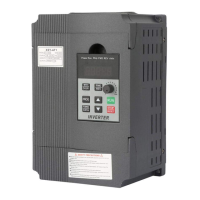
6.Keys instructions:
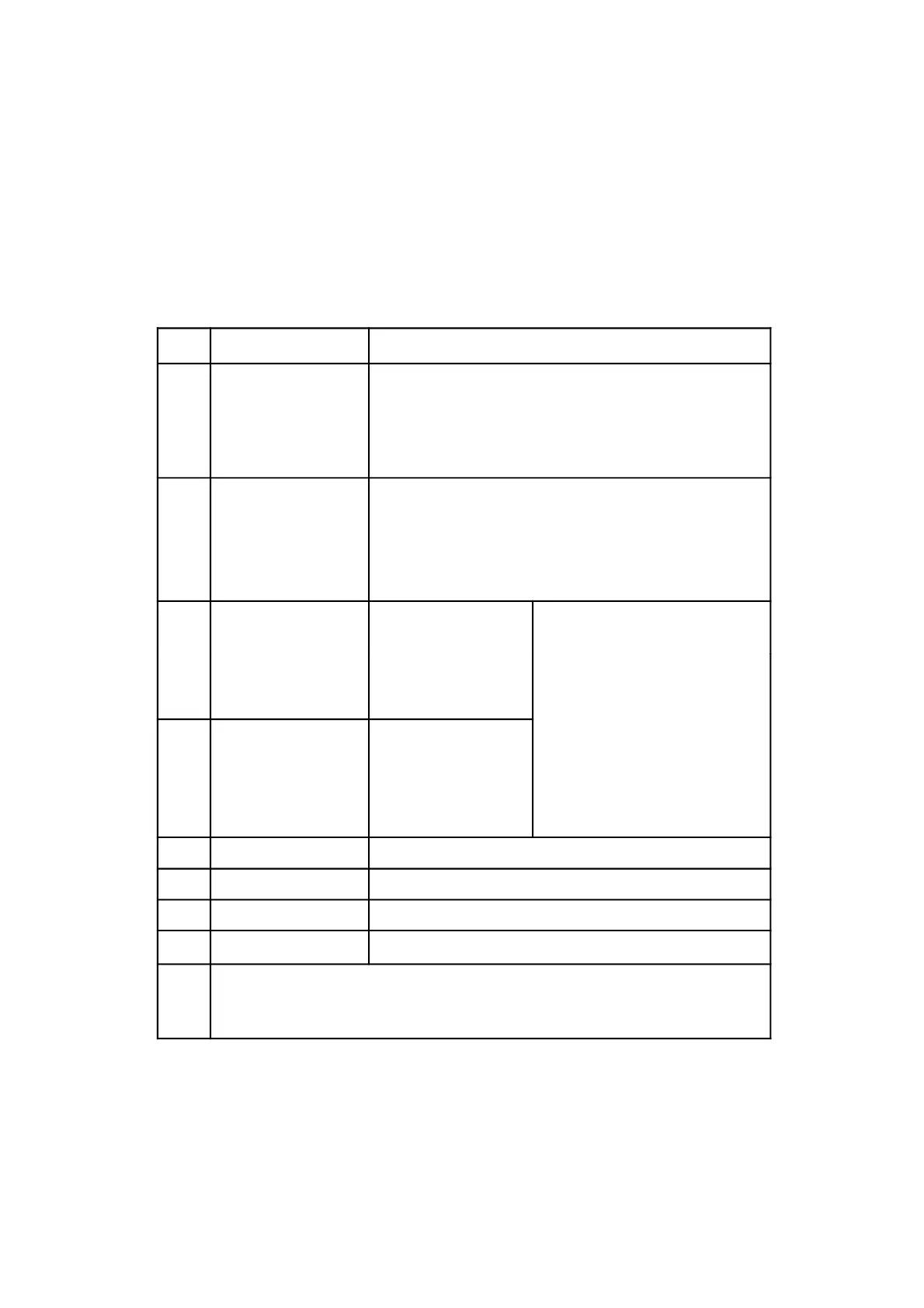
Icon Function description
1
(Programming)
For selecting mode or Programming mode (it is
available not mater the Inverter start or stop),
press this key for modifying parameters.
2
(Function / Save)
Function data setting key. Normal mode: press
this key to display the information of the Inverter,
such as target frequency, output frequency and
current, temperature;
Parameter
Short press this key, then
9页
3
(▲)
parameter value
increase
Short press this key, then
the numerical value will
change gradually. Long
press this key, then the
numerical value will change
rapidly
4
Key
(▼)
Parameter
number or
parameter value
decrease
5
Shift
Shift in programming mode, jog in normal mode
6
Forward / Reverse Forward / Reverse switching key
7
Start Start Inverter output
8
Stop / Reset
Break down, fault resetting
Note
Please modify the parameters underthe stopstate, otherwise, the
changed parameters cannot be saved.



 To Next Page