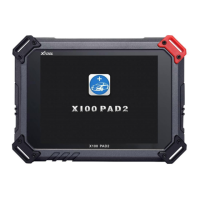
X100 PAD2 Diagnosis System
2.3. Toolbar Function Buttons
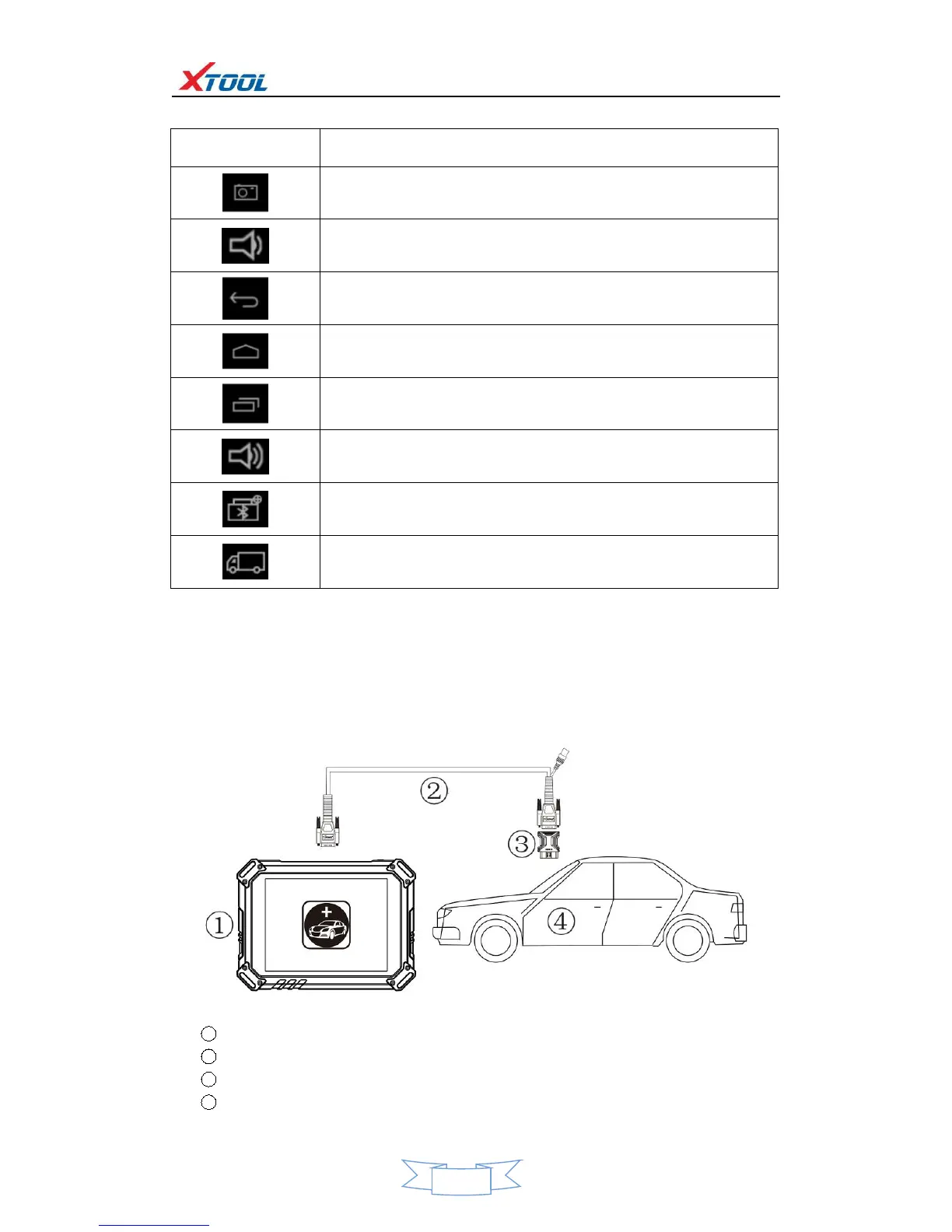
Return to previous interface
Return to the main interface of Android System
Show (recently used) applications
Click here to return to the diagnostic interface
Click here to return to diagnostic vehicle models interface
3. Vehicle Connection Diagnosis
3.1. Vehicle Connection Test
a. Connect scanner and vehicle with cable in following order:
b. Switch on the ignition and turn on X100 PAD2 tablet, then tap on X100 PAD2 application icon to test
vehicles. (Shown as follows)


 To Next Page