Xtralis VESDA LCD Programmer Product Guide Xtralis VESDA
®
28 www.xtralis.com
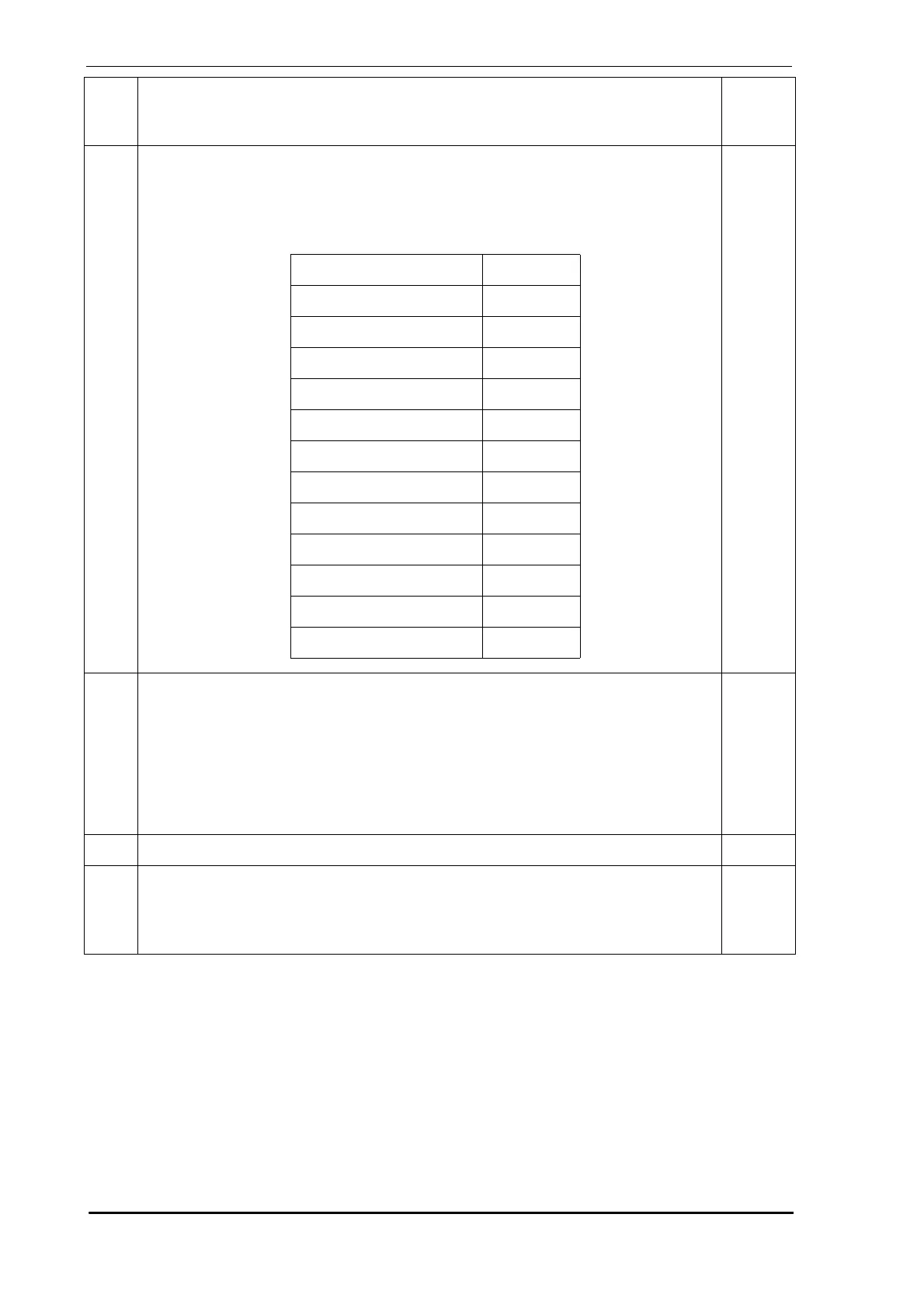
74. Relay Assignments - Each relay is allocated a screen. In their respective screens
assign the relevant alarm, fault, scanning or isolate function. Multiple functions can
be assigned to each relay. Relay 3 and relay 6 are permanently assigned to Urgent
Fault and Fire 1 functions respectively. Additional functions may be assigned to
Relays 3 and 6. Use the key to assign or de-assign functions.
ADM
75. Diagnostics - It is possible to conduct alarm and fault tests through sub-menus of
this screen.
• Alarm Test - This causes the detector to generate a Fire 2 condition
• Fault Test - This causes a system fault for 30 seconds
• Flow Fault - This causes a 30 second Air Flow fault
• Sector Test - This allows all valves to be forced closed and open
• Scan Test - This will perform a scan test
• Relay Test - (Refer to Screen 76).
ADM
76. Relay Test - This allows testing each relay by turning it ON and OFF. ADM
77. Factory Defaults -
• Factory Defaults - To restore factory defaults, highlight Restore and press .
• Defaults OK - Highlighting Start and pressing will acknowledge Factory
Default settings and clear faults 12, 30, 31, 33, 34, 35, 38, 57, 68 and 72.
DST
ADM
Scrn
No.
Description
Min.
Access
Level
↵
Parameter Default
Scanning Relay 12
Sector 4 Relay 11
Sector 3 Relay 10
Sector 2 Relay 9
Sector 1 Relay 8
Fire 2 Relay 7
Fire 1 Relay 6
Action Relay 5
Alert Relay 4
Urgent Fault Relay 3
Minor Fault Relay 2
Isolate Relay 1
↵
↵



 To Next Page