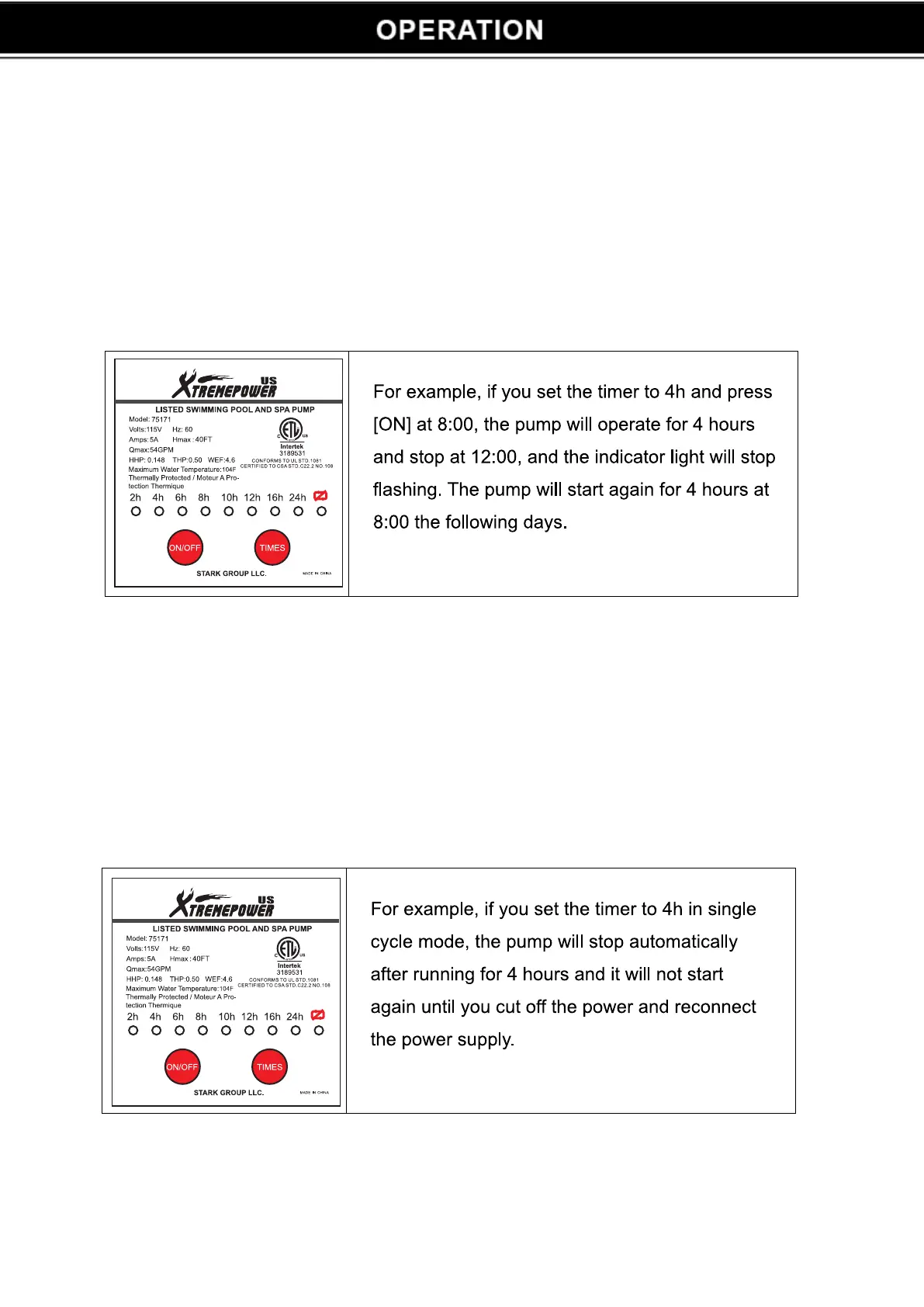
Press the time button to adjust the time, the pump must be stopped; otherwise the time cannot be adjusted. There
are two operation modes in control panel: continuous mode and single cycle mode.
CONTINUOUS MODE:
After turning on the pump, the default setting is 24 hours continuous operation (indicator lights flashing in 24 h). To
set the desired operation period, this can be done by pressing the timer button; the indicator lights cyclical flash
among 2h 4h 6h 8h 10h 12h 16h 24h. Then press the ON/OFF button, the pump starts running. The running
time is what the timer indicator light shows.
SINGLE-CYCLE MODE:
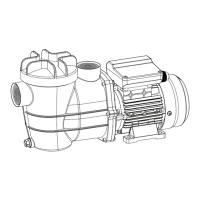
When pressing the timer button more than ten seconds, the single cycle indicator light will flash and switch to
single cycle mode. In the single cycle mode, after pressing [ON], the pump will work and stop when it run out the
setting time and it will work again until the power supply is reconnected. To change setting time, press timer button
(2h 4h 6h 8h 10h 12h 16h 24h)
4


 To Next Page