1
2 3
4 5
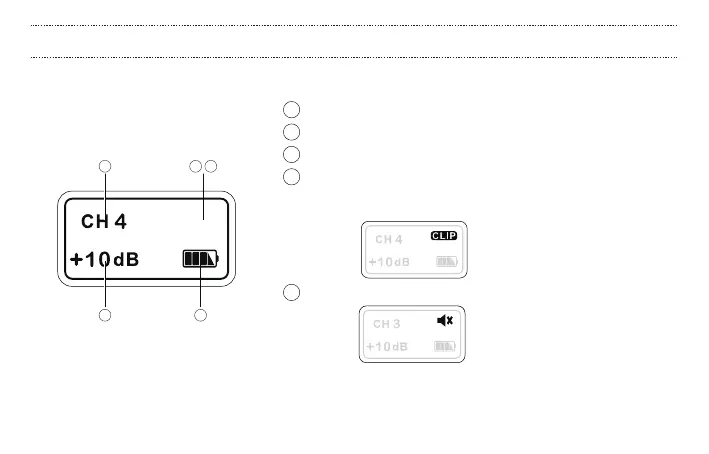
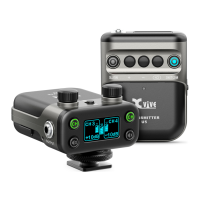
1 RF channel display: press channel switch button to select channel
2 Input gain: Mic: -6 to +12 dB; Line: 0 to +12 dB
3 Battery level: displays the transmitter’s battery level
4 Input clip: peak indicator. When the clip LED illuminates, the sound
level is beyond the acceptable dynamic range and may result in
distortion.
5 Audio mute: press the mute button to turn o input audio
The brightness of the screen will decrease when the unit is not
in operation.
U5 TRANSMITTER: DISPLAY
11


 To Next Page