EasyManua.ls Logo

Xyron XM2500 - User Manual

Xyron XM2500
10 pages
Print Icon
To Next Page IconTo Next Page
Loading...
Adhesive Application &
Laminating System
USER’S GUIDE
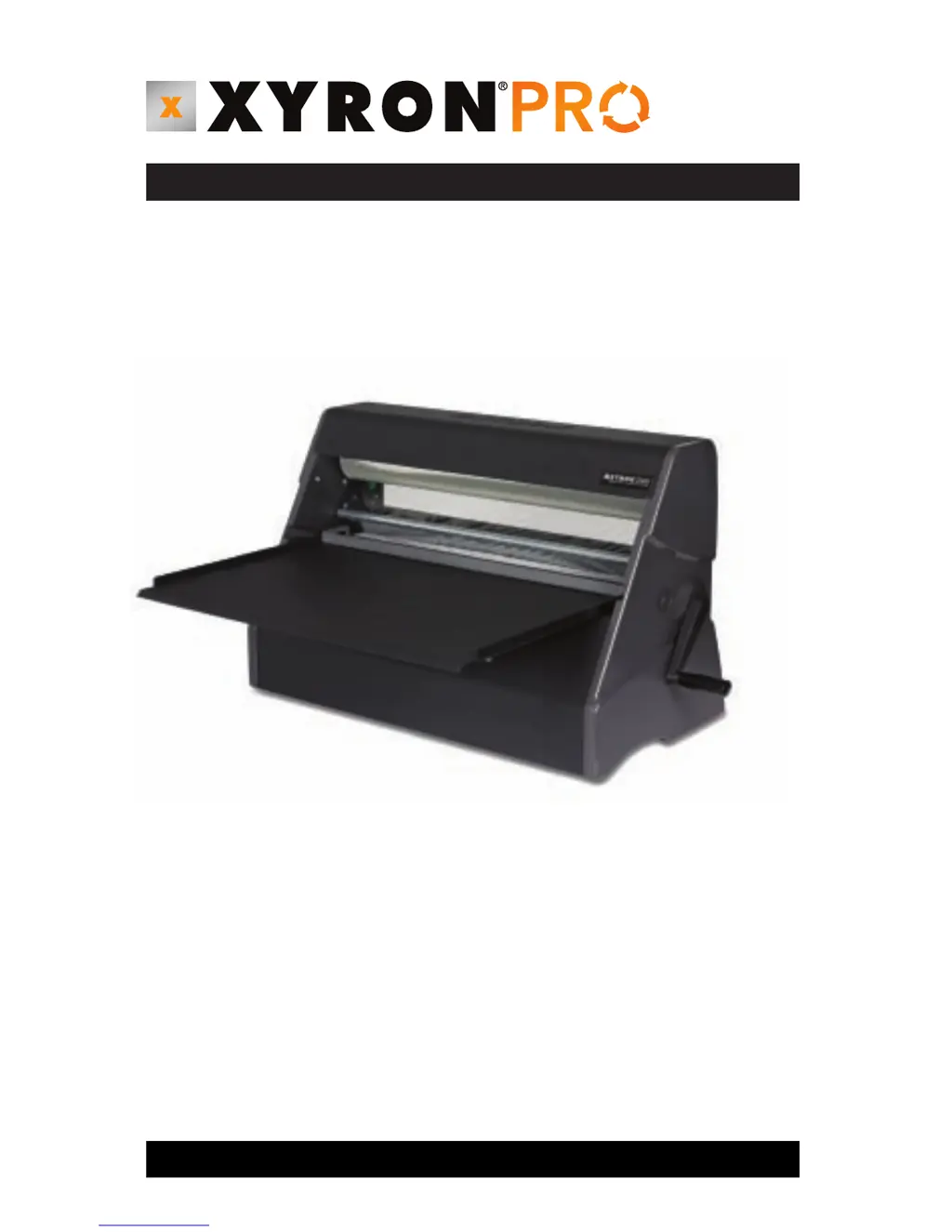
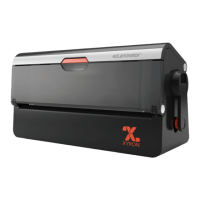
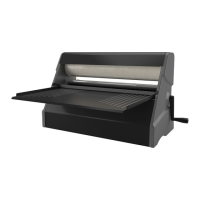
The XM2500 is an economical and easy to use document finishing system. This
versatile and non-electric system has been designed to laminate or apply mount-
ing adhesive to a variety of media. The same system is capable of laminating, selec-
tively applying adhesive or laminating and applying adhesive at the same time.
With the XM2500, documents are easily laminated or can be transformed into signs,
stickers or labels instantly. The machine and supplies are compatible with all types
of computer-printed media including laser, inkjet, color and thermal in a wide
range of material sizes and thickness.
2500

Questions and Answers

  • A
    April LongJul 26, 2025
    Why does my Xyron XM2500 Laminator wrinkle thin documents during lamination?
    • T
      Tyler BentleyJul 26, 2025
      Wrinkling of thin and/or wide documents during lamination may occur if the paddle is not operated correctly, or the tray and/or paddle are not flat. Ensure the paddle is pushed forward completely after the document is loaded and aligned. Make sure the document extends about 1-2" past the edge of the paddle before pushing it forward. Also, verify that the leading edge of the document is evenly adhered (“locked”) to the lower supply film by temporarily pulling the paddle back after it has been completely pushed forward. Check the paddle and tray for flatness.
  • M
    Michael RandolphJul 31, 2025
    What to do if film does not exit the Xyron Laminator between Upper and Lower Blade Bars?
    • A
      Aaron MccallJul 31, 2025
      If the film does not exit the machine between the Upper and Lower Blade Bars, it may be because the material is curled or adhesive has been transferred to the Nip Roller, causing the film to stick. Try repositioning the material between the upper cut bar and lower guide. If needed, clean adhesive from the nip rollers.
  • S
    Steven CampbellAug 4, 2025
    How to fix Xyron XM2500 cut blade that does not cut well?
    • V
      vroseAug 4, 2025
      If the cut blade isn't cutting well, it may be due to adhesive buildup or a dull blade. Clean any adhesive buildup from the blade using isopropyl alcohol. If the blade remains ineffective, consider replacing it.
  • P
    Paul TerryAug 8, 2025
    Why is my Xyron XM2500 Laminator document difficult to load?
    • T
      Tanya HaleyAug 8, 2025
      If a document is difficult to load, the paddle may not be pulled back to the load position or there may be adhesive buildup on its underside. Ensure the paddle is pulled back to the “load” position before loading a document. Also, make sure the underside of the paddle is clear of any obstructions or adhesive buildup.
  • D
    Daniel ChanAug 12, 2025
    How to stop film wrinkles when laminating with a Xyron XM2500?
    • R
      Ryan PattonAug 12, 2025
      If film wrinkles don’t disappear as the crank is turned clockwise, the upper and/or lower supply roll(s) may not be firmly seated in the grooves within the side plate(s). Ensure that the supply rolls are firmly seated at the base of the grooves in the side plates.
  • R
    Robin MartinAug 16, 2025
    Why does the film in my Xyron XM2500 curl and/or wrinkle?
    • M
      Matthew CarpenterAug 17, 2025
      If the film does not lay flat and instead curls and/or wrinkles, there may be adhesive buildup on the lower idler bar. Clean any adhesive buildup from the idler roller using isopropyl alcohol.
  • Y
    Yesenia JohnstonAug 21, 2025
    How to fix a Xyron XM2500 cut blade that does not slide smoothly?
    • M
      Madison LangAug 21, 2025
      If the Cut Blade does not slide smoothly, it may be because the Upper Blade Bar is sticking in the side plate groove or the blade is sticking on the Blade Bar. Apply silicon lubricant to all surfaces of the top blade bar.

Summary

Features & Functions

Setting Up

Loading Supply Rolls

Basic Operation

How to remove document from adhesive backing

Supply Roll Removal

Maintenance, Safeguards & Tips

Troubleshooting

Long documents not aligned

Addresses issues with document alignment after lamination due to feed tray or supply roll seating.

Cut blade does not slide smoothly

Troubleshoots a sticky cut blade, suggesting lubricant for the upper blade bar.

Cut blade does not cut well

Recommends cleaning or replacing the cut blade due to adhesive buildup or dullness.

Document difficult to load

Provides solutions for loading difficulties, focusing on paddle position and underside cleanliness.

Xyron XM2500 Specifications

General IconGeneral
BrandXyron
ModelXM2500
CategoryLaminator
LanguageEnglish

Related product manuals