28 // YAASA ADJUSTABLE BED OWNER‘S MANUAL 29YAASA ADJUSTABLE BED OWNER‘S MANUAL //
REMOTE CONTROL
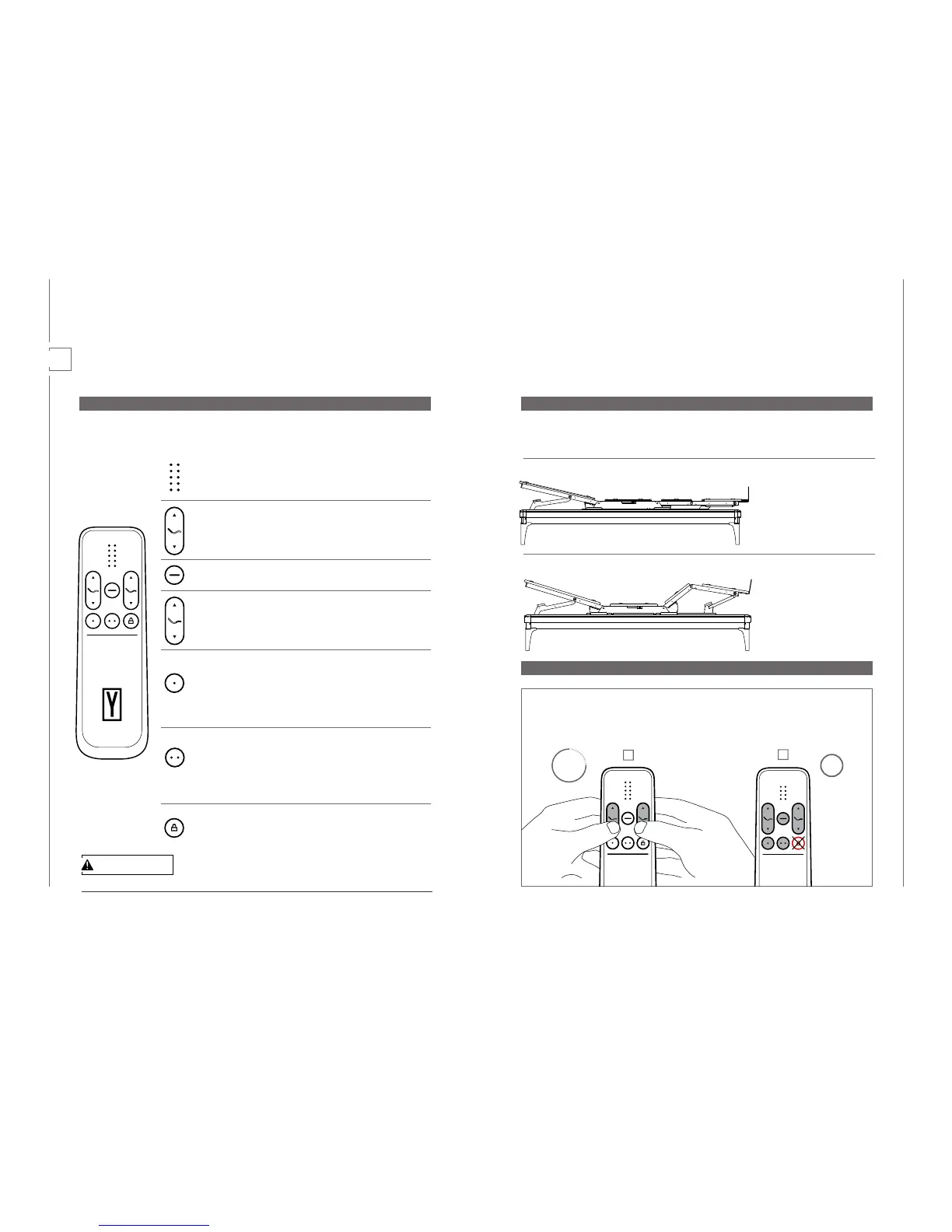
The remote control allows you to move all parts of the bed from up to 23 feet (7m) away. There
can be up to two remote controls connected to one bed. The buttons on the remote control func-
tion as follows:
06
CAUTION
Activate Child Lock when children are present.
PRECONFIGURED MEMORY POSITIONS
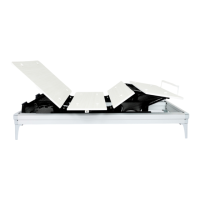
The system comes preconfigured with two distinct positions. Each saved on one memory posi-
tion key:
RESET OF MEMORY POSITIONS
1 Anti-Snore position
Gently raises your head, opens
up nasal airway passages and
helps prevent snoring.
2 Zero Gravity position
Relieves pressure from your
back & spine, promotes bet-
ter blood flow and creates a
weightless sensation through-
out the body.
1
2
15 sec
1 x
LED array
The animated LED array changes according to the currently
used function.
Head Position Up and Down
Use the arrow keys to move the Head Position up and down. It
will move until you release the key or you reach the highest or
lowest position.
Flat Position
Press this button to automatically flatten the bed surface.
Foot Position Up and Down
Use the arrow keys to move the Foot Position up and down. It
will move until you release the key or you reach the highest or
lowest position.
Favorite Position 1
To recall the memory position, simply press the button (less than
3 seconds) and the bed moves automatically to the saved po-
sition. To store a favorite position, move the bed to the desired
position and press the button for at least 3 seconds. The default
setting for this button is Anti-Snore
Favorite position 2
To recall the memory position, simply press the button (less than
3 seconds) and the bed moves automatically to the saved po-
sition. To store a favorite position, move the bed to the desired
position and press the button for at least 3 seconds. The default
setting for this button is Zero-Gravity
Child Lock
Hold for three seconds to disable or enable the Child Lock. The
remote control displaying an L when pressing any button will in-
dicate that the child lock is activated.
To reset the Memory Position buttons to their precon-
figured positions you need to perform a default reset.
(1) Press the Head Position down and Foot Position
down simultaneously for at least 15 seconds.
(2) Now press any key (except Child Lock) until the
bed moves into the flat position. The reset was
successful once you reach the lowest position.
Operation


 To Next Page
 Loading...