2. Digital 4D Keystone Correction
Rotate the focus ring or lens slowly. At the same time, check the focus point carefully. The
best focus point for the lens would be where the image most clear.
Note: If it is still blurry, please try to adjust the projection distance.
Use the digital 4D keystone correction of the projector to change the image to be rectangle
(vertical and horizontal). Detail please refer the page 13 of this manual.
Setting Up The Projector
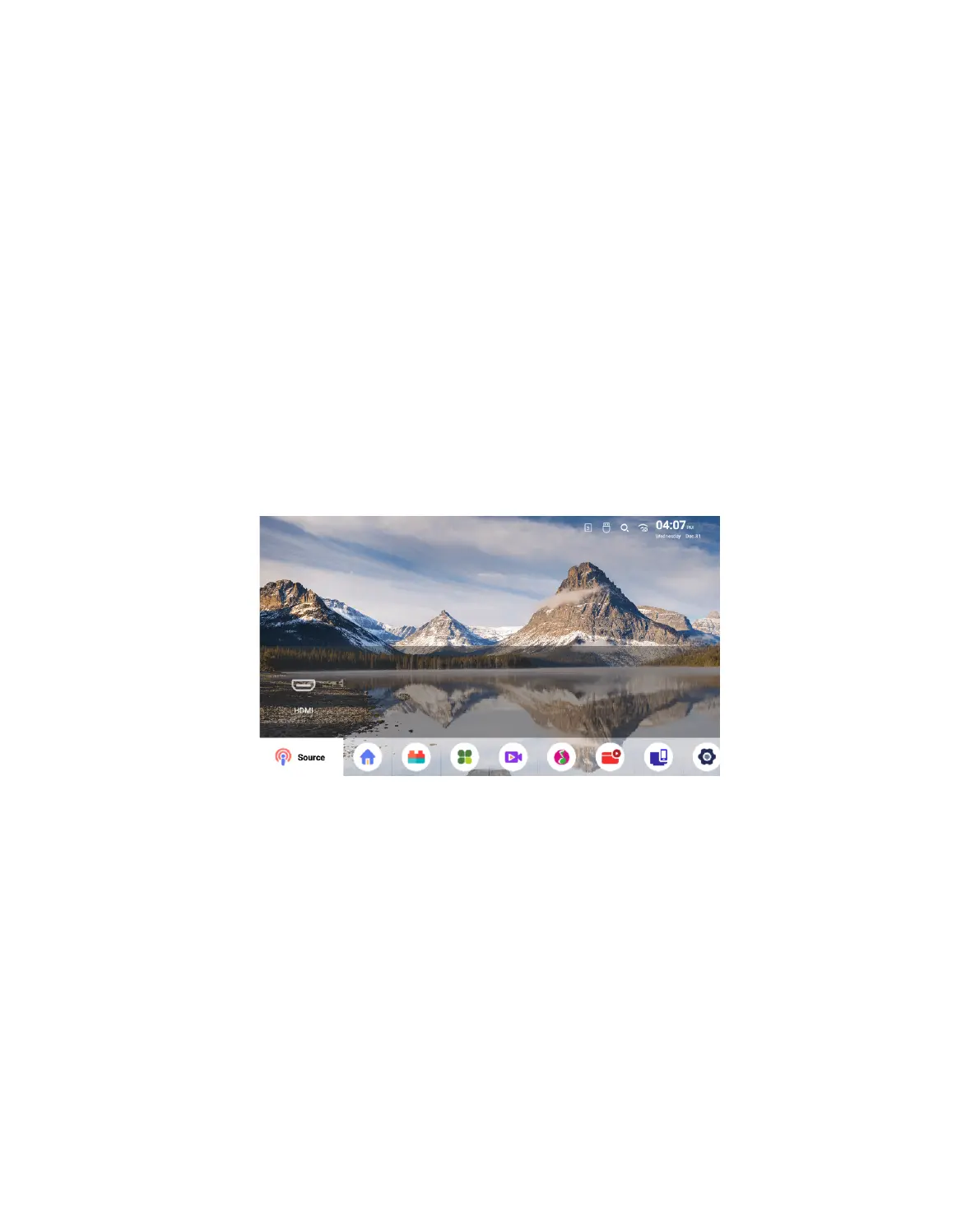
1. Select The Insert Signal Source
The projector's home page is as follow.
Select the desired insert signal source (HDMI/File) on the home-page.
2. WiFi Setting
Wireless Connection
Warming Tips:
1. The fluency of screen mirroring with wireless connection will be affected by the network
environment. A bandwidth of 100Mbit or more is recommended
when using screen mirroring.
01 02
03 04 05 06 07
08 09 10 11 12
13 14 15 16



 To Next Page
 Loading...










