15
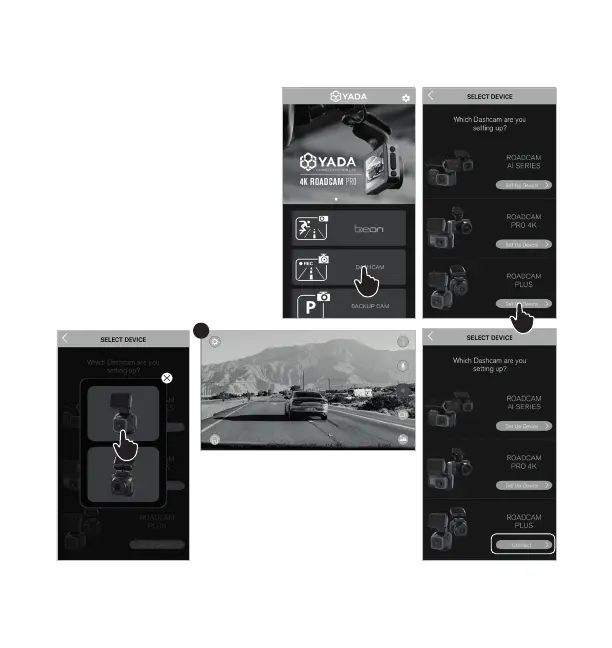
6. Select the “DASHCAM”
category.
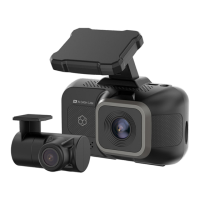
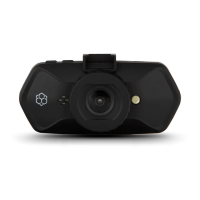
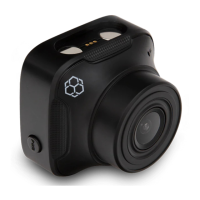
7. Select ROADCAM PLUS
and click “Set Up Device”.
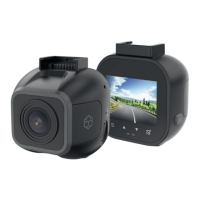
8. Select product from the list
of devices.
9. Once connected, you will
be able to see the camera’s
live view through the APP.
6
7
8
9
NOTE: After the initial sync,
the APP remembers your
camera’s network so that you
can simply click “Connect” to
rejoin next time.




 To Next Page