How to Confirm the Firmware Version
Complete update of DISPLAY firmware first, then install updates of MAIN, DSP and SDR
firmware. Refer to FT-710 Firmware Upgrade Manual
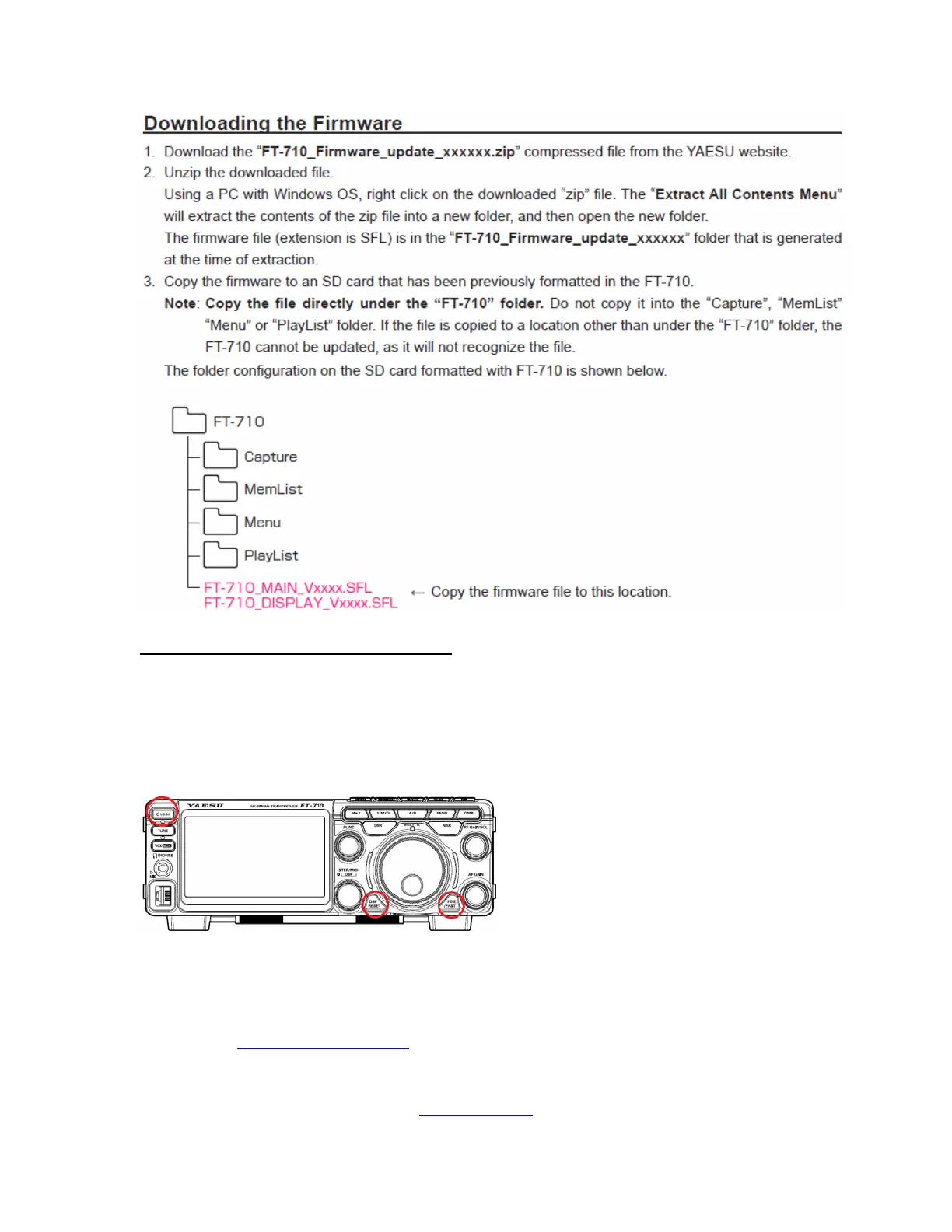
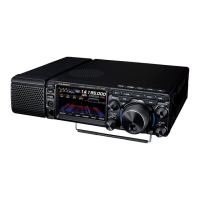
After installing the firmware completely, the FT-710 must be reset: Turn the Main Power OFF,
then press [DSP REST] and [FINE/FAST] buttons together, while pressing the Main Power ON.
Main frequency display 7.000.000 MHz will appear.
If you already have the above firmware versions, it is not necessary to update the FT-710 again.
We hope this new firmware will increase your enjoyment of your FT-710. Thank you for
choosing Yaesu radios. If you have any problems or questions, please contact Yaesu Amateur
Tech Support amateurtech@yaesu.com
.
Yaesu USA | 6125 Phyllis Drive | Cypress, CA 90630 | 714.827-7600 | FAX: 714.827-8100
http://www.yaesu.com


 To Previous Page