2200 YRM 1067 ZAPI™ PC Interface
Parameter
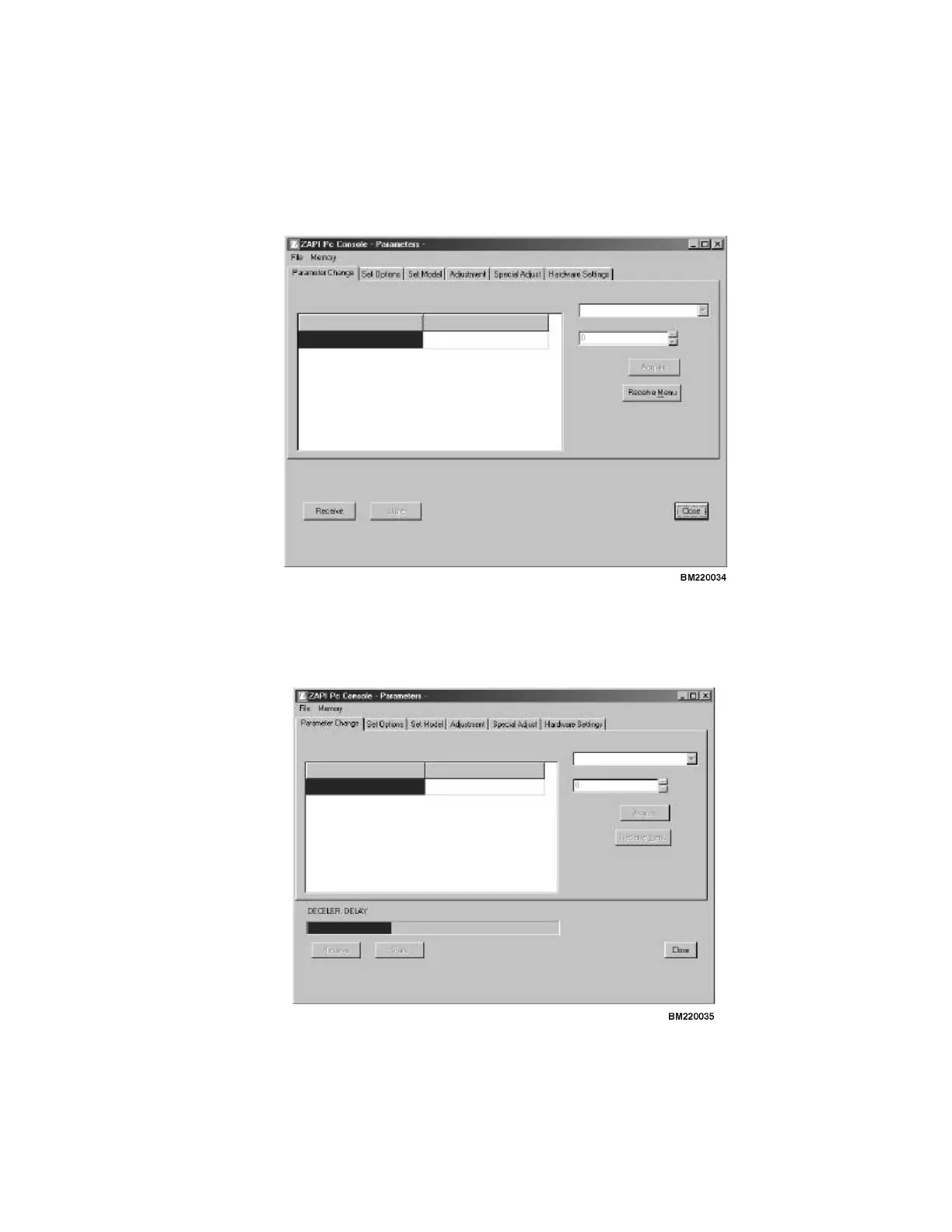
When you first activate this selection, the screen will
look as indicated in Figure 24. In order to see the pa-
rameters of the controller, you have to download them
tothePC.Thiscanbedoneby1of2ways.
1. Receive menu - This will only download the current
selected tab.
2. Receive - This will download all parameters and
configurations to the PC so you can adjust them.
Figure 24. Parameter
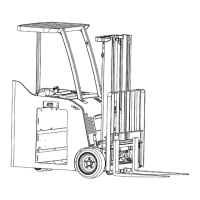
You will now see a screen like Figure 25, while the data
are being downloaded.
Figure 25. Downloading Screen
47



 To Next Page