EasyManua.ls Logo

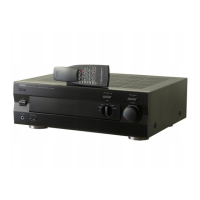
Yamaha AX-497 - User Manual

Yamaha AX-497
24 pages
Print Icon
To Next Page IconTo Next Page
Loading...
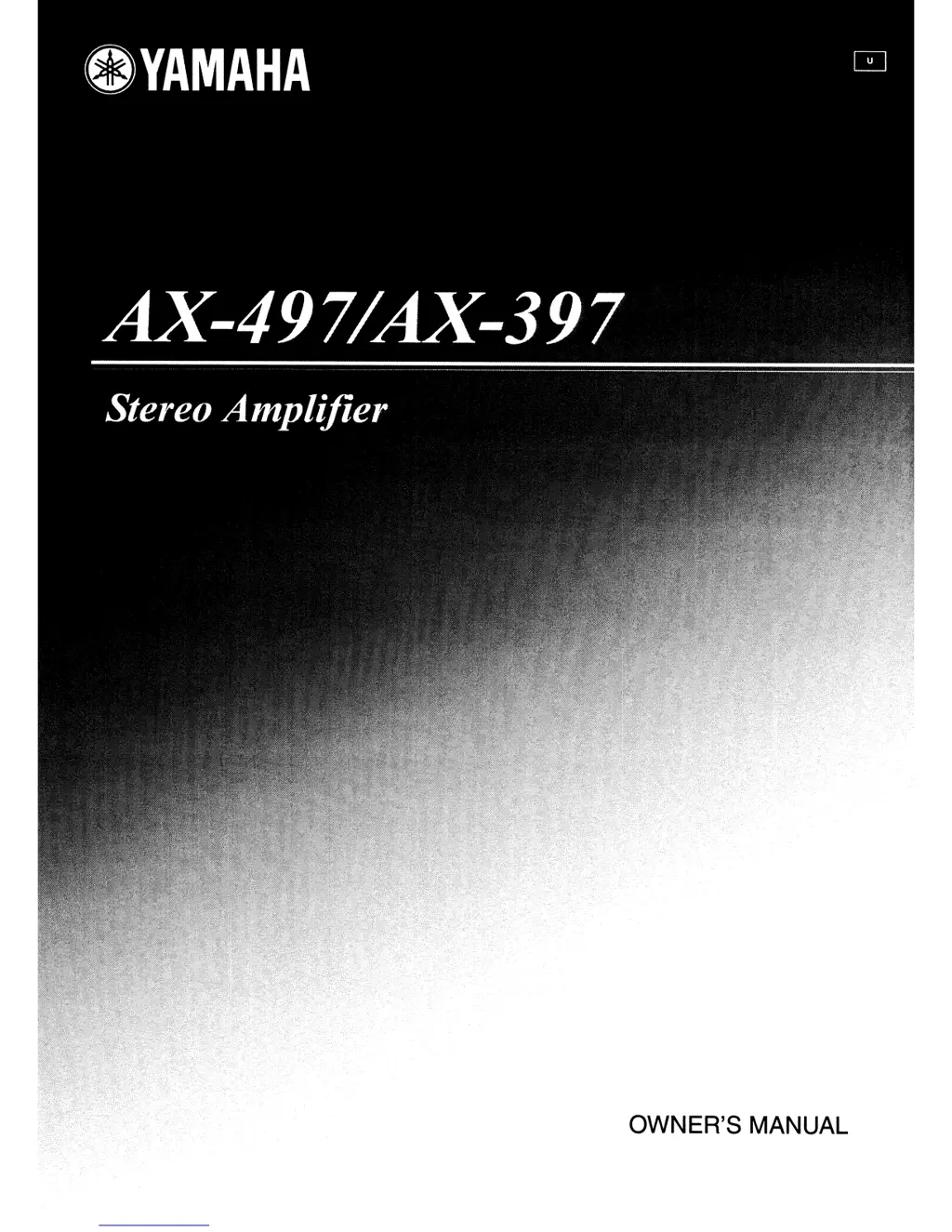
OWNER'S
MANUAL

Other manuals for Yamaha AX-497

Questions and Answers

  • S
    Stephen NelsonAug 18, 2025
    How to fix Yamaha Amplifier that fails to turn on?
    • J
      Joseph ChungAug 18, 2025
      If your Yamaha Amplifier doesn't turn on, ensure the power cord is firmly connected. Check the impedance setting matches your speakers. If the protection circuitry activated, check that the speaker wires are not touching each other and then turn the power back on. Also, make sure the IMPEDANCE SELECTOR switch on the rear panel is set to either end when the power is off. If exposed to a strong electric shock, set the unit to standby, disconnect the power cord, plug it back in after 30 seconds, and try again.
  • B
    buckbrittanyAug 20, 2025
    Why is there no sound coming from my Yamaha Amplifier?
    • M
      Mark EdwardsAug 21, 2025
      If your Yamaha Amplifier produces no sound, verify that all input/output cables are correctly connected and are not defective. Ensure you've selected the appropriate input source using the INPUT selector on the front panel or the remote control. Also, check if the TAPE MONITOR function is on and turn it off. Make sure the SPEAKERS A/B switches are properly set to the ON position and that all speaker connections are secure.
  • K
    Kristin DanielsAug 23, 2025
    What to do if the sound suddenly goes off on Yamaha AX-497?
    • B
      Brian GoodmanAug 23, 2025
      If the sound on your Yamaha Amplifier suddenly cuts off, the protection circuitry may have been activated due to a short circuit. Check that the IMPEDANCE SELECTOR setting is correct. Also, check that the speaker wires are not touching each other and then turn the power of this unit back on.
  • H
    Heather HawkinsAug 26, 2025
    Why does the Yamaha AX-497 remote control not work?
    • C
      Carmen NortonAug 26, 2025
      If the Yamaha Amplifier remote control isn't working, ensure you're within 6 meters and no more than 30 degrees off-axis from the front panel. If it still doesn't work, replace all the batteries.
  • M
    Melanie YoungAug 28, 2025
    Why can only one speaker be heard on my Yamaha Amplifier?
    • J
      Joshua RiddleAug 28, 2025
      If you only hear sound from one speaker on your Yamaha Amplifier, check the cable connections to ensure they are properly connected and not defective. Also, verify that the BALANCE control is set to the appropriate position.
  • W
    whigginsAug 30, 2025
    Why can a humming sound be heard from Yamaha Amplifier?
    • S
      Sarah DavisAug 30, 2025
      If you hear a humming sound from your Yamaha Amplifier, ensure the audio plugs are firmly connected; the cables may be defective. Also, check the connection from the turntable to the GND terminal and make sure the GND connection between the turntable and this unit is secure.
  • H
    hramosSep 1, 2025
    What to do if the input source cannot be changed on Yamaha AX-497 Amplifier?
    • S
      Stephanie MooreSep 1, 2025
      If you cannot change the input source on your Yamaha Amplifier, ensure the CD/DVD DIRECT AMP switch is turned off. Also, verify that the TAPE MONITOR function is turned off.
  • L
    Lisa TaylorSep 3, 2025
    Why is there a lack of bass and no ambience on Yamaha AX-497 Amplifier?
    • A
      Andrea WoodSep 4, 2025
      If your Yamaha Amplifier lacks bass and ambience, check that the + and – wires are connected in reverse at the amplifier or the speakers. Connect the speaker wires to the correct + and – phase.
  • P
    paul67Sep 6, 2025
    Why is the volume level low while playing a record on Yamaha Amplifier?
    • L
      Luis JonesSep 6, 2025
      If the volume level is low when playing a record on your Yamaha Amplifier, and you are using a turntable with an MC cartridge, ensure the turntable is connected through the MC head amplifier.
  • J
    Joshua BarberSep 8, 2025
    What causes the volume level to not increase or sound distorted on Yamaha AX-497 Amplifier?
    • V
      vortizSep 8, 2025
      If the volume level on your Yamaha Amplifier cannot be increased, or the sound is distorted, check if the component connected to the TAPE OUT or the MD OUT terminals is turned off. If so, turn on the power of that component.

Summary

IMPORTANT SAFETY INSTRUCTIONS

FCC Information for US Customers

Information regarding compliance with FCC regulations for US customers.

OPERATIONAL SAFETY PRECAUTIONS

Canadian Customer Safety Information

Specific safety instructions for customers in Canada regarding electrical connections.

PRODUCT FEATURES

Supplied Accessories

List of items included with the product package.

CONTROLS AND FUNCTIONS

Front Panel Controls

Explanation of the power, input selectors, indicators, and other controls on the front panel.

Remote Control Functions

Description of the buttons and operation of the infrared remote control unit.

CONNECTIONS

Rear Panel Layout and Features

Details of the rear panel inputs, outputs, impedance selector, and voltage selector.

Connecting Speakers and Components

Instructions on how to connect speakers, turntables, tuners, tape decks, and other audio components.

Connecting Banana Plugs

Step-by-step guide on how to connect speaker cables using banana plugs.

PLAYING AND RECORDING

Playing an Audio Source

Steps to select a source, connect speakers, and adjust volume for listening.

Adjusting Tonal Quality

Guide to using BASS, TREBLE, BALANCE, LOUDNESS, and DIRECT AMP switches for sound adjustment.

Recording an Audio Source

Instructions for recording audio from a source to a tape deck or MD recorder.

TROUBLESHOOTING

General Problems and Solutions

Common issues like unit not turning on, no sound, or distorted audio, with their causes and remedies.

Remote Control Issues

Troubleshooting steps for when the remote control is not functioning properly.

SPECIFICATIONS

LIMITED WARRANTY

Yamaha AX-497 Specifications

General IconGeneral
Impedance4 Ω
Frequency range10 - 50000 Hz
RMS rated power170 W
Audio output channels2.0 channels
Signal-to-Noise Ratio (SNR)110 dB
Total Harmonic Distortion (THD)0.009 %
EqualizerYes
Product colorBlack
Dimensions (WxDxH)435 x 151 x 390 mm
Power consumption (standby)1.1 W
Power consumption (typical)490 W
Weight and Dimensions IconWeight and Dimensions
Weight910 g

Related product manuals