EasyManua.ls Logo

Yamaha C-65 - Operations; Connecting Components; Listening to Program Sources; Recording Program Sources

Yamaha C-65
12 pages
Print Icon
To Next Page IconTo Next Page
To Previous Page IconTo Previous Page
Loading...
BE
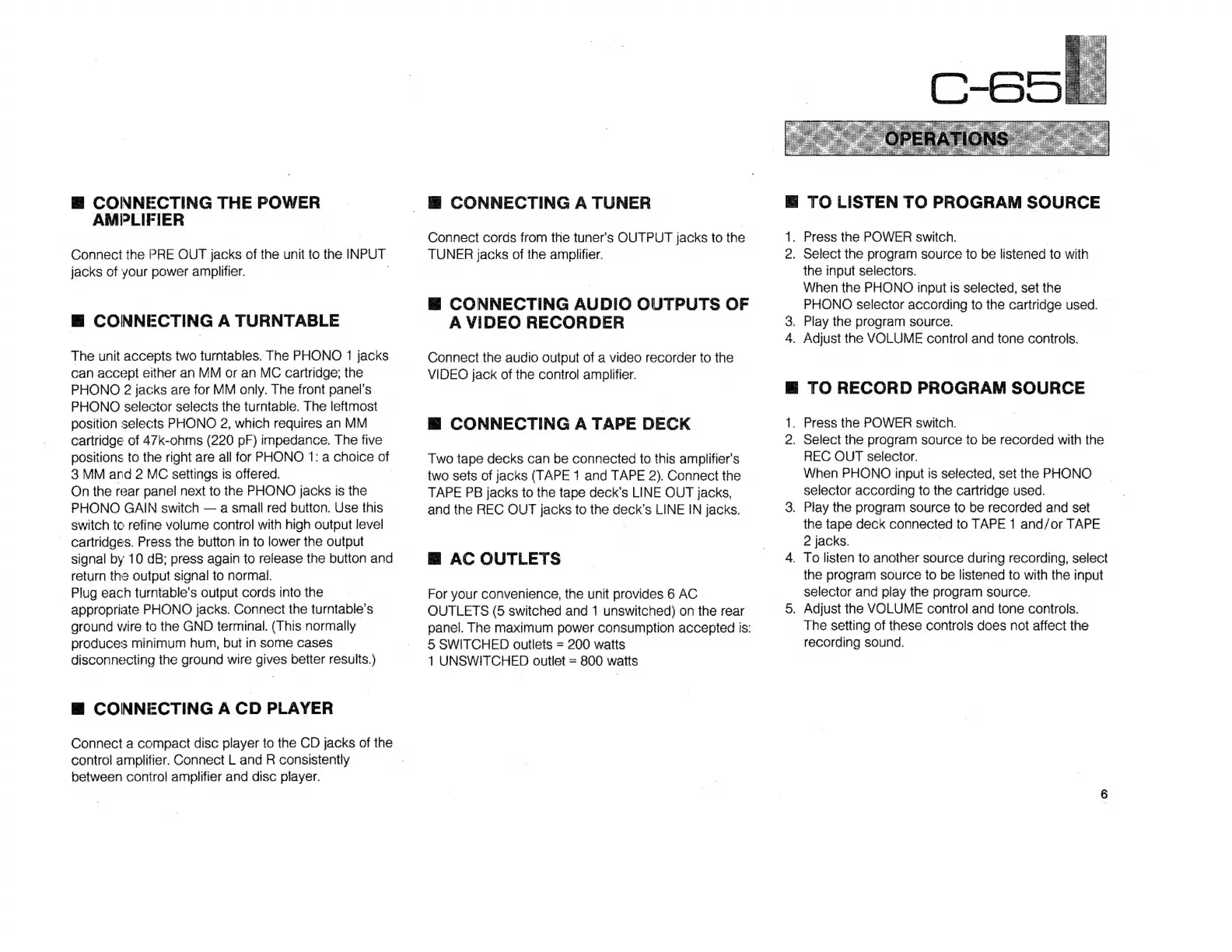
CONNECTING
THE
POWER
AMPLIFIER
Connect
the
PRE
OUT
jacks
of
the
unit
to
the
INPUT
jacks
of
your
power
amplifier.
E
CONNECTING
A
TURNTABLE
The
unit
accepts
two
turntables.
The
PHONO
1
jacks
can
accept
either
an
MM
or
an
MC
cartridge;
the
PHONO
2
jacks
are
for
MM
only.
The
front
panel's
PHONO
selector
selects
the
turntable.
The
leftmost
position
selects
PHONO
2,
which
requires
an
MM
cartridge
of
47k-ohms
(220
pF)
impedance.
The
five
positions
to
the
right
are
all
for
PHONO
1:
a
choice
of
3
MM
and
2
MC
settings
is
offered.
On
the
rear
panel
next
to
the
PHONO
jacks
is
the
PHONO
GAIN
switch
a
small
red
button.
Use
this
switch
to
refine
volume
control
with
high
output
level
cartridges.
Press
the
button
in
to
lower
the
output
signal
by
10
dB;
press
again
to
release
the
button
and
return
the
output
signal
to
normal.
.
Plug
each
turntable's
output
cords
into
the
appropriate
PHONO
jacks.
Connect
the
turntable's
ground
wire
to
the
GND
terminal.
(This
normally
produces
minimum
hum,
but
in
some
cases
disconnecting
the
ground
wire
gives
better
results.)
B
CONNECTING
A
CD
PLAYER
Connect
a
compact
disc
player
to
the
CD
jacks
of
the
control
amplifier.
Connect
L
and
R
consistently
between
control
amplifier
and
disc
player.
8
CONNECTING
A
TUNER
Connect
cords
from
the
tuners
OUTPUT
jacks
to
the.
TUNER
jacks
of
the
amplifier.
E
CONNECTING
AUDIO
OUTPUTS
OF
A
VIDEO
RECORDER
Connect
the
audio
output
of
a
video
recorder
to
the
VIDEO
jack
of
the
control
amplifier.
E
CONNECTING
A
TAPE
DECK
Two
tape
decks
can
be
connected
to
this
amplifier's
two
sets
of
jacks
(TAPE
1
and
TAPE
2).
Connect
the
TAPE
PB
jacks
to
the
tape
deck's
LINE
OUT
jacks,
and
the
REC
OUT
jacks
to
the
deck's
LINE
IN
jacks.
BH
AC
OUTLETS
For
your
convenience,
the
unit
provides
6
AC
OUTLETS
(5
switched
and
1
unswitched)
on
the
rear
panel.
The
maximum
power
consumption
accepted
is:
5
SWITCHED
outlets
=
200
watts
1
UNSWITCHED
outlet
=
800
watts
E
TO
LISTEN
TO
PROGRAM
SOURCE
1.
Press
the
POWER
switch.
|
2.
Select
the
program
source
to
be
listened
to
with
the
input
selectors.
When
the
PHONO
input
is
selected,
set
the
PHONO
selector
according
to
the
cartridge
used.
3.
Play
the
program
source.
4.
Adjust
the
VOLUME
control
and
tone
controls.
E
TO
RECORD
PROGRAM
SOURCE
.
Press
the
POWER
switch.
2.
Select
the
program
source
to
be
recorded
with
the
REC
OUT
selector.
When
PHONO
input
is
selected,
set
the
PHONO
selector
according
to
the
cartridge
used.
3.
Play
the
program
source
to
be
recorded
and
set
the
tape
deck
connected
to
TAPE
1
and/or
TAPE
2
jacks.
:
4.
To
listen
to
another
source
during
recording,
select
the
program
source
to
be
listened
to
with
the
input
selector
and
play
the
program
source.
5.
Adjust
the
VOLUME
control
and
tone
controls.
The
setting
of
these
controls
does
not
affect
the
recording
sound.

Related product manuals