English
E-11
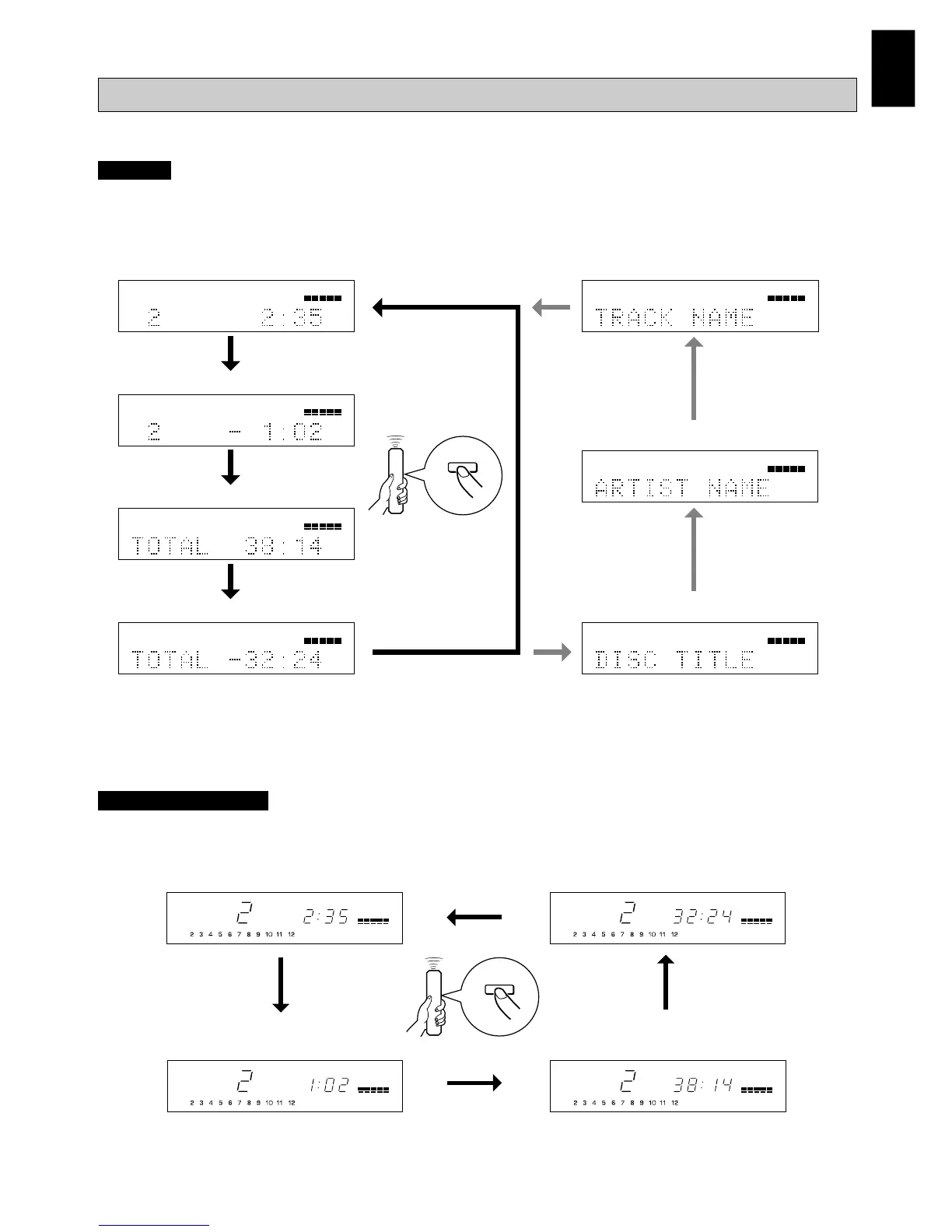
Changing displays
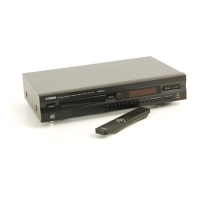
CDX-596
You can select any of the four time displays (1 – 4) by pressing TEXT/TIME. When you play a CD-TEXT disc, the disc title,
artist name, and track name (5 – 7) are also displayed.
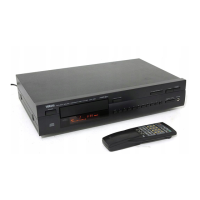
CDX-496 and CDX-396
You can select any of the four time displays by pressing TIME.
11
2
12
345678910
11
2
12
345678910
11
2
12
345678910
TITLE
CD-TEXT
11
2
12
345678910
ARTIST
CD-TEXT
11
2
12
345678910
TRACK
CD-TEXT
11
2
12
345678910
11
2
12
345678910
1Elapsed time of the current track
2 Remaining time of the current track
3 Total disc play time
4 Total remaining time on the disc 5 Disc title
6 Artist name
7 Track name
TOTAL
REMAIN
REMAIN
TOTAL
1 Elapsed time of the current track
2 Remaining time of the current track 3 Total disc play time
4 Total remaining time on the disc
TIME
TEXT/
TIME
Other useful functions
Notes
● The disc title, artist name, or track name may not be displayed with some CD-TEXT discs. In that case, “(NO ENTRY)” appears on the
display.
● When playing a CD-TEXT disc, “CD-TEXT” also lights up on displays 1 – 4.


 To Next Page
 Loading...