72
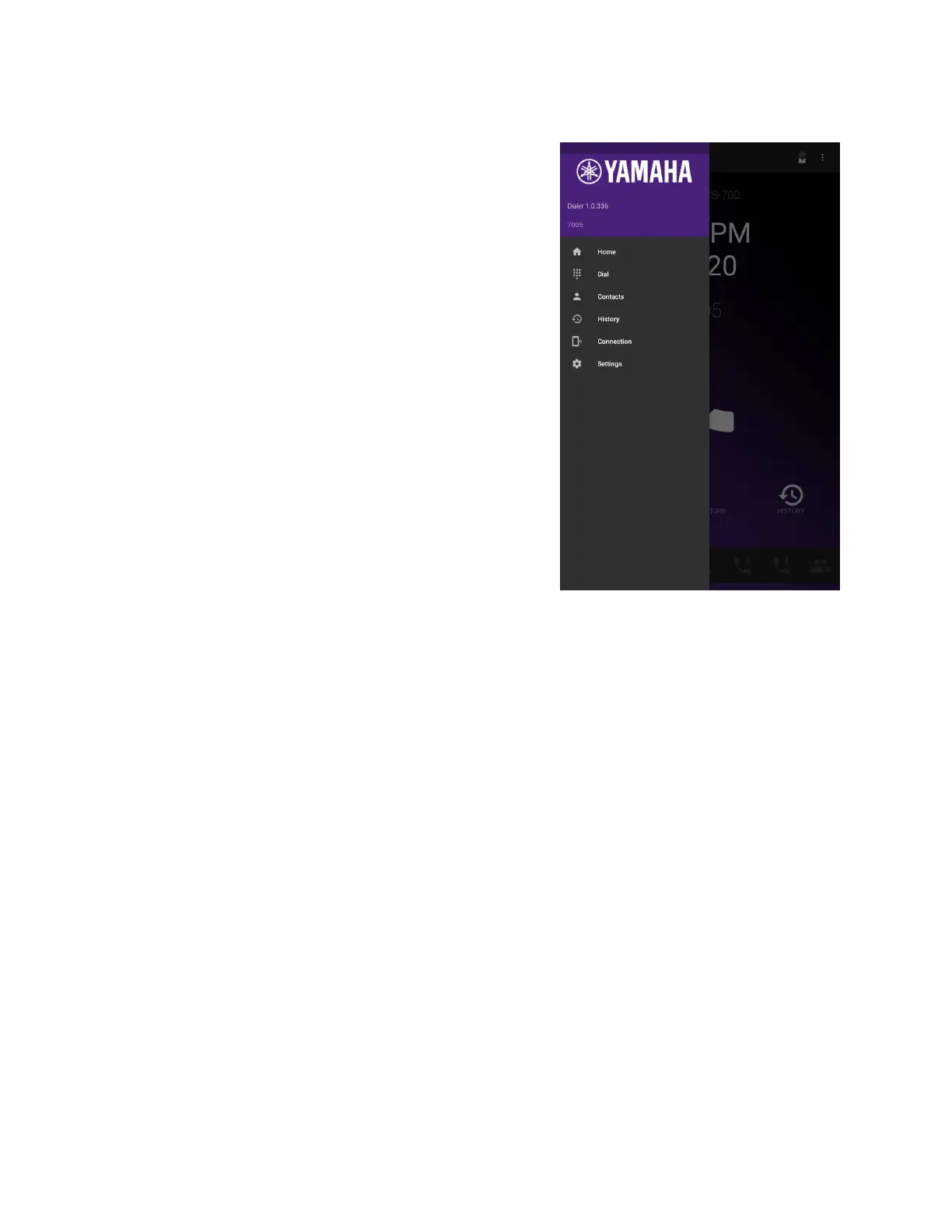
Main Menu
Pressing the top left of the application screen
will open the menu. It shows information on
the dialer software version, the connection that
is used between the dialer and the CS-700,
and the name of the CS-700 system if it is
connected wirelessly.
Below that the menu offers options to go back
to the home screen, open the dial pad, open
the contact list, review the history, open the
Bluetooth or USB connection information, or
change settings.


 To Next Page