EasyManua.ls Logo

Yamaha DD-10 - Playing Back Demonstration Rhythm

Yamaha DD-10
20 pages
Print Icon
To Next Page IconTo Next Page
To Previous Page IconTo Previous Page
Loading...
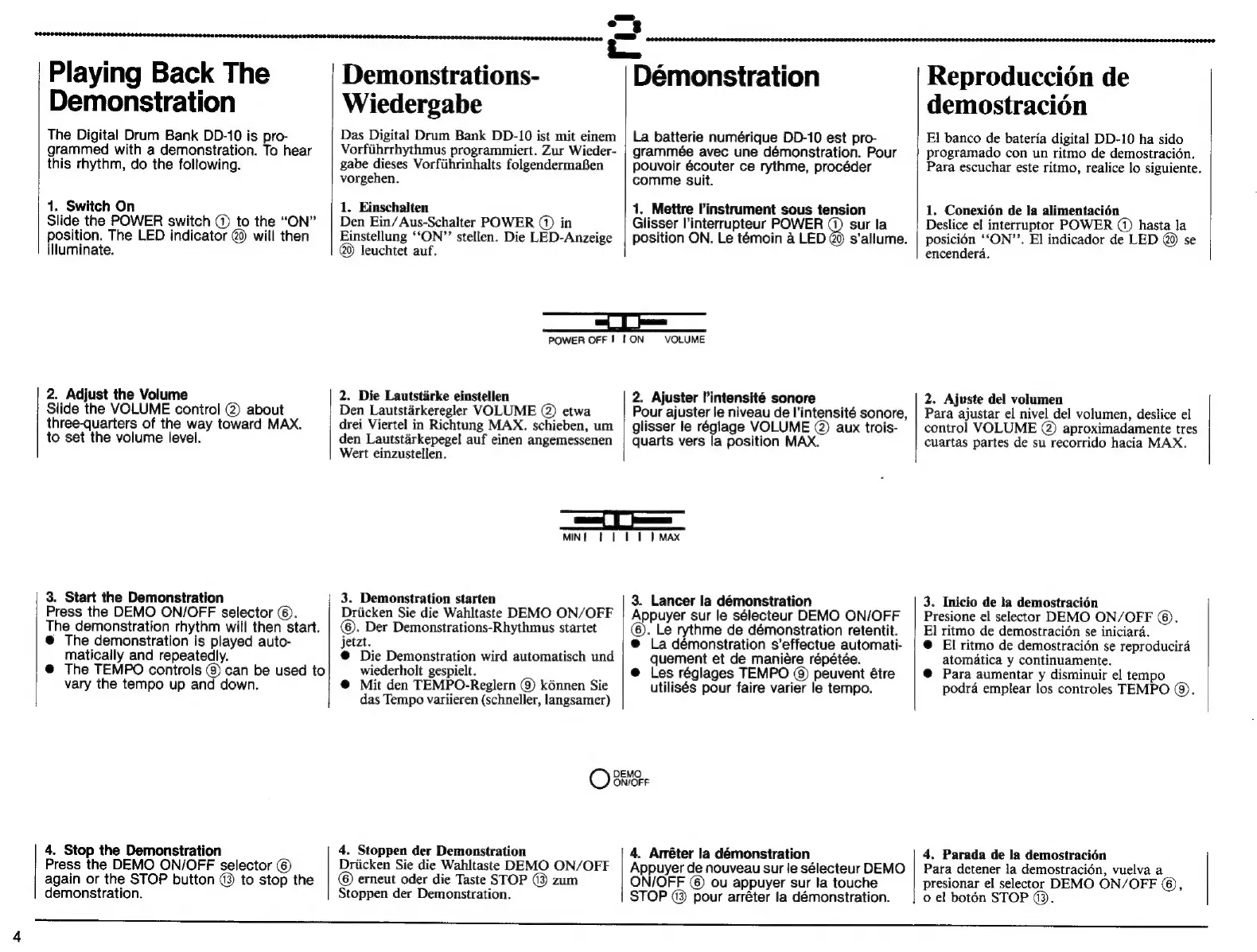
Playing
Back
The
Demonstration
The
Digital
Drum
Bank
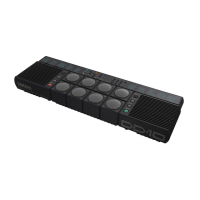
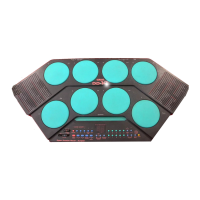
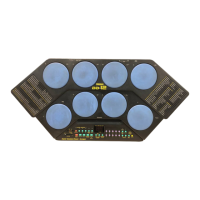
DD-10
is
pro-
grammed
with
a
demonstration.
To
hear
this
rhythm,
do
the
following.
1.
Switch
On
Slide
the
POWER
switch
CO
to
the
“ON”
position.
The
LED
indicator
@
will
then
illuminate.
2.
Adjust
the
Volume
Slide
the
VOLUME
control
@
about
three-quarters
of
the
way
toward
MAX.
to
set
the
volume
level.
3.
Start
the
Demonstration
Press
the
DEMO
ON/OFF
selector
(6).
The
demonstration
rhythm
will
then
start.
@
The
demonstration
is
played
auto-
matically
and
repeatedly.
@
The
TEMPO
controls
(9)
can
be
used
to
vary
the
tempo
up
and
down.
4.
Stop
the
Demonstration
Press
the
DEMO
ON/OFF
selector
(6)
again
or
the
STOP
button
13
to
stop
the
demonstration.
Demonstrations-
Wiedergabe
Das
Digital
Drum
Bank
DD-10
ist
mit
einem
Vorführrhythmus
programmiert.
Zur
Wieder-
gabe
dieses
Vorführinhalts
folgendermaßen
vorgehen.
1.
Einschalten
Den
Ein/Aus-Schalter
POWER
(1)
in
Einstellung
“ON”
stellen.
Die
LED-Anzeige
leuchtet
auf.
POWER
OFF
I
|
ON
2.
Die
Lautstürke
einstellen
Den
Lautstárkeregler
VOLUME
(2)
etwa
drei
Viertel
in
Richtung
MAX.
schieben,
um
den
Lautstárkepegel
auf
einen
angemessenen
Wert
einzustellen.
MIN
|
3.
Demonstration
starten
Drücken
Sie
die
Wahltaste
DEMO
ON/OFF
(6).
Der
Demonstrations-Rhythmus
startet
jetzt.
€
Die
Demonstration
wird
automatisch
und
wiederholt
gespielt.
€
Mit
den
TEMPO-Reglern
(9)
kónnen
Sie
das
Tempo
variieren
(schneller,
langsamer)
=
Démonstration
La
batterie
numérique
DD-10
est
pro-
grammée
avec
une
démonstration.
Pour
pouvoir
écouter
ce
rythme,
procéder
comme
suit.
1.
Mettre
l'instrument
sous
tension
Glisser
l'interrupteur
POWER
(1)
sur
la
position
ON.
Le
témoin
à
LED
Q9
s'allume.
VOLUME
2.
Ajuster
l'intensité
sonore
Pour
ajuster
le
niveau
de
l'intensité
sonore,
glisser
le
réglage
VOLUME
@
aux
trois-
quarts
vers
la
position
MAX.
II
ET
|
MAX
3.
Lancer
la
démonstration
Appuyer
sur
le
sélecteur
DEMO
ON/OFF
(6).
Le
rythme
de
démonstration
retentit.
@
La
démonstration
s'effectue
automati-
quement
et
de
manière
répétée.
e
Les
réglages
TEMPO
(9)
peuvent
être
utilisés
pour
faire
varier
le
tempo.
DEMO
O
ON/OFF
4.
Stoppen
der
Demonstration
Drücken
Sie
die
Wahltaste
DEMO
ON/OFF
(6)
erneut
oder
die
Taste
STOP
®
zum
Stoppen
der
Demonstration.
4.
Arréter
la
démonstration
Appuyer
de
nouveau
sur
le
sélecteur
DEMO
ON/OFF
(6)
ou
appuyer
sur
la
touche
STOP
(3)
pour
arréter
la
démonstration.
Reproducción
de
demostración
El
banco
de
batería
digital
DD-10
ha
sido
programado
con
un
ritmo
de
demostración.
Para
escuchar
este
ritmo,
realice
lo
siguiente.
1.
Conexión
de
la
alimentación
Deslice
el
interruptor
POWER
(1)
hasta
la
posición
“ОМ”.
El
indicador
de
LED
@
se
encenderá.
2.
Ajuste
del
volumen
Para
ajustar
el
nivel
del
volumen,
deslice
el
control
VOLUME
(2)
aproximadamente
tres
cuartas
partes
de
su
recorrido
hacia
МАХ.
3.
Inicio
de
la
demostración
Presione
el
selector
DEMO
ON/OFF
(6).
El
ritmo
de
demostración
se
iniciará.
e
El
ritmo
de
demostración
se
reproducirá
atomática
y
continuamente.
€
Para
aumentar
у
disminuir
el
tempo
podrá
emplear
los
controles
TEMPO
(9).
Pata
detener
la
demostración,
vuelva
a
presionar
el
selector
DEMO
ON/OFF
(6),
4.
Parada
de
la
demostración
|
о
el
botón
STOP
(3.