EasyManua.ls Logo

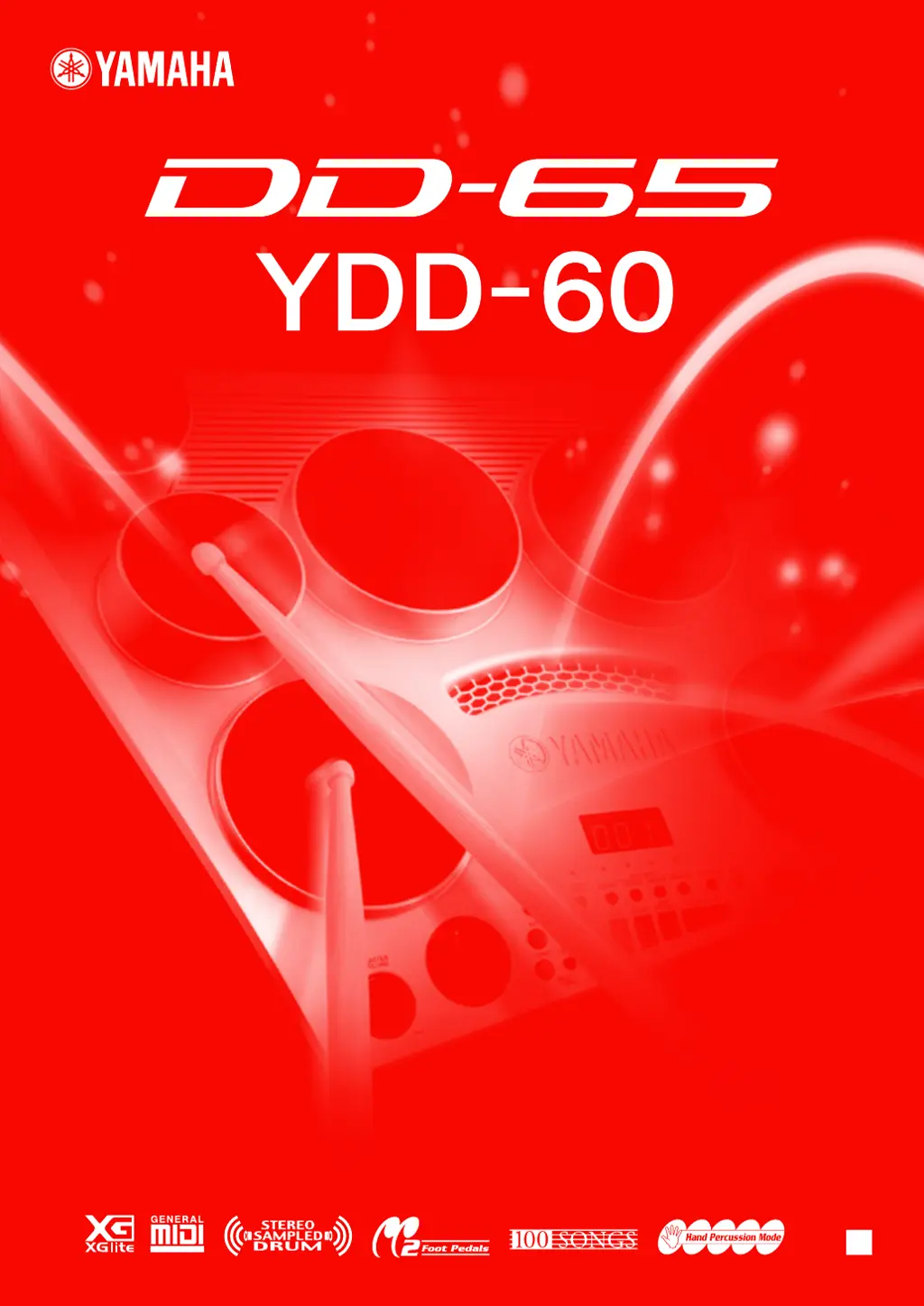
Yamaha DD-65 - User Manual

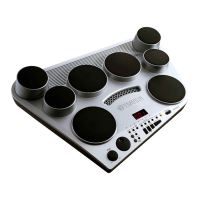
Yamaha DD-65
60 pages
Print Icon
To Next Page IconTo Next Page
Loading...
Owner’s Manual
EN
Digital Percussion

Other manuals for Yamaha DD-65

Questions and Answers

  • M
    Michael FitzgeraldJul 26, 2025
    What to do if my Yamaha Drums have no sound?
    • P
      Paul ChapmanJul 26, 2025
      If no sound is coming from your Yamaha Drums, there might be a few reasons: * The volume could be set too low, so adjust the volume. * There might be a plug inserted into the PHONES/OUTPUT jack, which should be removed. * The LOCAL ON/OFF might be set to OFF, so set it to ON.
  • B
    Brian BrownAug 1, 2025
    Why do my Yamaha DD-65 Drums make noise when I use my mobile phone?
    • L
      Lisa ManningAug 1, 2025
      If you're experiencing noise when using a mobile phone near your Yamaha Drums, it's likely due to interference. Using a mobile phone in close proximity to the instrument may produce interference. To resolve this, turn off the mobile phone or use it further away from the instrument.
  • A
    Angela GatesAug 7, 2025
    How to fix a dark LED display on Yamaha DD-65?
    • M
      Michael ChenAug 7, 2025
      If the LED display on your Yamaha Drums is completely dark, the batteries are likely low. Replace them immediately with a complete set of six new batteries. Ideally, an optional AC adapter should be used to power the instrument.
  • M
    martinezmelissaAug 13, 2025
    Why does my Yamaha Drums song start automatically when I hit a pad?
    • D
      danielturnerAug 13, 2025
      If a song starts automatically when you strike a pad on your Yamaha Drums, it means that Pad Start is set to ON. Set Pad Start to OFF.
  • A
    Anna RodriguezAug 19, 2025
    Why do Yamaha Drums buzz when turned on or off?
    • L
      lindsay27Aug 19, 2025
      A buzz or click that occurs momentarily when your Yamaha Drums are turned ON or OFF is a normal power surge noise that occurs when the POWER switch is operated.

Summary

Special Message Section

Specifications Subject to Change

Details regarding Yamaha's right to change specifications without notice.

Notice on Owners Responsibility

Clarifies owner's responsibility for service charges due to lack of knowledge.

Environmental Issues

Yamaha's commitment to environmental friendliness and user safety.

Battery Usage and Disposal

Information on battery usage, types, charging, and disposal regulations.

Name Plate Location

Location of model and serial number for record keeping.

FCC Information and UK Notice

Important FCC Notice: Do Not Modify

Warning against unauthorized modifications to the unit for FCC compliance.

Important Cable Connection Notice

Emphasizes using supplied or high-quality shielded cables for connectivity.

FCC Compliance Notes

Compliance with FCC regulations for digital devices and potential interference.

United Kingdom Plug and Cord Connection

Instructions for connecting the plug and cord according to color codes.

Precautions and Handling

General Warning Precautions

Basic precautions to avoid serious injury or death from electrical hazards.

General Caution Precautions

Basic precautions to avoid physical injury or damage to property.

Handling Cautions

Precautions for handling the instrument to prevent damage or injury.

Saving Important Data

Instructions on backing up important data to a computer.

Main Features Overview

Sound Selection Capabilities

Ability to play a wide variety of percussion voices.

Song Playback Features

Features 100 songs including Demos, Drum patterns, and Fill-in patterns.

Performance Recording

Capability to save up to five personal performances.

Setting Up the Instrument

Power Requirements

Information on using AC adaptor or batteries for power.

Connecting Headphones and Audio Output

Details on connecting headphones and external output.

Connecting Audio Input

How to connect an external audio source for accompaniment.

Connecting Foot Pedals

Instructions for connecting the supplied foot pedals.

Using MIDI Terminals

Information on connecting to other MIDI instruments or computers.

Powering On the Instrument

Steps to power on the instrument safely.

Panel Controls Overview

Front Panel Controls

Identification and description of front panel controls.

Rear Panel Connections

Identification and description of rear panel connections and controls.

Playing the Demo Song

Powering On for Demo Play

Steps to turn on the instrument before playing demo songs.

Starting and Stopping Demo Songs

How to initiate and stop the demonstration songs.

Adjusting Volume Levels

How to adjust overall and song volumes.

Playing the Pads and Pedals

Pad Names and Assignment

Diagram and names of the drum pads and their default voices.

Setting Hand Percussion Mode

How to enable/disable hand percussion mode.

Locking Hand Percussion

How to lock the hand percussion setting for continuous use.

Selecting and Playing Drum Kits

Steps to choose and play different drum kits.

Assigning Voices and Saving Custom Kits

How to assign voices and save custom drum kits.

Setting Reverb Effect

How to turn the reverb effect on/off and select types.

Setting Pad Sensitivity

How to adjust the sensitivity of the drum pads.

Setting the Click (Metronome)

How to turn the metronome click on/off and set time signature.

Setting Click Volume

How to adjust the volume of the metronome click.

Setting Equalization Effect

How to turn the equalization effect on or off.

Playing a Song

Selecting and Playing Songs

How to select and play the built-in songs.

Tap Start Function

How to set tempo and start songs by tapping.

Pad Start Function

How to start songs by striking a pad or pressing a pedal.

Auto Kit Select Function

How to enable automatic drum kit selection for songs.

Adjusting Song Tempo

How to set the tempo for songs and clicks.

Play Along with a Song

Track Muting

How to mute individual accompaniment tracks.

Using the Break Function

How to use the Break function for solos or fills.

Using A-B Repeat for Practice

How to set repeat points for practicing song sections.

Recording a Song

Recording User Songs

Steps to prepare and start recording user songs.

Playing Recorded Songs

How to play back recorded user songs.

Clearing Recorded Songs

How to erase recorded user song data.

About MIDI

What is MIDI?

Explanation of MIDI (Musical Instrument Digital Interface).

MIDI Capabilities

Overview of MIDI capabilities like data transfer.

Transferring Performance Data via MIDI

How to transfer performance data between devices.

Local ON;OFF Control

How to control whether the instrument sounds notes locally or via MIDI.

Setting MIDI Note Numbers

How to assign MIDI note numbers to pads and pedals.

MIDI Note Number Auto Selection

How to enable/disable auto selection of MIDI note numbers.

Transferring Song Files with a Computer

How to transfer song files between computer and instrument.

Transferring Song Files from Computer

How to transmit song files from a computer to the instrument.

Transferring User Songs to Computer

How to transfer user songs from instrument to computer.

Appendix

Backup and Initialization Procedures

Procedures for backing up and initializing instrument settings.

Troubleshooting Common Issues

Solutions to common problems and malfunctions.

Drum Voice List

A comprehensive list of all available drum voices and their numbers.

Voice List Reference

A list of all available voices and their corresponding MIDI program numbers.

Song List

A list of all preset and demo songs with difficulty ratings.

Drum Kit List

A list of all drum kits and the voices assigned to pads/pedals.

Voice List (Continued)

Detailed list of voices with MIDI program change numbers.

Voice List (Continued)

Continuation of the voice list with MIDI program change numbers.

Voice List (Continued)

Further continuation of the voice list with MIDI program change numbers.

Voice List (Continued)

Final part of the voice list with MIDI program change numbers.

Drum Map

Table mapping MIDI notes to drum voices for various kits.

MIDI Implementation Chart

Details of MIDI messages transmitted and recognized by the instrument.

Effect Map

Lists available reverb and chorus effects and their parameters.

Specifications

Technical specifications of the instrument.

Drum Score Examples

Examples of drum notation and rhythmic patterns.

Limited Warranty Information

Consumers Responsibilities for Service

What the consumer must do to obtain warranty service.

Warranty Exclusions

Conditions under which the warranty does not apply.

Yamaha DD-65 Specifications

General IconGeneral
Weight (imperial)9 lbs
Dimensions (WxDxH)602 x 411 x 180 mm
Compatibility- Power Adapter PA5D
Product colorBlack, Grey
Weight and Dimensions IconWeight and Dimensions
Weight4500 g

Related product manuals