Play the Pads/Pedals
DD-75 Owner’s Manual
20
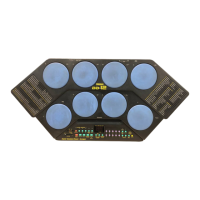
Drum Kit Voices can be changed and saved as a Custom Kit “C01”–“C10.” The instrument contains a total of
570 high quality drum sounds plus 30 drum phrases (see the “Drum Voice List” on page 43)—and you can
assign these freely to each of the 8 drum pads and 2 pedals. To call up the saved Custom Kit, press the [KIT]
button and use the dial to select a Custom Kit number.
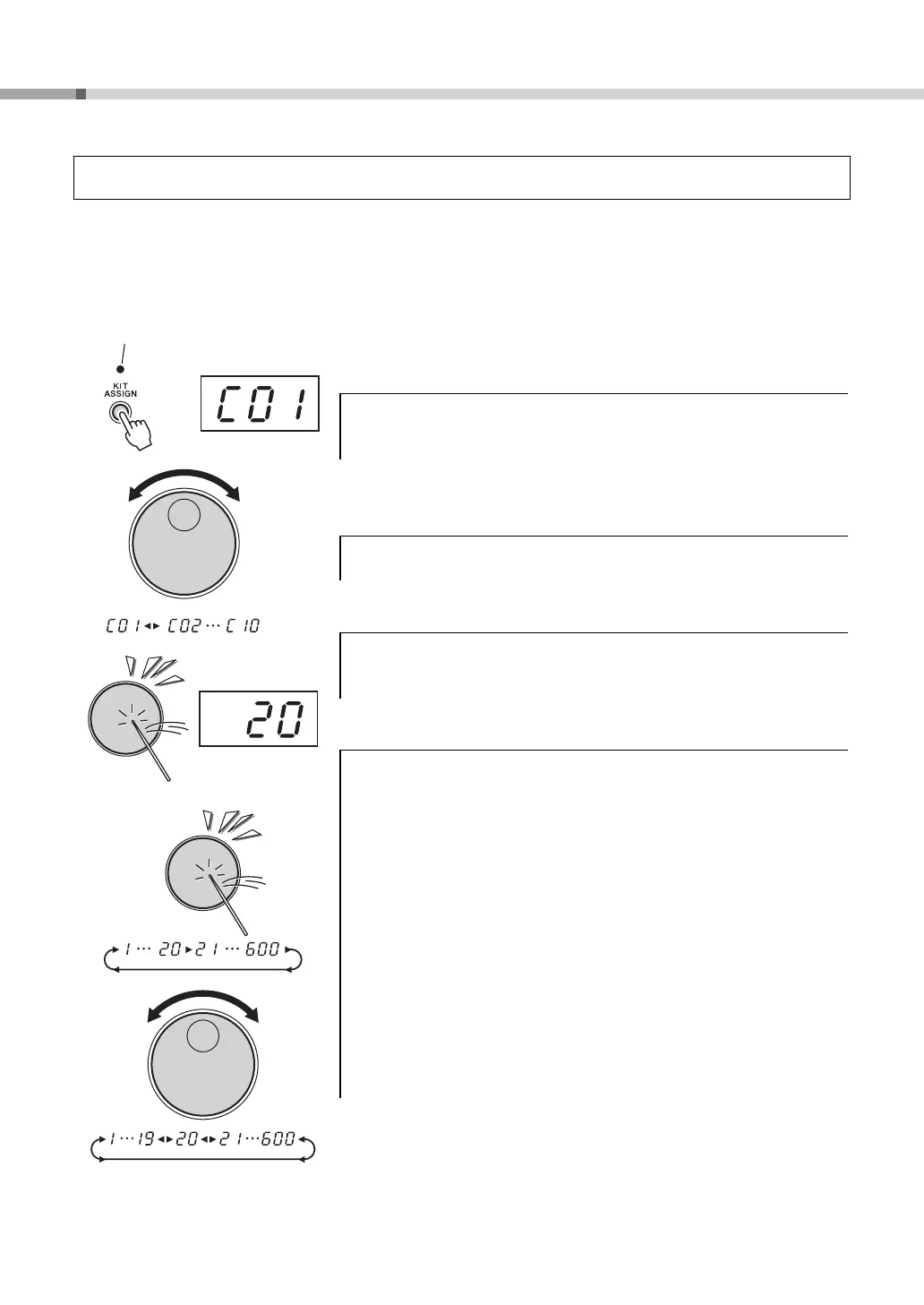
1 Select a Drum Kit (“1”–“75”) you desired to change,
then press the [KIT ASSIGN] button.
2 Turn the dial and select a Custom Kit “C01”–“C10” for
saving.
3 Select a pad or pedal to be assigned.
4 Select a Voice Number.
Repeat the previous steps 3 and 4 for any or all of the pads and pedals.
Assigning Voices to Individual Pads and Pedals and Saving to a Custom Kit
(“
C01
”–“
C10
”)
When you press the [KIT ASSIGN] button, the button’s lamp lights,
and “C01” appears on the display.
Strike any pad one time (or press a pedal), and the voice number of
currently assigned Drum Kit is shown in the display.
You can select the voice by repeatedly striking the pad or repeatedly-
pressing the pedal (while listening to the voice), or by turning the dial.
Striking the pad or pressing the pedal to select a voice.
Every time the pad is struck or a pedal is pressed, voice numbers will
increase by a value of one (1). In this method, you can hear and
select an assigned voice.
Using the dial to select a voice.
Turn the dial to the right (clockwise), and voice numbers will increase.
Turn the dial to the left (counter-clockwise), and voice numbers will
decrease.
To cancel, simply press the [KIT] button.
See the “Drum Voice List” on page 43.


 To Next Page