9
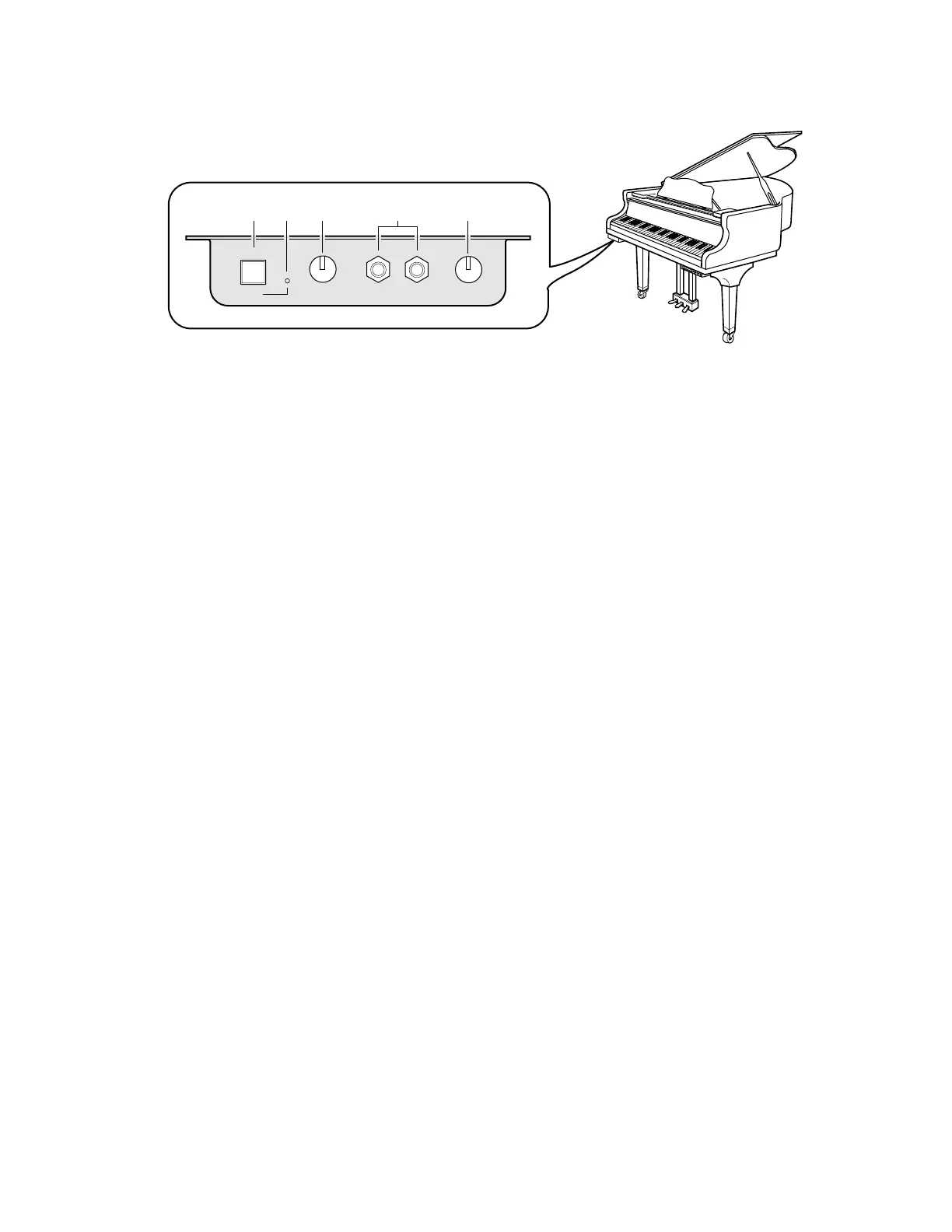
Silent Control Box (for models with Silent system playback)
1 [SILENT] button
Used to engage the Silent system.
The acoustic piano is silenced and sound is output from
the digital piano.
2 SILENT ON indicator
Lights when the Silent system is engaged.
3 VOLUME knob
Used to adjust the volume level of the digital piano and
internal XG tone generator in the Silent system.
4 HEADPHONES jacks
Connect HPE-170 stereo headphones (optional) or other
standard stereo headphones here for listening to play-
back in Silent mode.
You can connect up to two sets of headphones.
5 REVERB knob
Used to adjust the amount of reverb for the digital piano
tone generator.
SILENT
ON VOLUME HEADPHONES
1
3
4
REVERB
5
2






 To Next Page